AI Lip Sync
Synchronize new speech or singing to an existing speaker video, or animate one portrait image into a talking video. Upload your own audio or generate a voiceover from text inside the same workspace.
- Video & image sync
- Built-in voiceover
- Audio: 2–240s video · 4–300s photo
- Private outputs
Use Lip Sync
Lip Sync workspace
Lip Sync use cases
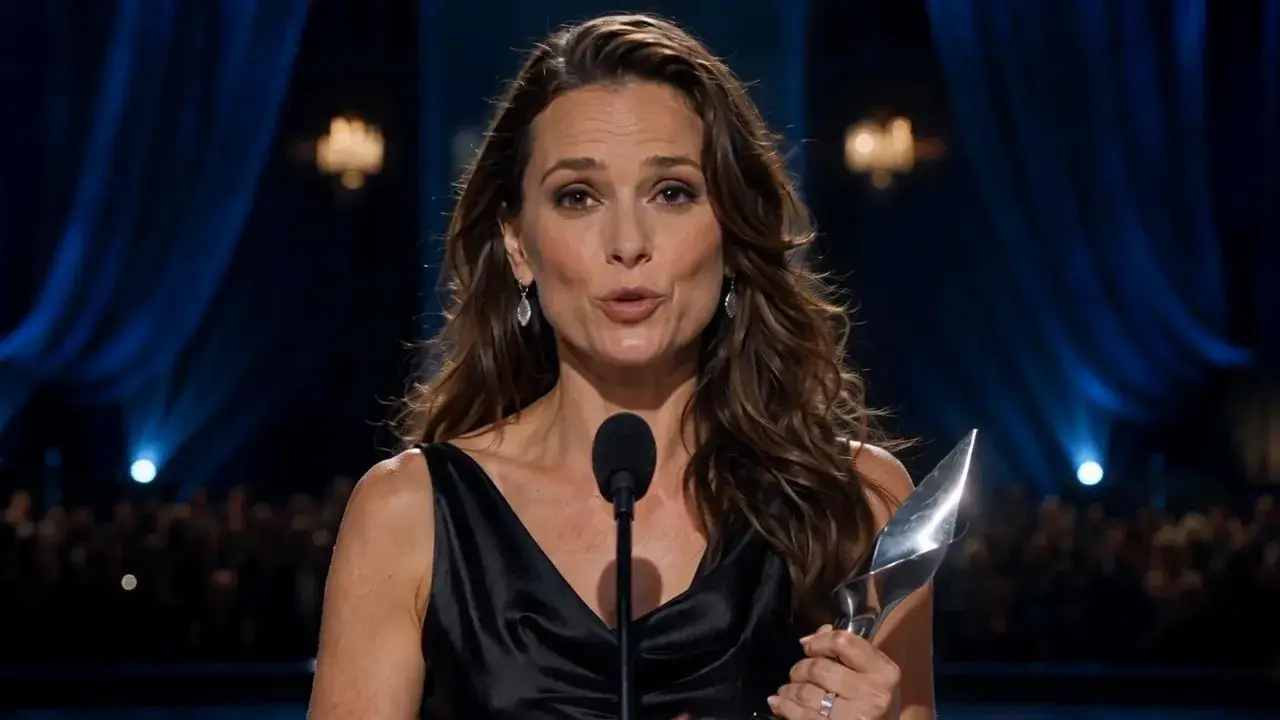
Update presenter dialogue without reshooting
TryReplace a line or localize a recorded speaker video while preserving stage lighting, posture, and framing.
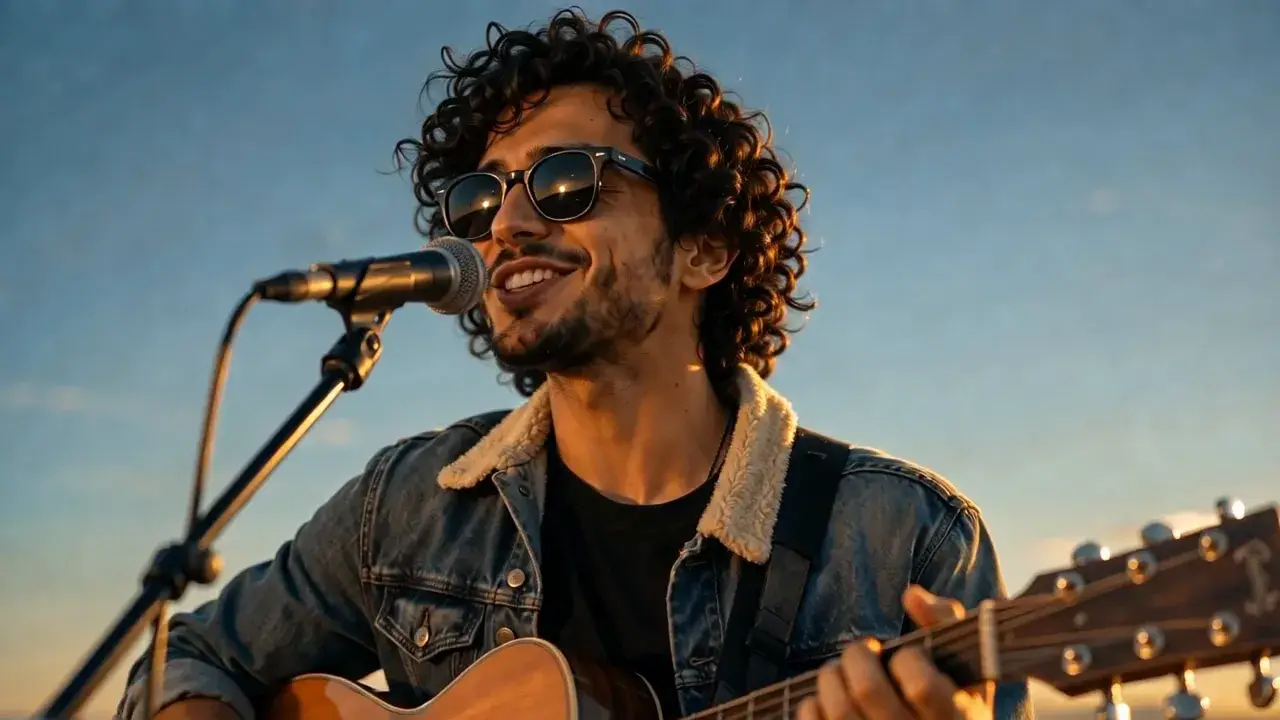
Sync portraits and performances to vocal tracks
TryMatch natural mouth shapes, jaw rhythm, and subtle head motion to full songs or acoustic hooks.
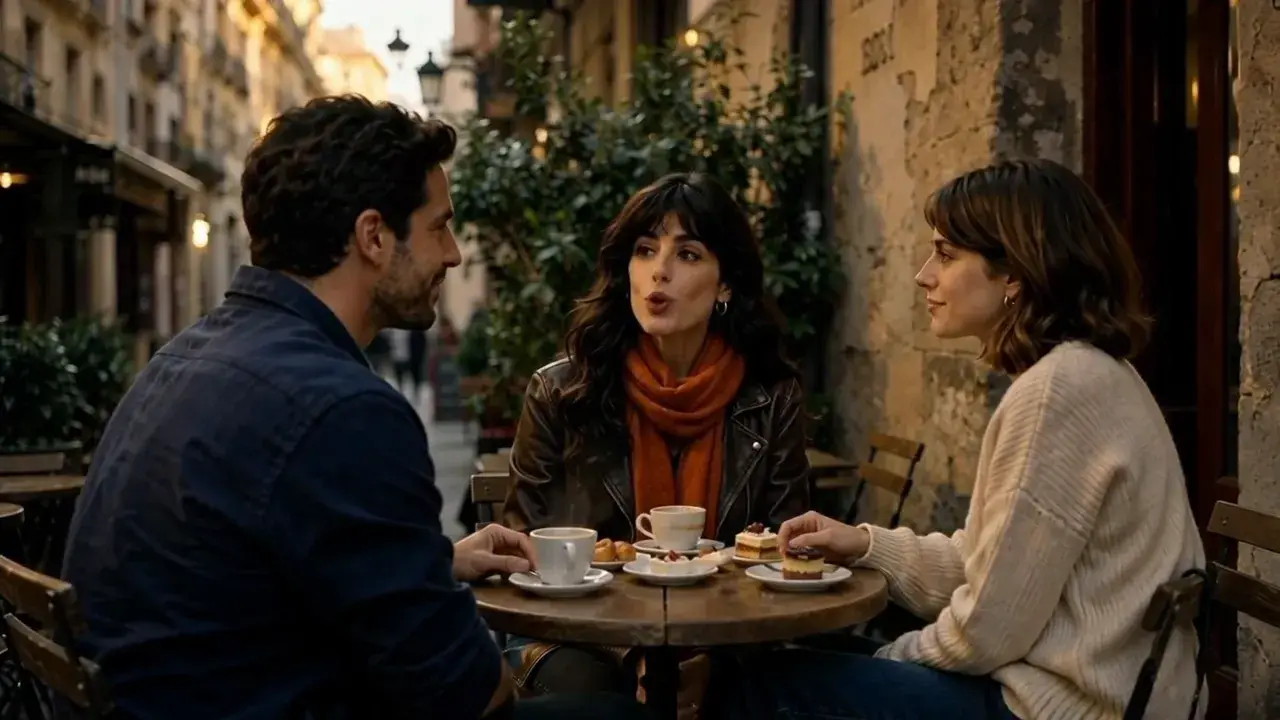
Turn scripts into natural creator dialogue
TryGenerate a voiceover right inside Lip Sync or upload a recorded track to create conversational ad hooks and social videos.
What Lip Sync can do
Video lip sync
Align a new speech or song track with an existing speaker video, with Standard and Complex scene modes plus optional vocal isolation.
Talking & singing photos
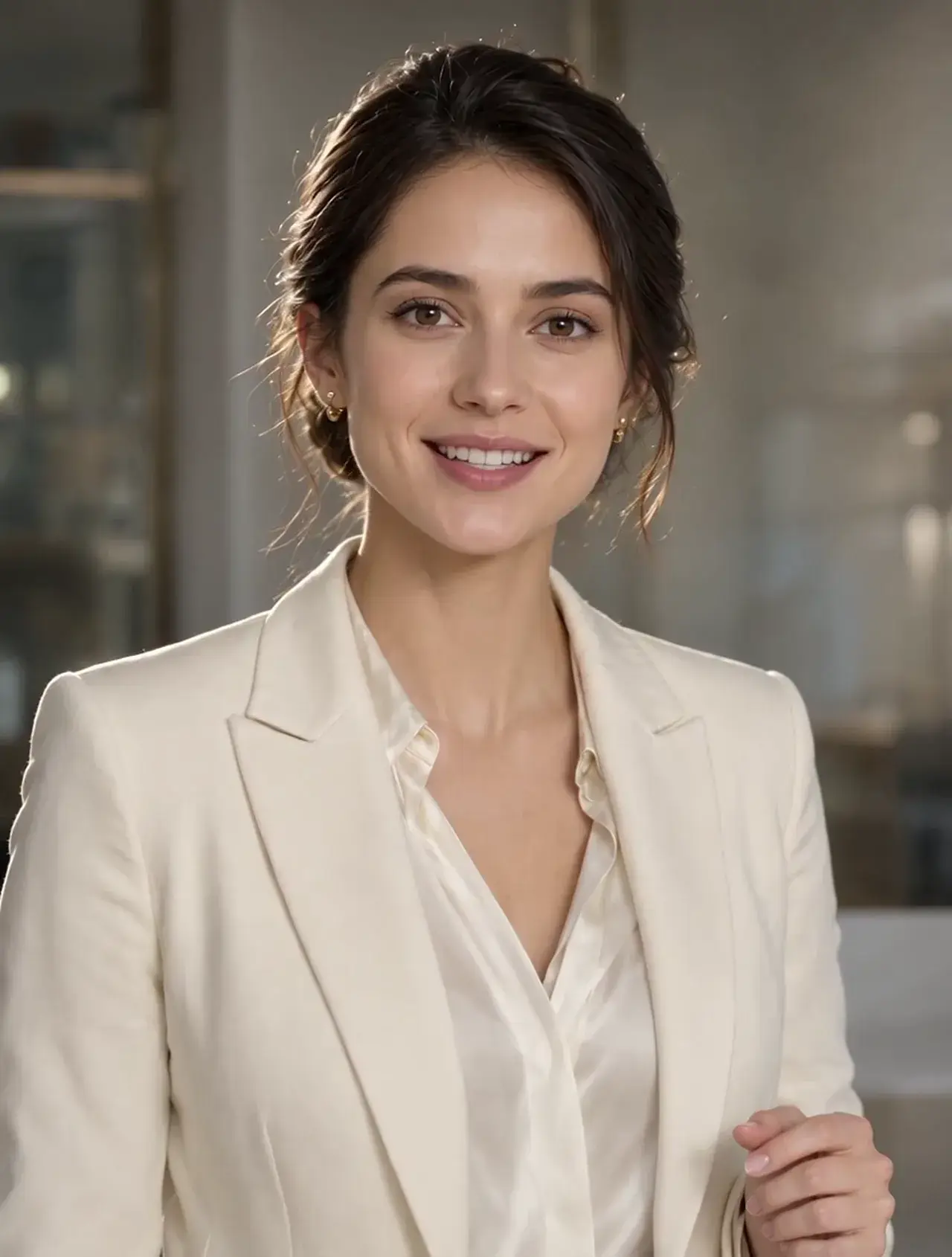
Animate a single portrait image, character, or mascot with natural mouth movement, blinking, and expressions up to 5 minutes.
Built-in text to speech
Type your script, pick a voice, preview the generated audio track, and run Lip Sync in one continuous workspace.
How to make an AI lip sync video
1. Upload a speaker video or portrait image
Pick Video Lip Sync to update an existing speaker video, or Talking Photo to animate a single portrait image.
2. Add audio or generate a voiceover
Upload an audio file, pick one from Assets, or type a script in Text to Speech to create and preview a voice track.
3. Review the quote and export
Check the exact credit cost calculated from your audio length, generate the synced video, and download the private MP4.
Lip Sync Pricing

Explore more AI tools
Transfer full-body motion, restyle footage, or upscale finished videos in the same workspace.

Lip Sync AI FAQs
What is MixVio AI Lip Sync and what modes does it include?
MixVio AI Lip Sync includes two workflows in one workspace: Video Lip Sync updates the mouth movement of an existing speaker video to match new audio, and Talking Photo animates a single portrait image to speak or sing in sync with an audio track.
How do I use AI Lip Sync step by step?
Choose Video Lip Sync or Talking Photo, upload a clear speaker video or portrait image, then upload an audio file or generate a voiceover in Text to Speech. Review the exact credit quote on the button, click Generate Lip Sync, and download the finished MP4 from the workspace or History.
What video, image, and audio files are supported?
Video Lip Sync accepts MP4 or MOV speaker videos (2–60 seconds, at least 360p on the shorter side, up to 50 MB) and audio tracks from 2 to 240 seconds in Standard mode (2–210 seconds in Complex scene mode, up to 10 MB). Talking Photo accepts JPEG, PNG, or WebP images up to 30 MB and MP3 or WAV audio from 4 to 300 seconds (up to 15 MB).
Can I generate a voiceover from text inside Lip Sync?
Yes. Switch the Audio source panel to Text to Speech, write your script, choose a voice, and generate the audio track first. Once ready, you can preview the voiceover and submit it directly to Lip Sync without leaving the page.
How do credits and pricing work for Lip Sync?
Credits follow the verified audio duration and appear on the button before you submit. Video Lip Sync starts at 6 credits for 2 seconds of audio, Talking Photo starts at 20 credits for 4 seconds, and optional built-in Text to Speech quotes separately at 6 credits per 1,000 characters. Failed or canceled runs return reserved credits automatically.
Upload your speaker.
Sync every word.
Match speech or singing to a speaker video or portrait image, review exact credits upfront, and export a private MP4.
Start Lip Sync ↑