AI Image Generator
Turn a text prompt into a poster, product image, social frame, or concept. Pick format and model, see credits first, keep results private.
- Switch image models
- Marketing · Product · Social · Concept
- 1:1 · 16:9 · 9:16
- PNG · From 1 credit
Use AI Image Generator
AI Image Generator examples
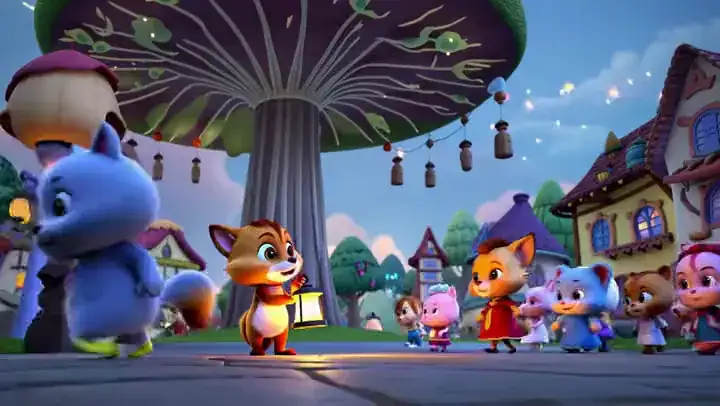
MixVio-owned images from GPT Image 2.5, GPT Image 2, Nano Banana 2, and Seedream 5.0 Pro—product, wildlife, game captures, and concept scenes.
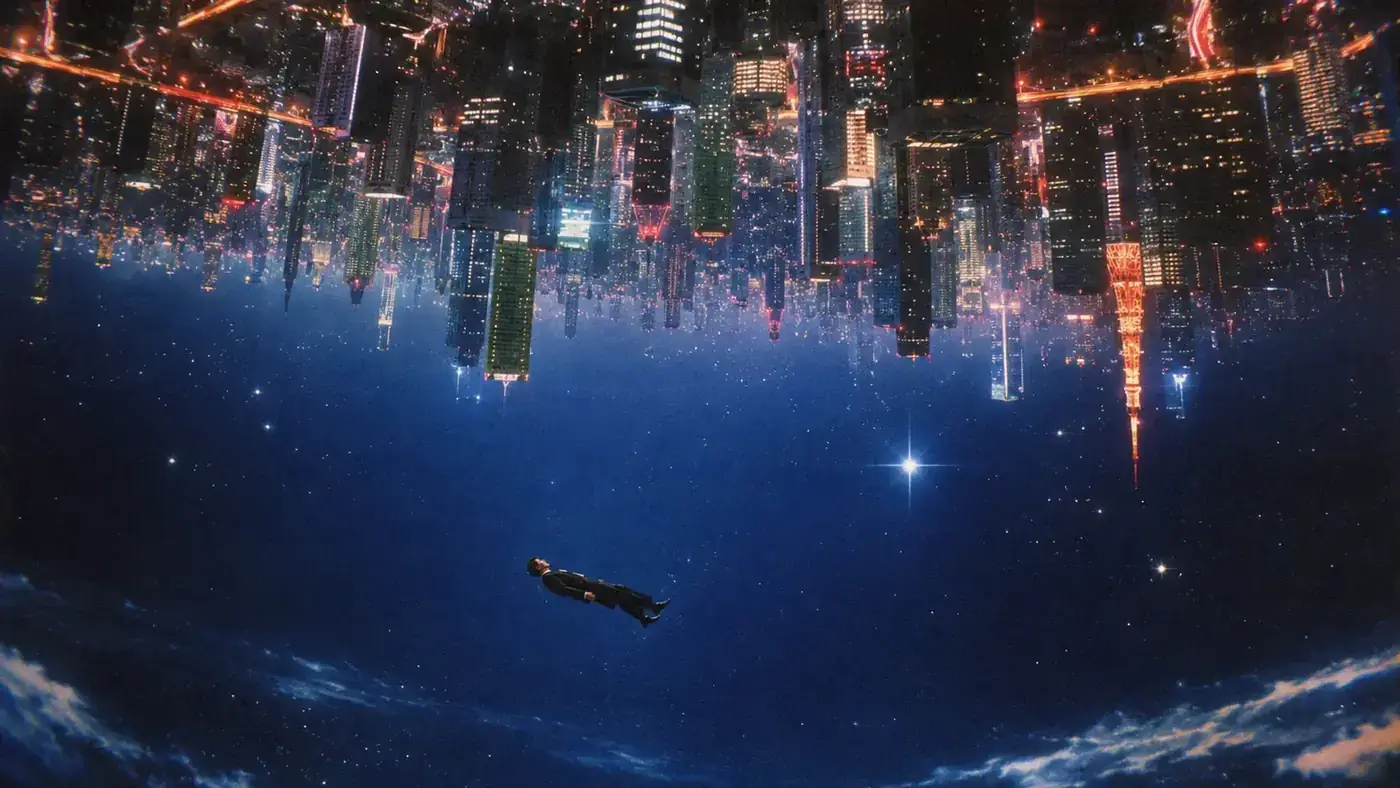
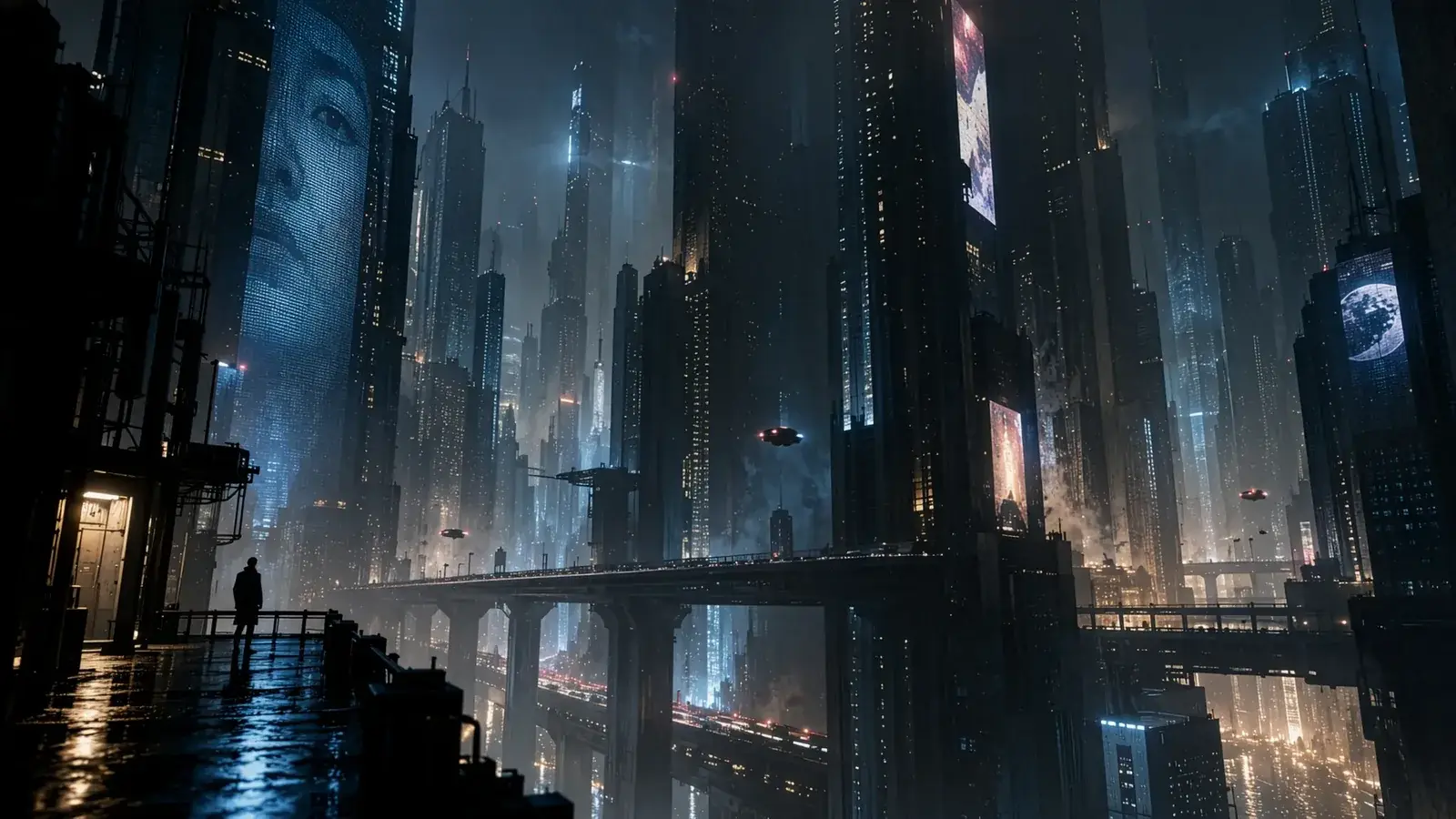
Inverted city image
Prompt
A person in a dark suit floating in a starry blue sky beneath an upside-down futuristic city of illuminated skyscrapers. Wispy clouds along the bottom edge. Surreal cinematic image, 16:9.
AI Image Generator use cases
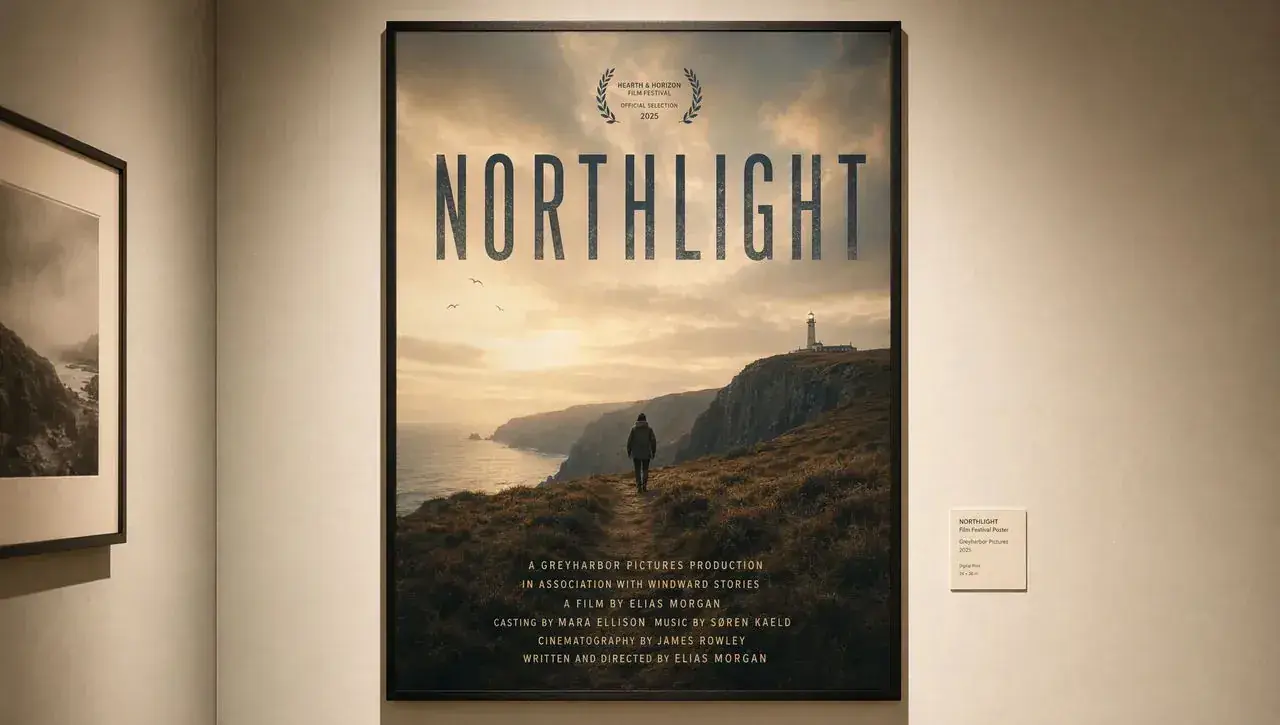
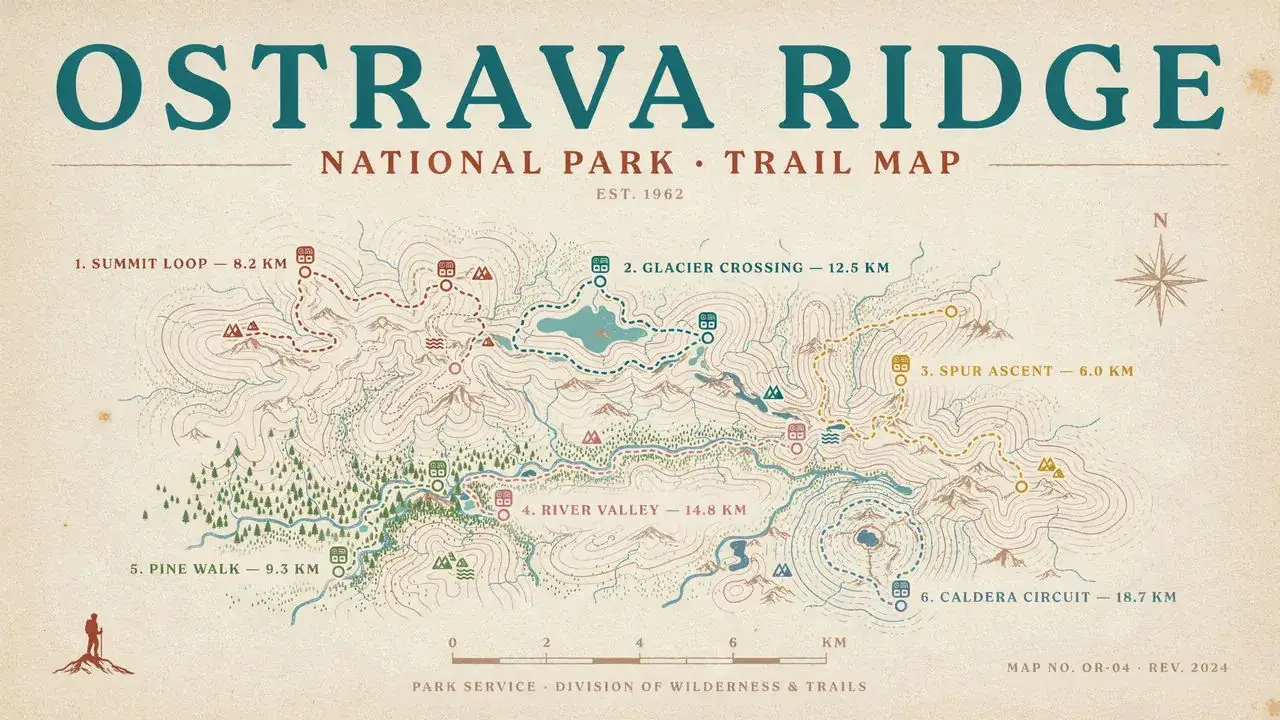
Campaign posters and key art
Generate ad and poster images when the title and billing type have to stay legible.
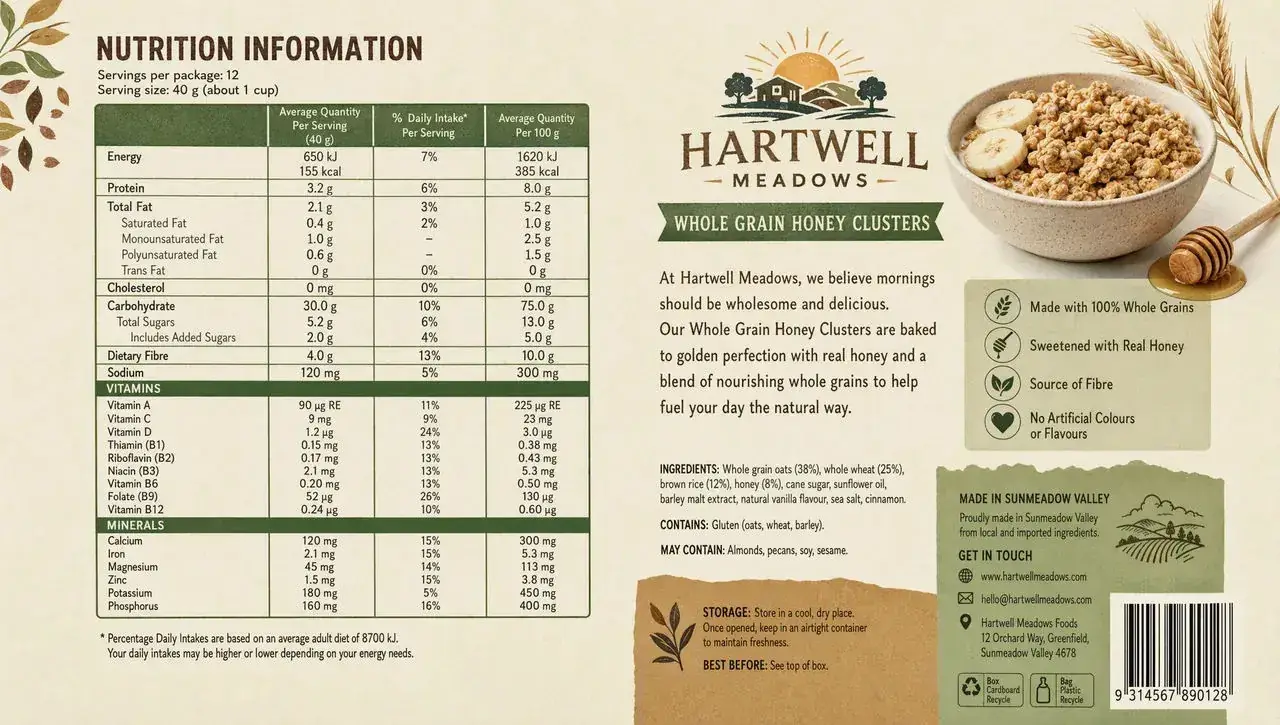
Packaging and product images
Draft a pack panel or catalog image from the copy, table, and barcode you need to review.
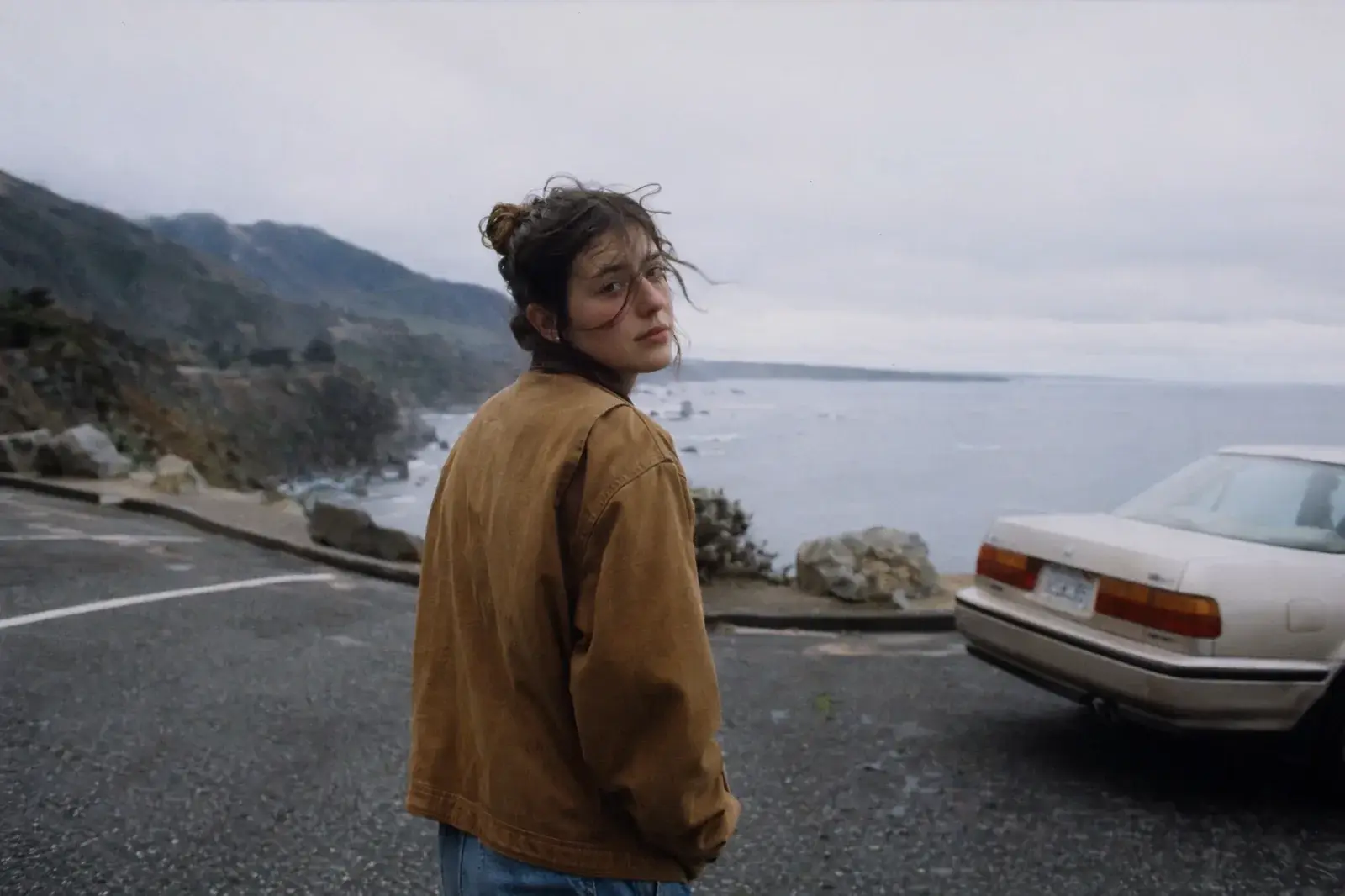
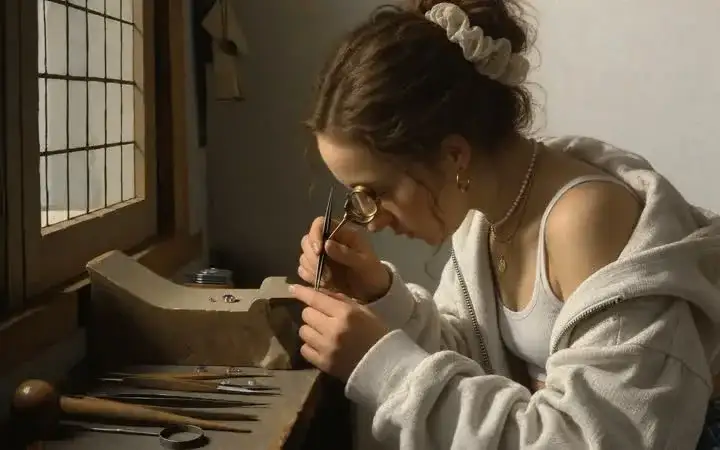
Social portraits and creator images
Create a cinematic portrait or channel image from a written look—no source photo required.
Write the image. Keep the export private.
A new image from text
Describe subject, light, style, and use. MixVio routes a new image—not a restyle of a photo you already own.
Same prompt, switch models
Run one brief across GPT Image 2.5, GPT Image 2, Seedream 5.0 Pro, and Nano Banana 2. Keep the take that matches the job.
Quote first. Private PNG.
See the exact credit cost before you generate. Outputs stay as workspace assets, and a failed run does not keep the reservation.
AI Image Generator models


How to generate AI images from text
1. Write the prompt
Name the subject, setting, lighting, style, and intended use. Generate stays disabled until the prompt is filled. Example: a cream ceramic bottle on marble, soft rim light, 16:9 product image, no extra props.
2. Set format and model
Choose ratio and a reviewed text-to-image route. Credits update with the selected model, quality, and resolution.
3. Generate and download
Confirm the credit quote, generate a private PNG, inspect the result, then download or generate again.
AI Image Generator Pricing

Explore more AI tools
Restyle the generated image, animate it, or sharpen the PNG.
AI Image Generator FAQs
What is an AI image generator?
An AI image generator turns a written prompt into a new image. MixVio AI Image Generator starts from text—not from a photo you already own. It is not Image to Image, and it is not Image to Video. MixVio routes the job through reviewed text-to-image models, shows credits before you run, and keeps the PNG in your workspace.
How do I generate AI images from text?
Three steps in the generator on this page. 1) Write the prompt: name the subject, setting, lighting, style, and intended use. Generate stays disabled until the prompt is filled. 2) Set format and model: choose ratio and a reviewed text-to-image route. Credits update with the selected model, quality, and resolution. 3) Generate and download: confirm the credit quote, generate a private PNG, inspect the result, then download or generate again.
Is MixVio AI Image Generator free?
An account is required. Eligible Google-connected accounts receive 40 welcome credits once, valid for 7 days. AI Image Generator is available on the Free plan when your balance covers the quote. GPT Image 2.5 starts at 1 credit for Low at 1K. Free image delivery is watermarked and capped at 1K; paid plans unlock higher quality and resolution. Failed runs cost no credits.
How do credits work?
Credits are quoted from the selected model, quality, and resolution before you generate. GPT Image 2.5 starts at 1 credit for Low at 1K. The default 2K Medium pass is 2 credits; other models on this page quote separately. Failed or cancelled tasks release the reservation.
What kinds of prompts work best?
Be specific about subject, setting, lighting, style, and use. Example: a cream ceramic bottle on marble, soft rim light, 16:9 product image, no extra props. Vague “make a cool image” prompts leave the model guessing. Add the words that must appear when the image needs readable type.
Write the prompt.
Generate a private image.
Write the prompt, pick format and model, confirm credits, and download a private PNG.
Start generating images