Grok Imagine Image 2.0 AI Image Generator & Editor
Generate or edit photos with xAI Grok Imagine Image 2.0. Create cinematic images from text, or restyle owned photos at 1K or 2K with Low or Medium, including 2:1 and 1:2. Credits shown before you run.
- Up to 3 photo refs
- 1K or 2K · Low / Medium
- Generate + edit
- xAI · Grok Imagine Image 2.0 docs ↗
Create with Grok Imagine Image 2.0
Made with Grok Imagine Image 2.0
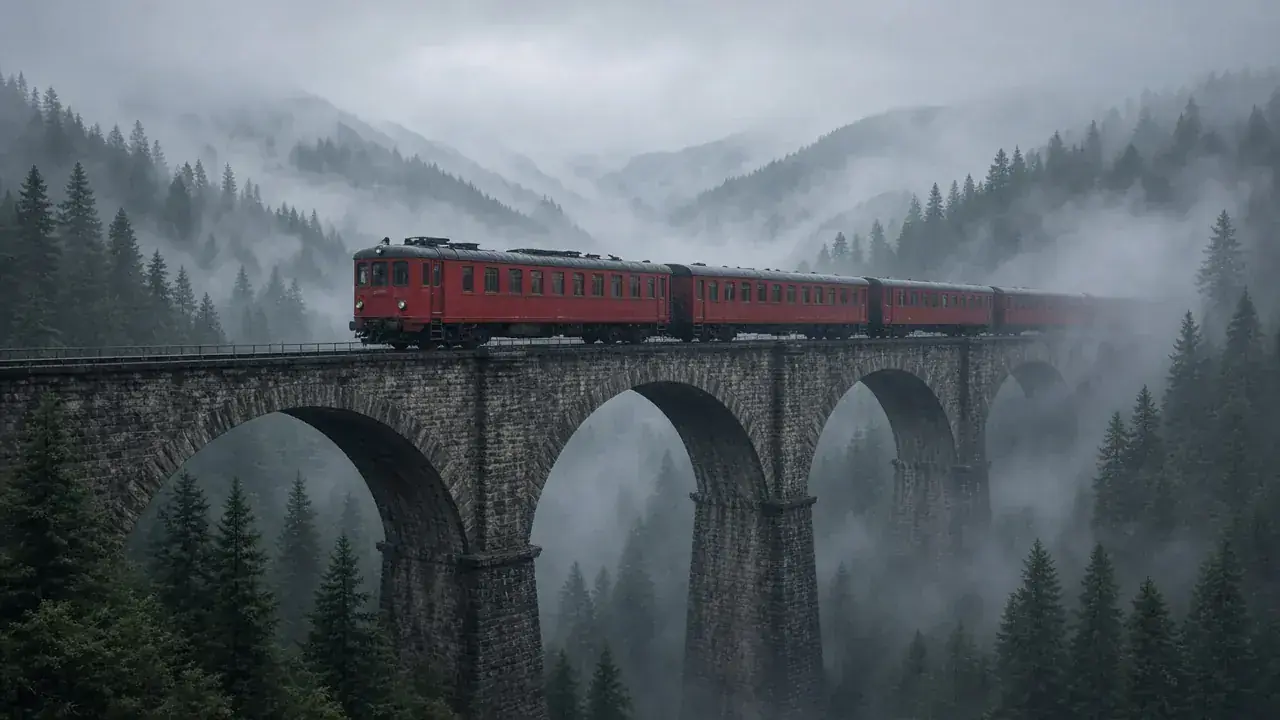
Mountain train in fog
Prompt
A red mountain train crossing a stone viaduct in morning fog. Pine ridges recede, cool color grade, cinematic 16:9.
Key Features of Grok Imagine Image 2.0
Precise image generation
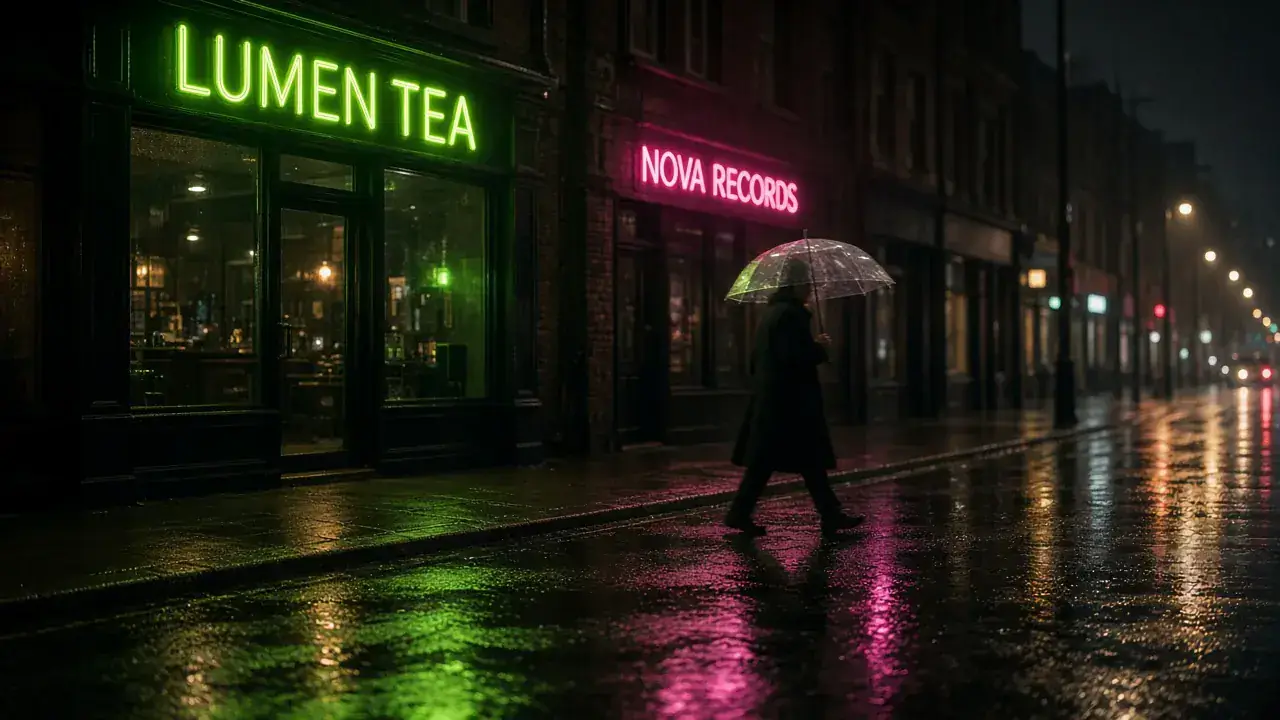
Write the subject, light, and details you need. Grok Imagine Image 2.0 follows a scene brief closely so night streets, interiors, and storefront signs land as a finished photo—not a flat illustration.
How to Use Grok Imagine Image 2.0
1. Start from text or references
Open Grok Imagine Image 2.0 with a text brief, or add one to three owned photos for the image-edit route. Prefill from a Key Feature or Example if you want—nothing runs until you generate. Generate stays disabled on edit until a reference is attached.
2. Write the scene, or the one change that must stay
For generate, name the subject, light, and details you need. For edit, name the one change and what must stay—identity and background.
3. Choose ratio and quality, then generate
Select a ratio—including 2:1 or 1:2 on generate, or Auto on edit to keep the first image—then Low or Medium at 1K or 2K. Confirm the credit estimate and generate. Review identity, light, and framing, then download or continue on image-edit. MixVio does not expose Magic Wand, masks, or 4K.
Grok Imagine Image 2.0 Pricing

Compare Grok Imagine Image 2.0How Grok Imagine Image 2.0 compares to other models
Grok Imagine Image 2.0
This modelCinematic photoreal photos and prompt-led edits at 1K or 2K
1K–2K PNG3–6 credits per output
Keep-and-change edits, reference fidelity, and Flare or Sunburst
1K–4K PNG1–8 credits per output
Strict prompts, premium edits, high-resolution finals
1K–4K PNG2–5 credits per output
Grok Imagine Image 2.0 FAQs
What is Grok Imagine Image 2.0?
Grok Imagine Image 2.0 is xAI’s image generation and editing model. On MixVio you start from a text brief or up to three owned photos, then generate or edit privately at 1K or 2K with Low or Medium—credits shown before you run.
What is Grok Imagine Image 2.0 best for?
Use it for cinematic photoreal images and prompt-led restyles when 1K or 2K is enough. Stay on GPT Image 2.5 when you need 4K, Flare or Sunburst, or more than three references. This page is not Grok Imagine video.
What can I make with Grok Imagine Image 2.0 on MixVio?
Photoreal photos, product and layout frames, and prompt-led keep-and-change edits. Start from text, or attach owned photos. MixVio shows the credit estimate before you generate.
Can I edit an existing image with Grok Imagine Image 2.0?
Yes. Upload one to three owned photos (JPEG, PNG, or WebP), then name the one change and what must not change. MixVio routes to the Grok Imagine Image 2.0 edit path. Region tools, masks, Magic Wand, and transparent-background controls are not exposed. Unrequested details can still shift, so review before publishing.
How many reference images can I use?
The MixVio edit route accepts one to three owned photos. Official docs mention up to five; MixVio caps this family at three. Generate stays text-only until you attach a reference.
Create cinematic images with Grok Imagine Image 2.0.
Private. Credits shown first.
Start from text or up to three owned photos, choose 1K or 2K and Low or Medium, then generate with Grok Imagine Image 2.0 selected.
Create with Grok Imagine Image 2.0 ↑