AI Background Remover
Remove backgrounds for 1 credit and download a private PNG with a transparent background. The exact cost appears before every run.
- 1 credit per image
- Transparent PNG
- Free 5 MB · Paid 10 MB
- Private workspace
Use Background Remover
Background Remover workspace
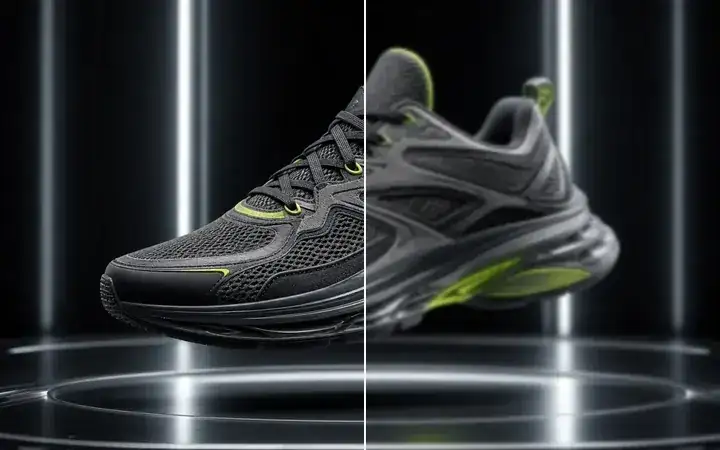
Running shoe · Preview only
Edge mode


Background Remover use cases
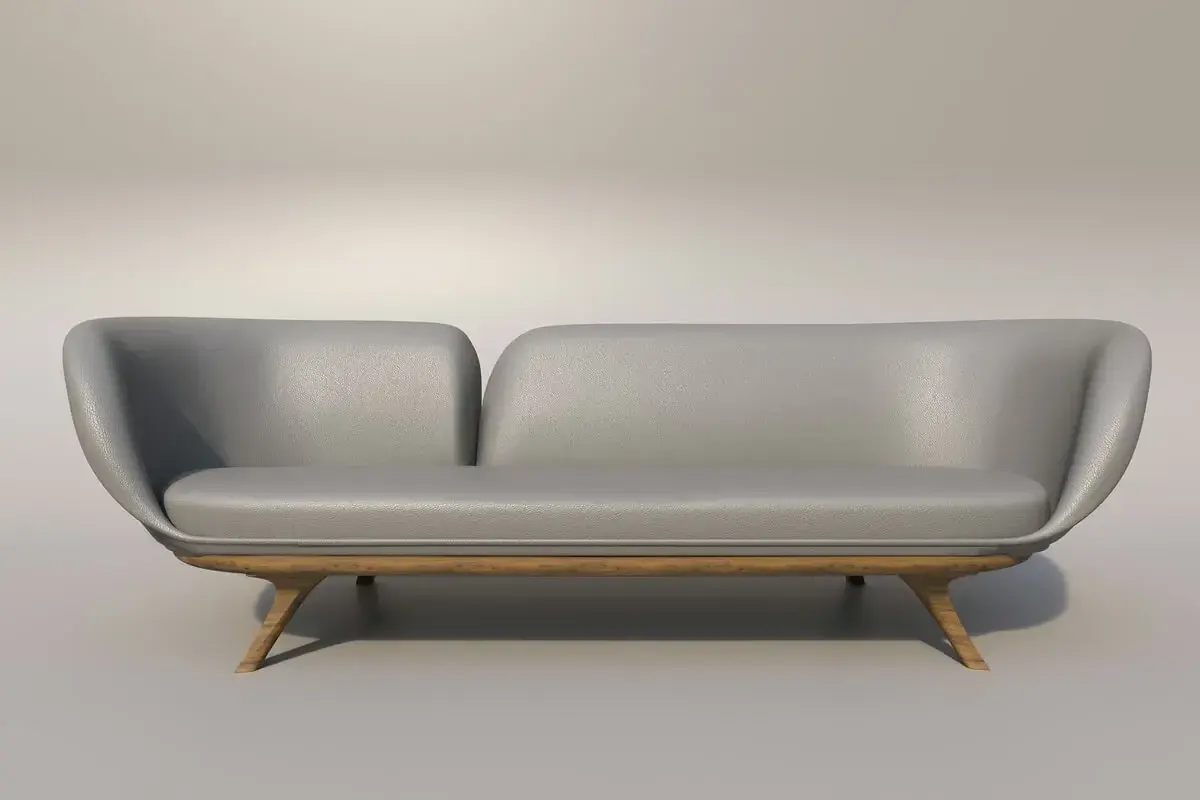
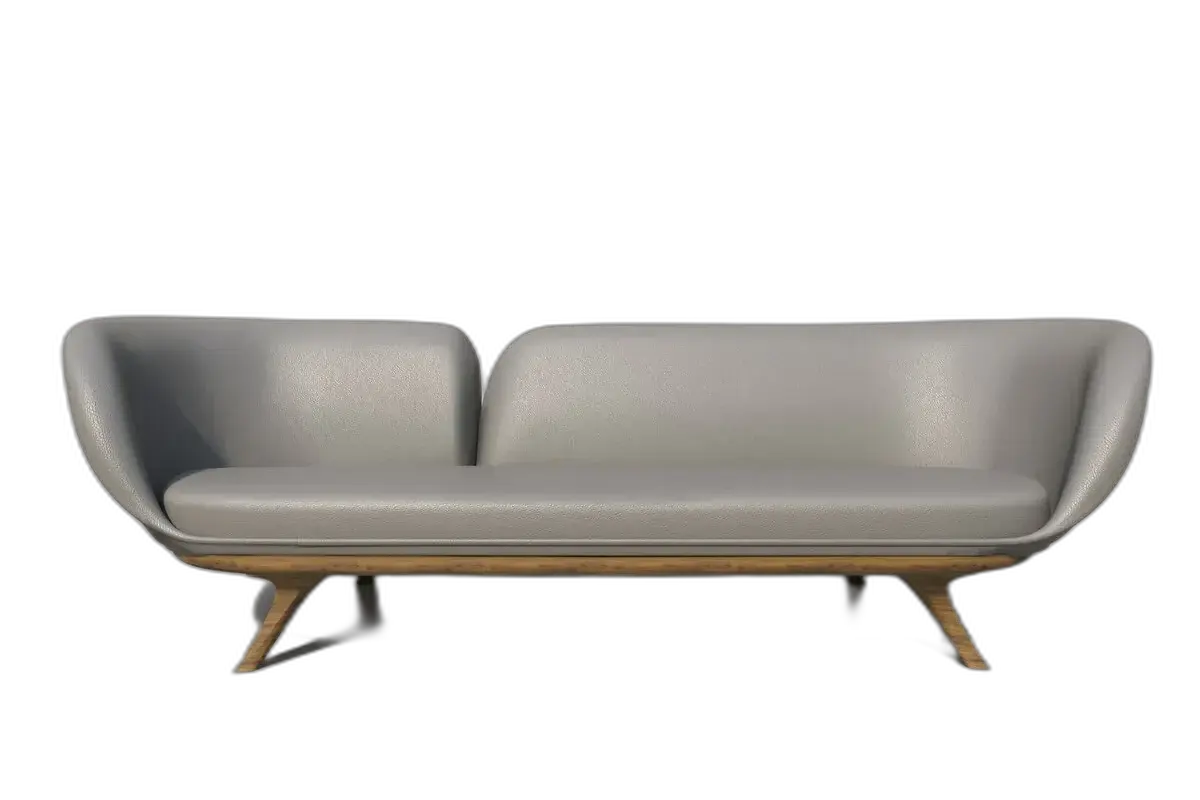
Product listing cutouts
Clear busy product photos and export a private transparent PNG ready for white listings, catalog grids, and marketplace packs.
Campaign and ad compositing
Isolate a hero subject once, then reuse it across banners, landing pages, and ads without re-masking every layout.
Portrait and profile cutouts
Clean up headshots for LinkedIn, team pages, and creator profiles — keep the subject sharp with the background gone.
Why choose Background Remover
40 welcome credits
New accounts receive 40 welcome credits valid for 7 days. Each background-removal run uses 1 credit.
Clean edges, transparent PNG
Export a private PNG with alpha — including hard cases like hair and fine product detail you can review before publishing.
Quote before you spend
Inputs and cutouts stay as private workspace assets. Every run reserves the quoted 1 credit before it starts.
How to remove a background
1. Upload your image
Upload an owned JPEG, PNG, or WebP. The Free plan accepts up to 5 MB; paid plans accept up to 10 MB.
2. Remove the background
AI isolates the subject into a private transparent PNG after confirming the 1-credit reservation.
3. Download or keep editing
Inspect edges against transparent or brand colors, then download the PNG or continue in Image to Image.
Background Remover Pricing
Explore more AI tools
Upscale the cutout, edit the subject, or turn the image into motion — continue from Background Remover.

Background Remover FAQs
Is Background Remover free? Do I need an account?
An account is required. New accounts receive 40 welcome credits valid for 7 days, and each run uses 1 credit. Free plans accept uploads up to 5 MB; paid plans accept up to 10 MB.
How do I remove a background?
Upload an owned JPEG, PNG, or WebP, then select Remove background. Download the private transparent PNG or keep editing. Works in your browser on desktop and mobile — no install required.
Can I use it as a transparent background maker?
Yes. Every cutout downloads as a PNG with a transparent background, ready to place on a listing, profile, slide, or ad. Continue in AI Photo Editor when you want a new background instead of transparency.
Is there a watermark on the result?
Free Plan cutouts include a visible MixVio watermark. Cutouts keep the source dimensions. Paid plan exports do not add a MixVio plan watermark.
What formats and size are supported?
Upload owned JPEG, PNG, or WebP images. The Free plan accepts up to 5 MB; paid plans accept up to 10 MB. You get a private PNG with an alpha channel. Aspect ratio stays with the source.
Isolate the subject.
Get a transparent PNG.
Upload an owned image and download a private transparent PNG for 1 credit per run.
Remove background ↑