AI Zombie Video Generator
Turn your photo into a zombie video. Upload one portrait and watch the face change in the first seconds: cracked dark skin, bruises, blood streaks and hollow eyes, ending in a scream, in a 5-second video with sound.
- 1 photo · No prompt
- Cracked skin · Blood streaks · Hollow eyes
- 5s · 720p · 21 credits
AI Zombie workspace
5s · 720p · sound · Photos stay private to your account.
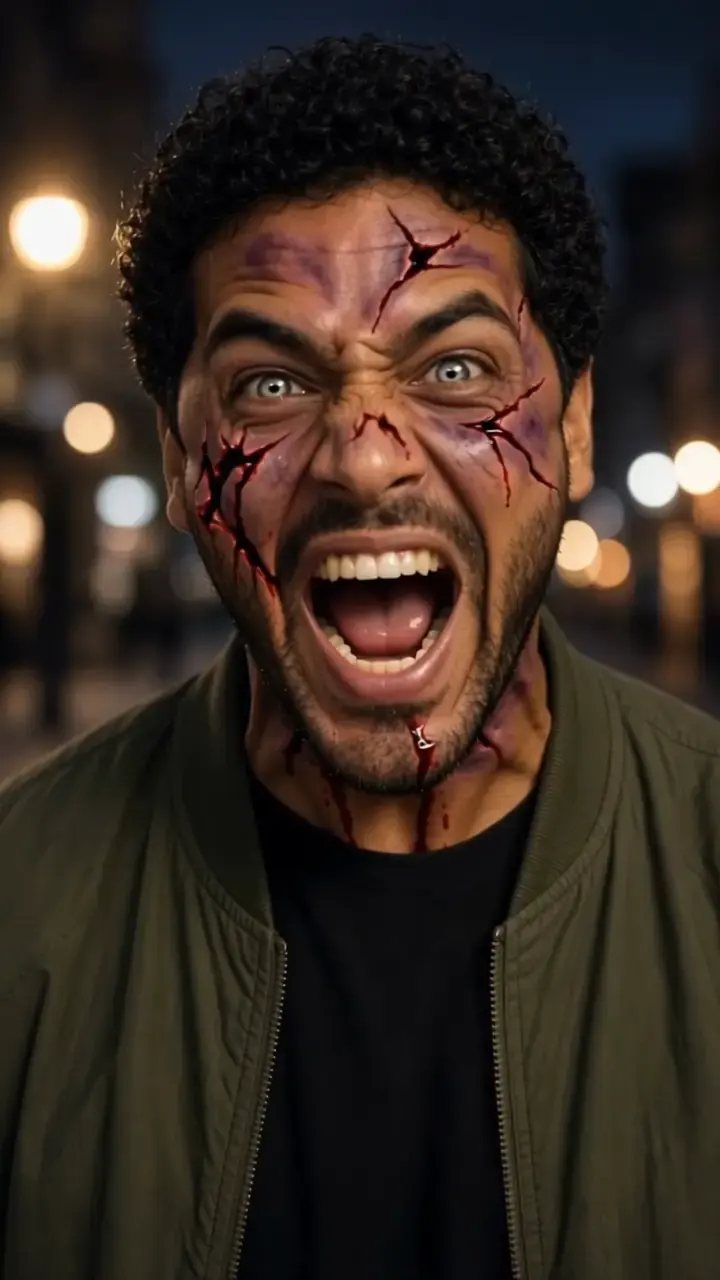
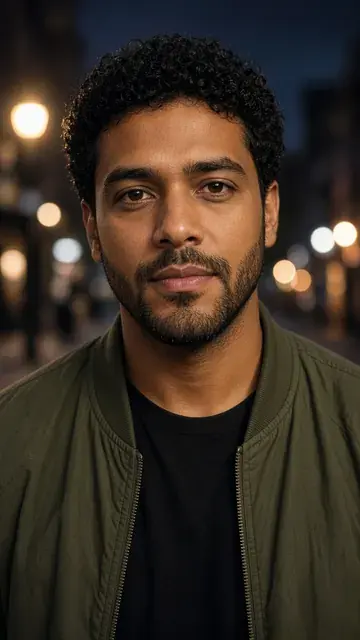
What your AI zombie transformation looks like
A fast transformation
The video starts as your photo, and in the first seconds the face cracks, bruises and streaks with blood.
Hollow zombie eyes
The eyes turn pale and empty as the new zombie faces the camera.
Ends in a scream
The zombie screams at the camera during a slow push-in. Background, body and clothes stay as in your photo.
How to make an AI zombie video
1. Upload a portrait
Add one clear, front-facing photo of a single person, framed from the chest up.
2. Confirm and generate
Confirm you may use the photo, check the credits on the Generate button, and start.
3. Download and share
Your zombie video is usually ready in a few minutes. Download it for TikTok, Reels or Shorts.
AI Zombie Pricing
More AI Effects

AI Zombie Generator FAQs
What photo works best?
A sharp, well-lit photo of one person facing the camera, framed from the chest up. Busy group shots, sunglasses, masks or heavy filters give weaker transformations.
How long is the video?
Each run creates one 5-second 720p video with sound, framed like the photo you upload.
Can I zombify a selfie?
Yes, if it is sharp and front-facing with your face and shoulders in frame. Tilted, dark or heavily filtered selfies give weaker transformations.
Is this a zombie filter?
It goes further than a zombie face filter. Instead of a still overlay, the AI animates a full zombie transformation from your photo, with motion and sound. For your own prompt and motion, use Image to Video.
Can I use a photo with several people?
You can, but the effect is tuned for one main subject. For two people, try Zombie Love Story, which gives each person their own role.
Join the undead
in five seconds.
Upload one photo and get a shareable zombie transformation that ends in a scream.
Make my zombie video