Muse Video AI Video Generator
Muse Video creates 720p videos from 2 to 10 seconds with native synchronized audio from text prompts or up to 9 reference photos. Direct scenes, dialogue, motion, and sound in one private pass.
- 2 to 10s at 720p
- Native audio
- Text or up to 9 photos
- Meta · Muse Video docs ↗
Create with Muse Video
Muse Video examples
Six Muse Video demonstrations covering underwater scenes, dialogue, wildlife, anime motion, and surreal interiors. Try any example to prefill the prompt, ratio, and a supported duration.
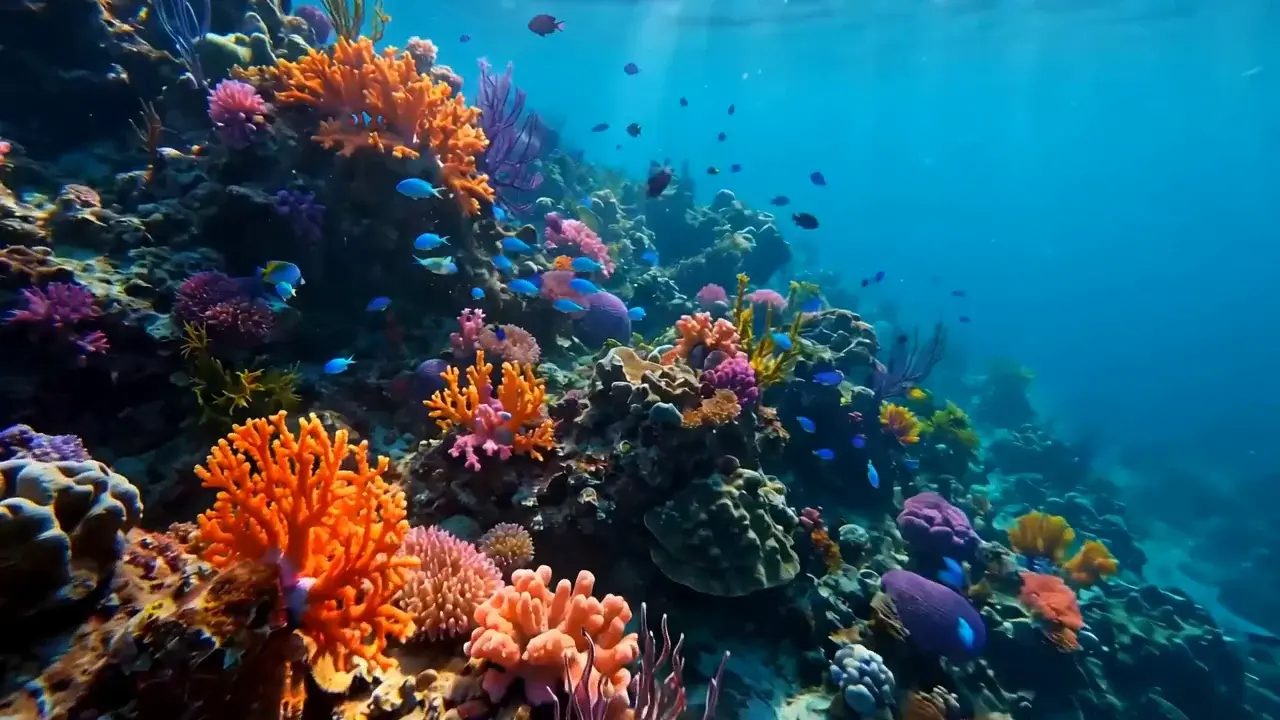
Sunlit coral reef
Prompt
Smooth underwater documentary glide along a vibrant tropical coral reef packed with bright orange branching corals, swaying pink anemones, and schools of electric-blue reef fish darting beneath sunlit turquoise water, gentle underwater bubble and current audio.
Key features
Cinematic text-to-video scenes
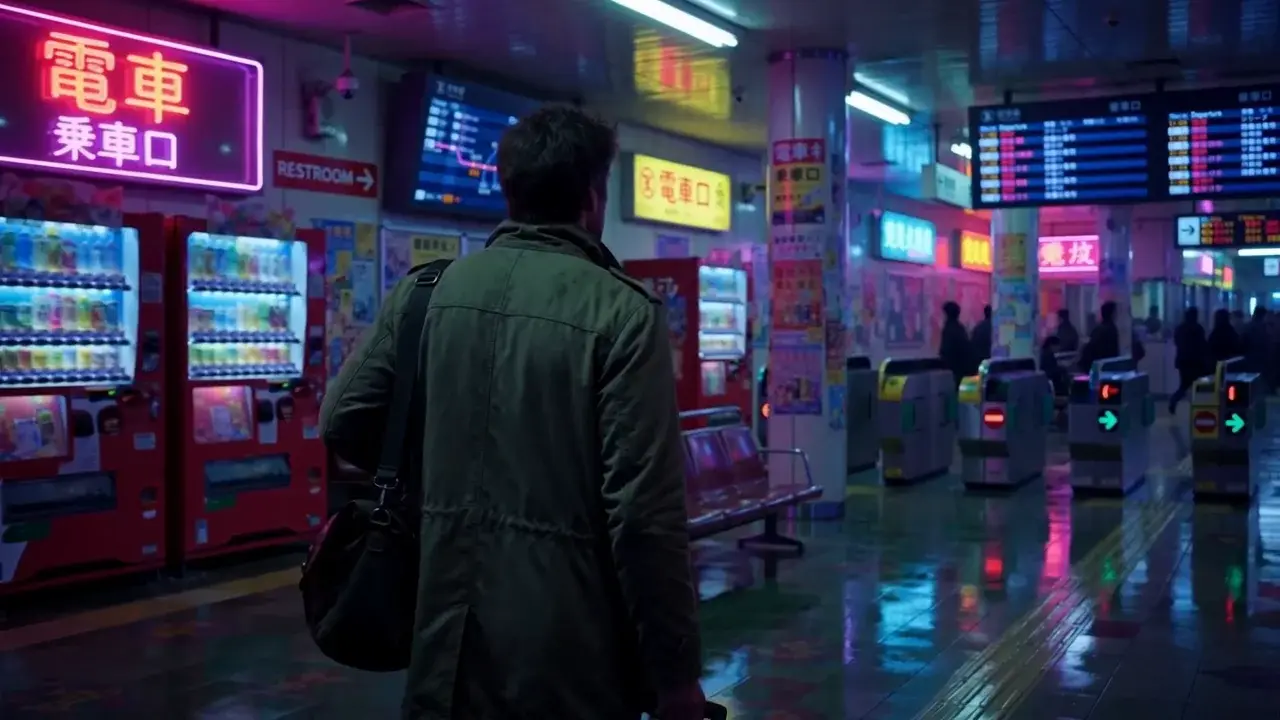
Direct camera movement, lighting, and atmosphere from a single text brief across 2 to 10 seconds at 720p. Here, a traveler in an olive coat walks through a glowing neon train station with sharp floor reflections and coherent depth.
How to Use Muse Video
1. Start from text or reference photos
Write a scene prompt for text-to-video, or attach 1 to 9 JPEG, PNG, or WebP reference photos (11 MiB combined) to guide subjects, products, and style.
2. Pick duration and aspect ratio
Choose any whole-second duration from 2 to 10 seconds at 720p (10 seconds by default). Pick one of seven aspect ratios for text-to-video, or leave Auto on with reference photos to follow their framing.
3. Check the quote, then generate
Confirm the credit quote on Generate before submitting. Native synchronized audio is included automatically. Review the finished 720p MP4 in your private library, then refine and iterate.
Muse Video pricing

Compare Muse VideoHow Muse Video compares to other models
Compare Muse Video’s 720p 2–10 second native-audio workflow against other video families on MixVio.
Muse Video
This modelSynchronized dialogue and ambient sound · Short cinematic 2–10 second scenes
2–10s1–3 credits
4–30s one-takes, packs up to 50 files, and clay-render blocking
4–30s19–651 credits
1–15s videos with native audio, a start photo, or up to 7 photo refs
1–15s3–104 credits
Muse Video questions
What is Muse Video on MixVio?
Muse Video is Meta Superintelligence Labs’ generative video model built on the same pretraining base as Muse Image. On MixVio it generates 2 to 10 second 720p videos at 24 fps with native synchronized dialogue, sound effects, and ambient audio from text prompts or up to 9 reference photos.
What inputs and reference limits does Muse Video accept?
Text-to-video requires only a text prompt. Reference-to-video requires a prompt plus 1 to 9 JPEG, PNG, or WebP reference photos with a combined total size of 11 MiB or less across all uploaded photos. Reference photos guide subjects and visual continuity but do not guarantee a pixel-identical first frame. Video references, audio references, and last frames are not supported.
Which durations, resolution, and aspect ratios are supported?
Muse Video outputs 720p video across every whole-second duration from 2 to 10 seconds, defaulting to 10 seconds. Text-to-video supports 16:9, 9:16, 1:1, 4:3, 3:4, 3:2, and 2:3. Reference-to-video adds Auto, which follows your reference composition, or lets you pick any of those seven ratios explicitly.
How many credits does Muse Video cost?
Muse Video uses 1 credit for 2 to 4 seconds, 2 credits for 5 to 9 seconds, and 3 credits for the 10-second default at 720p. Adding up to 9 reference photos and generating native audio incur no extra charge, and failed or canceled runs return reserved credits automatically. See Pricing and Refund Policy for plan details.
Does Muse Video include native audio, and can it be turned off?
Yes. Muse Video generates synchronized speech, sound effects, and background ambience in the same pass as the video. On this route native audio is always enabled and cannot be toggled off before generation.
Create with Muse Video
Private. Credits shown first.
Start from a text prompt or up to 9 reference photos to generate 720p video with native audio.
Create with Muse Video ↑