MiniMax H3 Image AI Image Generator
Create or edit one photo at 1K, 2K, or 4K. Add up to three reference photos when the edit should follow them.
- Up to three photos
- Ten aspect ratios
- 1K, 2K, or 4K
- MiniMax · MiniMax H3 Image docs ↗
Create with MiniMax H3 Image
MiniMax H3 Image examples
Panels from MiniMax’s official Hugging Face showcase. The prompts stay in English so the pictured result matches the words. They are recreation briefs, not claimed original prompts.
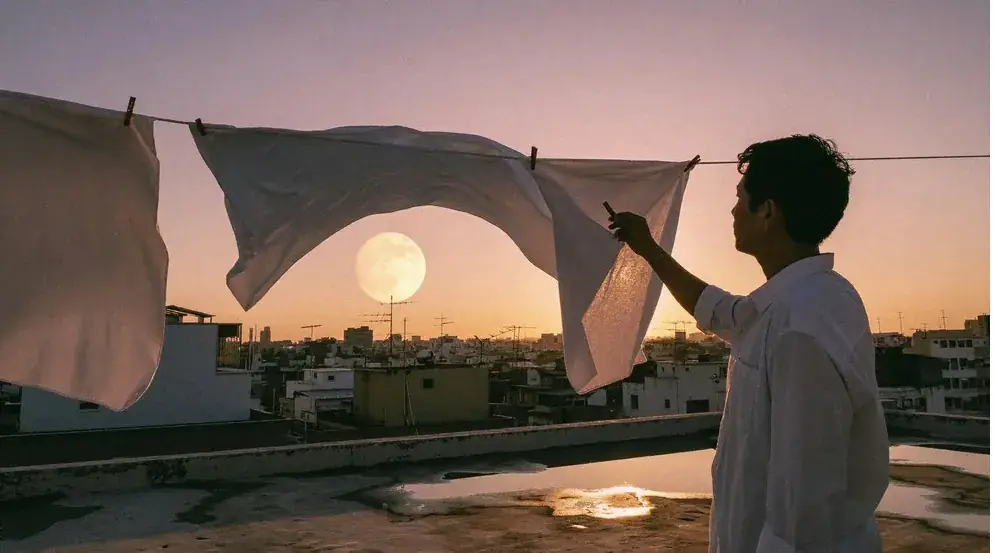
Rooftop laundry
Prompt
A wide photograph of laundry drying on lines across a rooftop, bright sky, soft wind, and ordinary fabric colors.
Key Features of MiniMax H3 Image
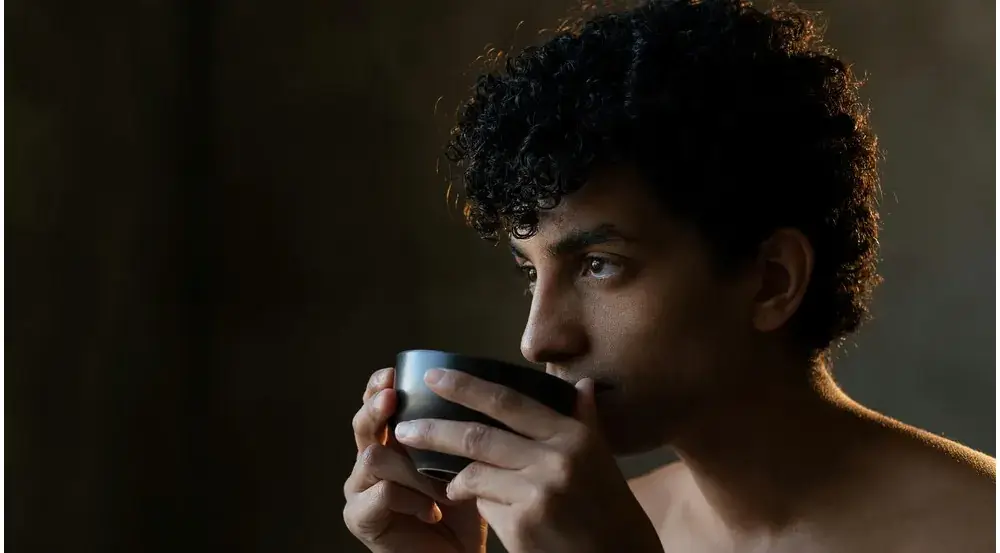
Close photographic light
Ask for skin, a cup, and a dark room in one photo. This panel is from MiniMax’s official Hugging Face showcase. The prompt is a recreation brief, not a claimed original prompt.
How to Use MiniMax H3 Image
1. Start from text or your photos
Write a prompt for a new photo, or switch to edit and add one to three photos you own.
2. Set size and ratio
Desktop starts at 2K and 1:1. Phone starts at 1K and 9:16. Choose 1K, 2K, or 4K, and one of ten ratios.
3. Generate one photo, then review
Each run returns one photo. Read any text in the frame before you publish. Generate shows the price before you run.
MiniMax H3 Image pricing

Compare MiniMax H3 ImageCompare MiniMax H3 Image
MiniMax H3 Image
This modelOne photo at 1K, 2K, or 4K, with up to three references
1K–4K PNG3–14 credits
Keep-and-change edits, reference fidelity, and Flare or Sunburst
1K–4K PNG1–8 credits per output
Native 2K and 4K photos, readable text, and up to 10 photo refs
1K–4K PNG3–43 credits per output
MiniMax H3 Image questions
What can MiniMax H3 Image make on this page?
One photo at 1K, 2K, or 4K, from a prompt or from one to three photos you own. Ratios are 1:1, 16:9, 9:16, 4:3, 3:4, 3:2, 2:3, 3:1, 1:3, and 21:9. Custom pixel sizes and more than one photo per request are not on this page.
What files can I add?
Text to image takes no photo. Edit takes one to three PNG, JPEG, or WebP photos, up to 30 MB each. Each side must be 128–8,192 px, and the long side cannot be more than four times the short side. This page does not take a video or an audio file.
How many credits does a photo cost?
Text is 3 credits at 1K, 4 credits at 2K, and 8 credits at 4K. One reference photo is 6, 6, and 10 credits at those sizes. Three reference photos are 10, 11, and 14 credits. Each amount reserves the largest token charge for that size and reference count, including prompt expansion and the largest photo this page accepts. Generate shows the price before you run.
How many reference photos can an edit use?
One to three. This page does not send more than three, even if another demo uses a larger set.
Will the words in the photo be correct?
Read them. Short headings can come through, and small type can still be wrong. This page does not check spelling for you.
Create a MiniMax H3 Image photo
from a prompt or your photos.
Start with text, or add one to three photos. Desktop starts at 2K.
Open the generator ↑