AI Effects for Photos and Videos
Ready-made effects from your photos. Anime Star Eye makes a still selfie. The other effects make a shareable video with sound. No prompt needed.
Browse AI effects
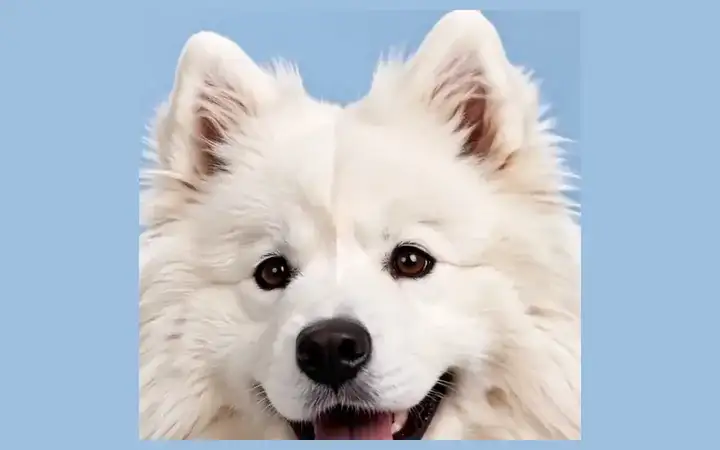
Head Shaking AI
Upload one animal photo for a 7-second vertical close-up. The eyes close and open, the mouth moves, and sound is attached.From 38 credits, was 93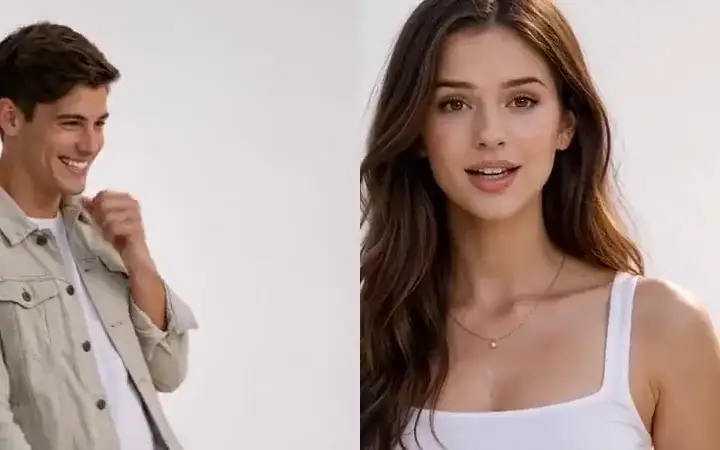
You Can Make It Cap AI
Upload two photos for the white-studio reaction trend: one person laughs, the other turns with a handbag, in one 15-second vertical video with sound.From 82 credits, was 198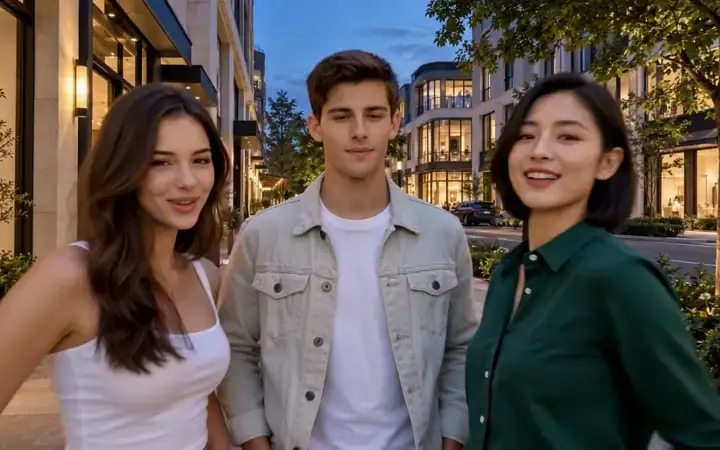
Gangnam Style AI
Turn three separate portraits into a 15-second Gangnam Style dance video with your own background or our city street.From 82 credits, was 198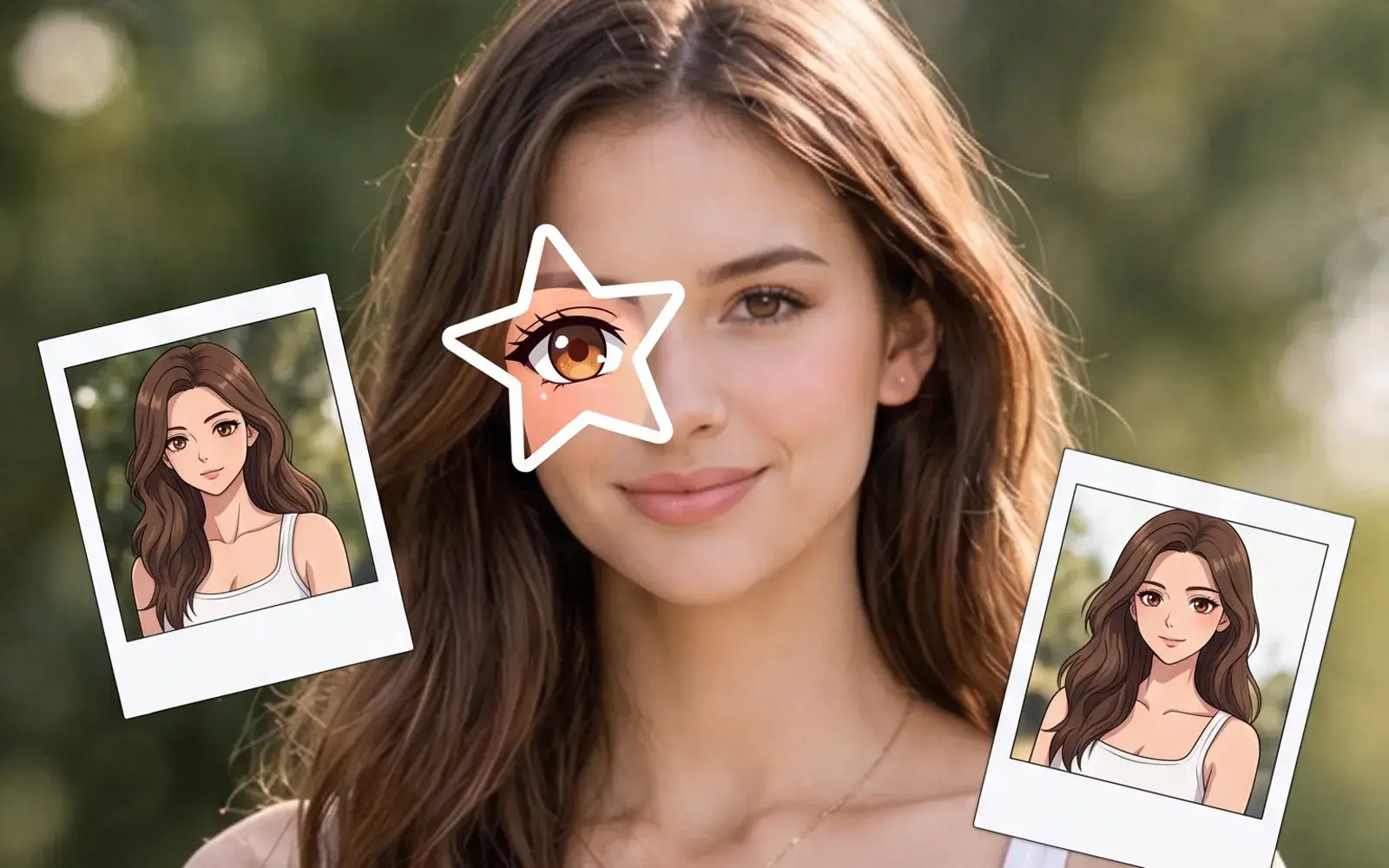 Photo
Anime Star Eye
Upload one selfie and make a vertical photo with a star-shaped anime eye over one eye and four original anime stickers.From 5 credits, was 6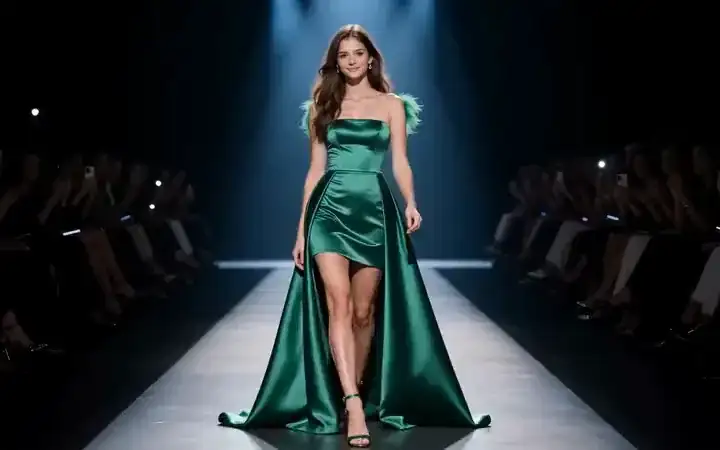
AI Catwalk Video
Upload one front-facing photo and make an 8-second catwalk video in an emerald satin gown.From 39 credits, was 224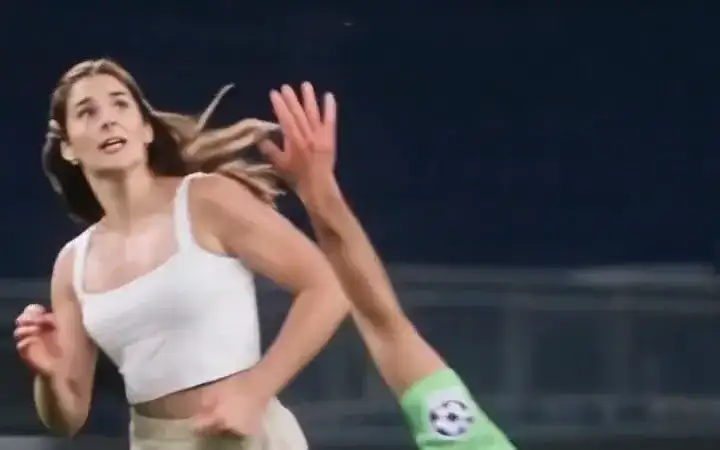
Ozil AI Goal
Upload one full-body photo and make a 15-second floodlit goal video. The person chips the goalkeeper and finishes into the empty net.From 26 credits, was 165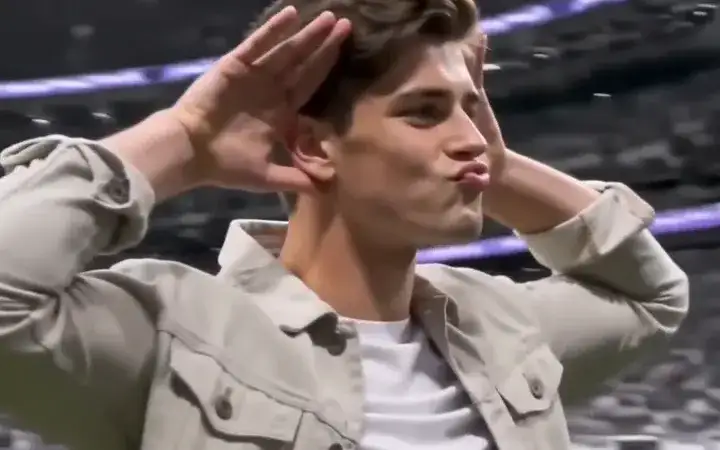
Enzo Celebration AI
Upload one photo and make an 8-second stadium celebration video. Both hands cup the ears, and a kiss goes toward the crowd.From 24 credits, was 136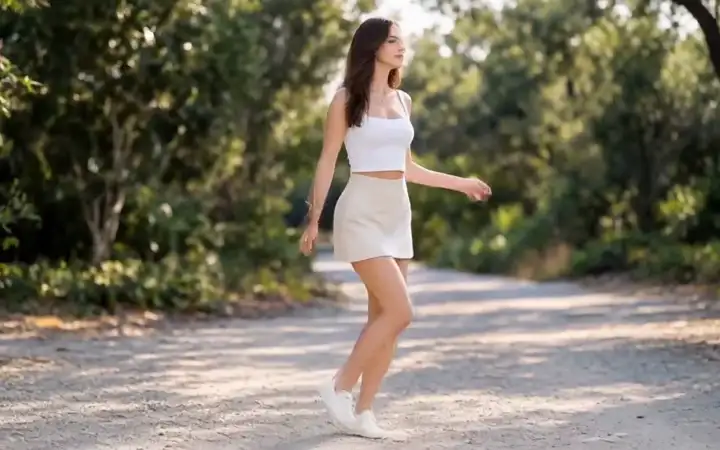
AI Moonwalk Dance
Turn one full-body photo into a moonwalk-inspired dance with backward glides and music in your own setting.From 11 credits, was 60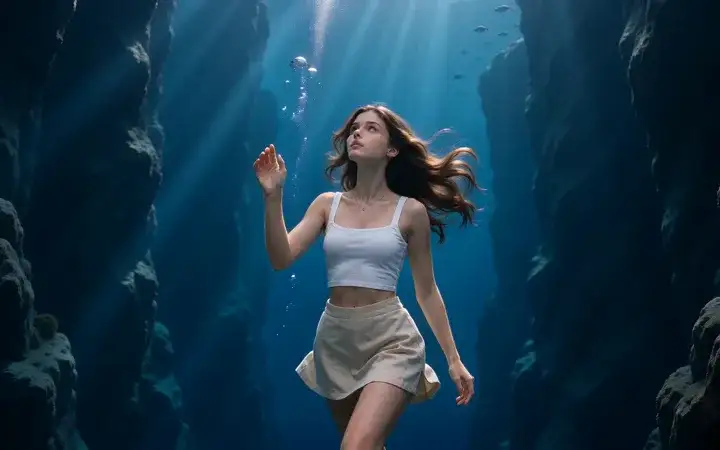
Deep Sea Viral Video
Upload one full-body photo and float through a quiet blue canyon in a 5-second widescreen video.From 3 credits, was 15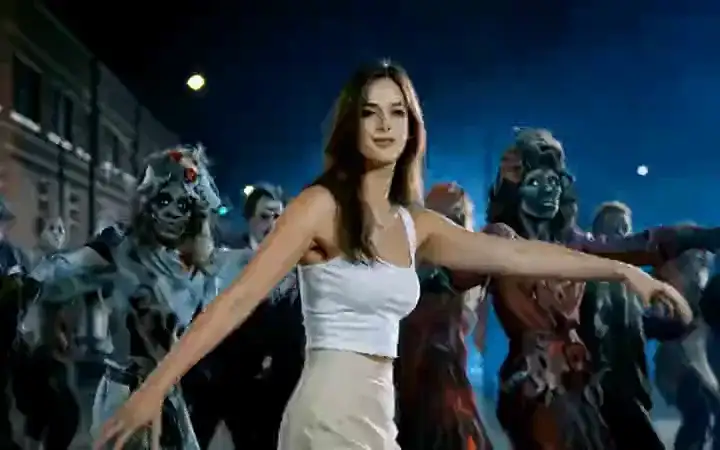
AI Thriller Dance
Upload one full-body photo and lead a night-street zombie dance. The crowd, camera, and music stay in one 14-second video.From 16 credits, was 87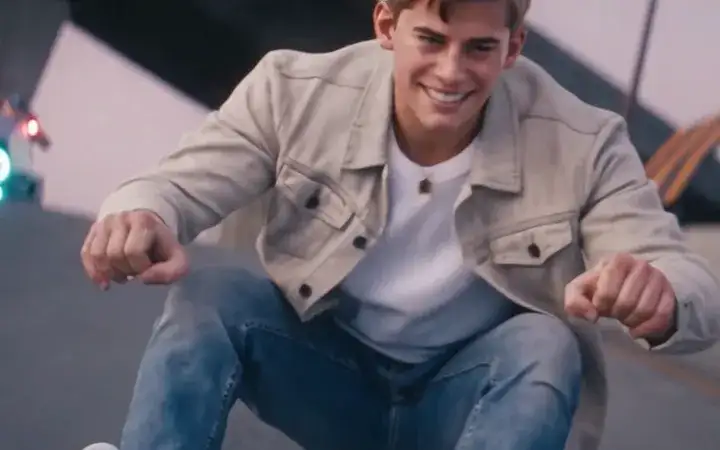
Crazy Frog AI
Upload two photos for the Crazy Frog AI chase: one person rides low on an invisible motorbike while a friend follows on a pursuit vehicle, in one 15-second widescreen video.From 26 credits, was 165
Bulin 47 AI
Replace the lead in the street freestyle with your photo. The people around them change, while the phone, red light, camera and original sound stay.From 14 credits, was 90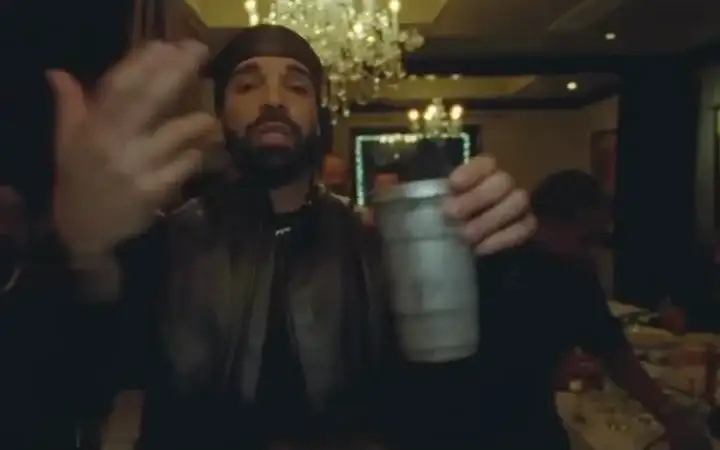
Burning Bridges AI
Create a Burning Bridges-style party video using your photos as references for the lead and optional supporting cast. Results may vary.From 131 credits, was 750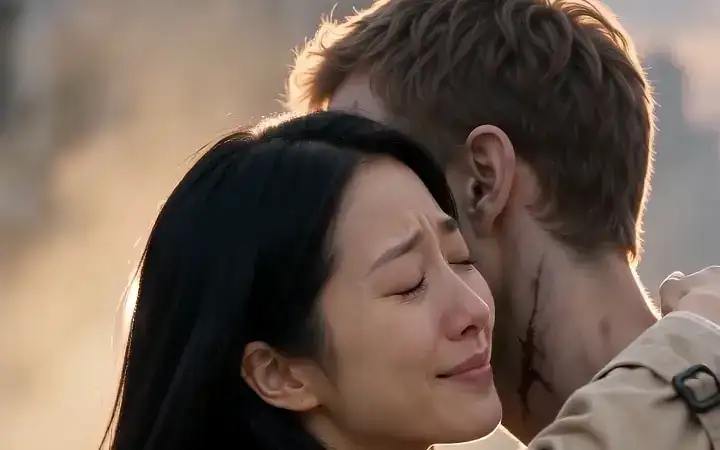
Zombie Love Story
Upload two photos for the viral zombie love story trend: a tense standoff, a sudden lunge, then a twist cut to a warm hug, in one 15-second video.From 17 credits, was 90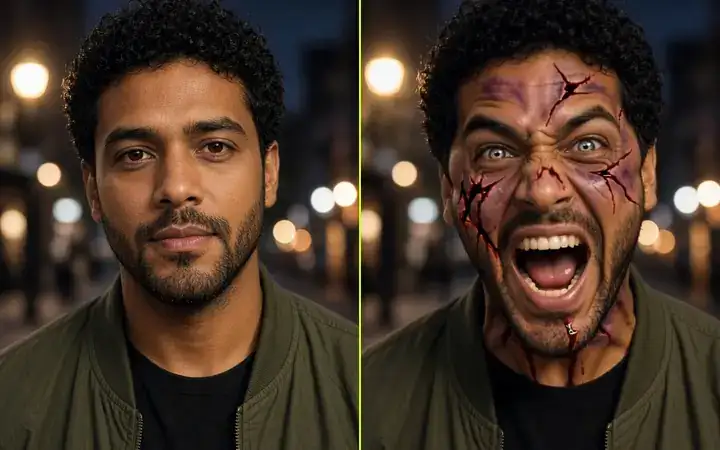
AI Zombie
Upload one portrait and watch the face crack, bleed and turn into a screaming zombie in a 5-second video with sound.From 10 credits, was 21AI Effects FAQs
Do effects guarantee the result shown in the examples?
No. AI results vary, and faces, clothing, motion and timing may differ from your photos and the examples. Each effect explains its specific limits in the upload help and FAQ. Review the completed video before sharing. Refund requests follow our refund policy, including applicable consumer rights and specific support commitments.
What are AI Effects?
AI Effects are ready-made looks, including Head Shaking AI, Anime Star Eye, AI Catwalk Video, Ozil AI Goal, Enzo Celebration AI, AI Moonwalk Dance, Deep Sea Viral Video, AI Thriller Dance, Crazy Frog AI and Bulin 47 AI. Upload a photo, and MixVio applies a tuned scene so you get a finished result without writing a prompt.
How are AI Effects different from AI Tools?
AI Tools give you open controls for one job, such as Image to Video. AI Effects lock the creative direction so one upload produces a specific trend or look.
How scary are the effects?
It depends on the effect. AI Zombie is a Halloween horror look with blood streaks and a scream. Zombie Love Story keeps the zombie to makeup-style pale skin and dark veins and focuses on the story.
Can I publish my video commercially?
Use must follow your plan, our terms and third-party rights. Permission to use an AI-generated video does not by itself give you rights to source music, reference videos, choreography, brands or another person’s likeness. Check the rights needed for your intended use before publishing; an example or included soundtrack is not proof that those rights have been cleared for you.
Do I need credits?
Yes. Every effect run uses credits, with the exact quote shown on Generate before you submit. A completed video is not a guarantee of a particular likeness or creative result. Failed runs return reserved credits; starting a new generation is a separate quoted request. Cash refund requests are reviewed under our refund policy, including applicable consumer rights and specific support commitments. Compare plans on the pricing page.
Are my photos and videos private?
Uploads and results are private workspace assets and are not listed publicly. Processing may send necessary media to AI generation, photo-preparation and safety providers. Authorized personnel may review relevant media for support or safety. Only upload adult photos you own or have permission to use. See our privacy policy for details.