Seedance 2.0 AI Video Generator
Create social clips, product shots, and storyboards from text or multimodal references—up to 9 images, 3 videos, and 3 audio clips—with Seedance 2.0, synchronized native audio, and selectable 480p–4K output.
- From 6 credits
- 480p–4K video + audio
- Text + image to video
- ByteDance · Seedance 2.0 docs ↗
Create with Seedance 2.0
Seedance 2.0 Video Examples
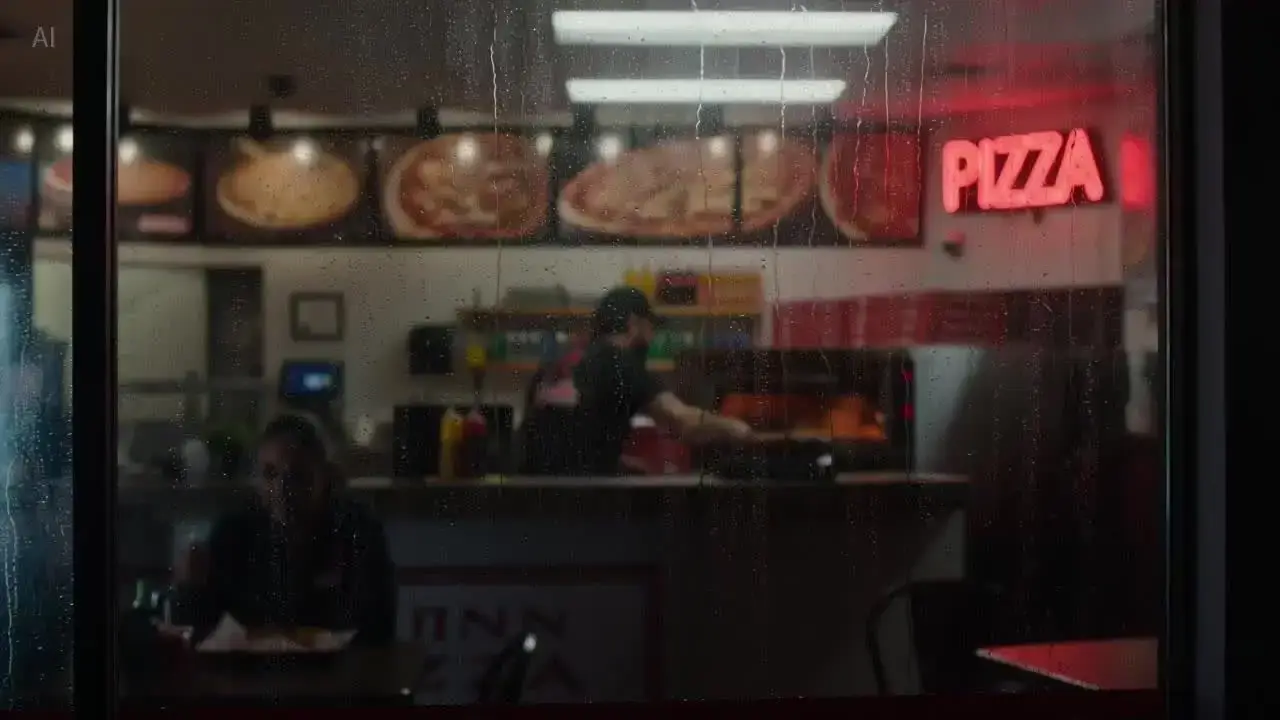
Cinematic pizza shop take
Prompt
Single continuous cinematic shot, no music. From outside the glass window, the dim camera slowly pushes inward into a pizza shop. A bearded white male employee is baking pizza. He removes the pizza from the oven with a metal tray, places it into a red takeaway box, closes the lid, then hands it to a customer with a warm smile. Final shot: over-the-shoulder perspective.
Key Features of Seedance 2.0
Motion & physics
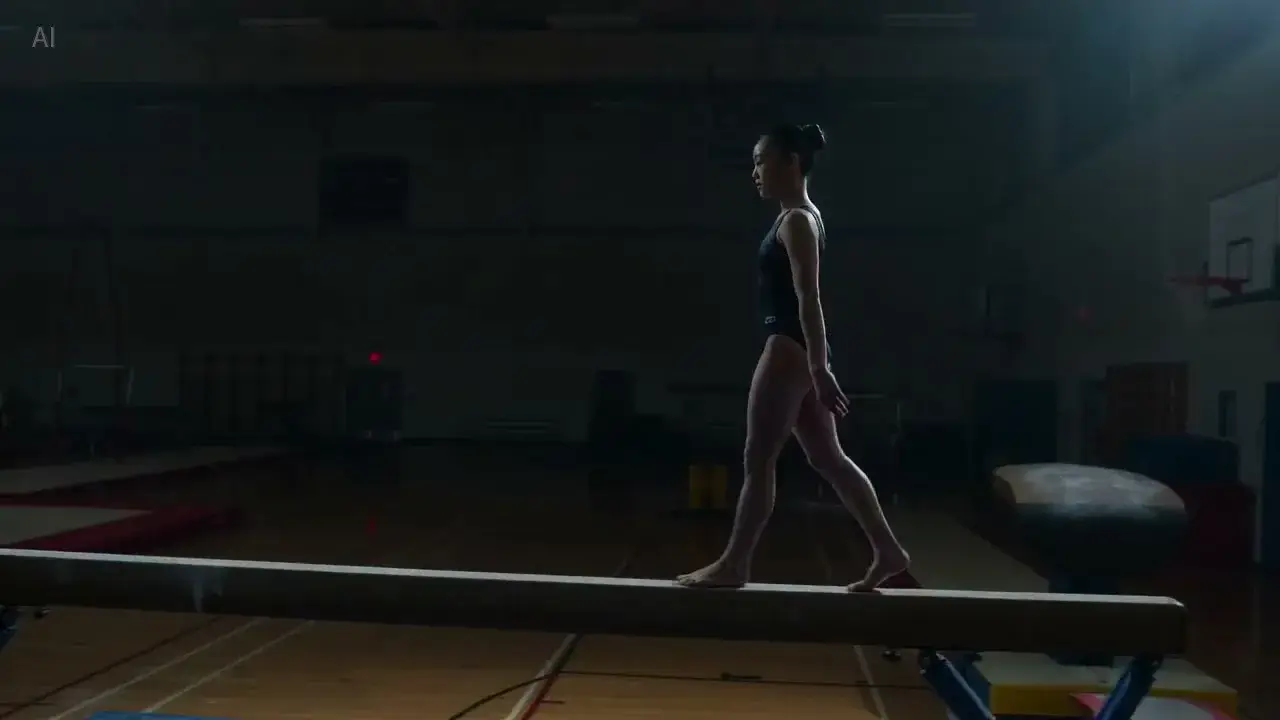
Complex motion that stays grounded. Weight, momentum, multi-subject action, and camera paths that hold together—so hero shots and storyboards stay coherent under pressure.
How to Use Seedance 2.0
1. Start from text or references
Write a text brief, add one owned image, or use Multi Reference (up to 9 images, 3 videos, and 3 audio clips). Prefill from an Example or Key Feature if you want—nothing runs until you generate.
2. Write the scene, sound, and settings
Describe action, camera, and sound in plain language. Tag each file with @ImageN, @VideoN, or @AudioN when you upload references, then set duration, ratio, and resolution.
3. Generate and review
Confirm the credit estimate, generate, then check motion and synced audio before downloading or refining the brief.
Seedance 2.0 Pricing
Compare Seedance 2.0How Seedance 2.0 compares to other models
Seedance 2.0
This model4–15s cinematic clips with selectable 720p–4K
4–15s26–1260 credits
4–30s one-takes, packs up to 50 files, and clay-render blocking
4–30s38–1320 credits
Multimodal reference, first/last frames, and instruction-led edits
4–15s12–128 credits
Seedance 2.0 FAQs
What is Seedance 2.0?
Seedance 2.0 is ByteDance’s video model for cinematic clips from text or owned multimodal references—images, videos, and audio. On MixVio, the reviewed public routes return one private video with synchronized native audio. Seedance 2.5 is the longer 4–30 second family route with a larger reference pack and 480p–1080p output.
What inputs and file limits does Seedance 2.0 support?
Use Text to Video for a scene brief, Image to Video for one owned start frame (optional end frame on supported routes), or Multi Reference for owned packs: up to 9 images (≤30 MB each), 3 videos (MP4/MOV, ≤200 MB each), and 3 audio clips (MP3/WAV, ≤15 MB each)—up to 12 files total. Still images need 300–6,000 px on each side and a 2:5–5:2 crop; oversized photos are fitted automatically. Reference videos need 300–6,000 px per side, a 2:5–5:2 aspect ratio, 409,600–8,295,044 total pixels, and 24–60 FPS. Each video or audio clip must be 2–15 seconds. All reference videos combined may total 15 seconds; all reference audio combined may total 15 seconds. Audio references require at least one image or video. End frame is unavailable with multi packs or video/audio refs.
How do I tag references with @ImageN, @VideoN, and @AudioN?
After you upload files, mention each one by index in the prompt—@Image1, @Video1, @Audio1, and so on—and say what it should do. Example: “Use @Image1 as the first frame. Match the fight timing in @Video1. Follow the beat of @Audio1.” Vague lines like “use the references” often mix roles. Numbering follows upload order in the generator.
Can I edit or extend an existing video with Seedance 2.0?
You can upload an owned clip in Multi Reference, tag it with @VideoN, and describe restaging, motion transfer, or what should happen next in the prompt. MixVio still returns one new private 4–15 second video per run. There is no separate public extend tool, in-place timeline editor, or dual-direction length control on the current Seedance routes.
Does Seedance 2.0 generate native audio?
Yes. Public Seedance 2.0 routes return video with synchronized native audio. Describe dialogue, ambience, sound effects, or music in the brief, then review the mix, speech, and lip sync before publishing.
Start your Seedance 2.0 scene.
Private. Credits shown first.
Start from text or an owned image, then generate with Seedance 2.0 selected.
Create with Seedance 2.0 ↑