FLUX 3 Image Generator & Editor
Create and edit photos with Black Forest Labs FLUX 3 Image. Generate native 2K and 4K images, keep quoted text readable, or edit one area with up to 10 photo references.
- Up to 10 photo refs
- Up to 4K
- Readable text
- Black Forest Labs · FLUX 3 Image docs ↗
Create with FLUX 3 Image
Example prompts for FLUX 3 Image
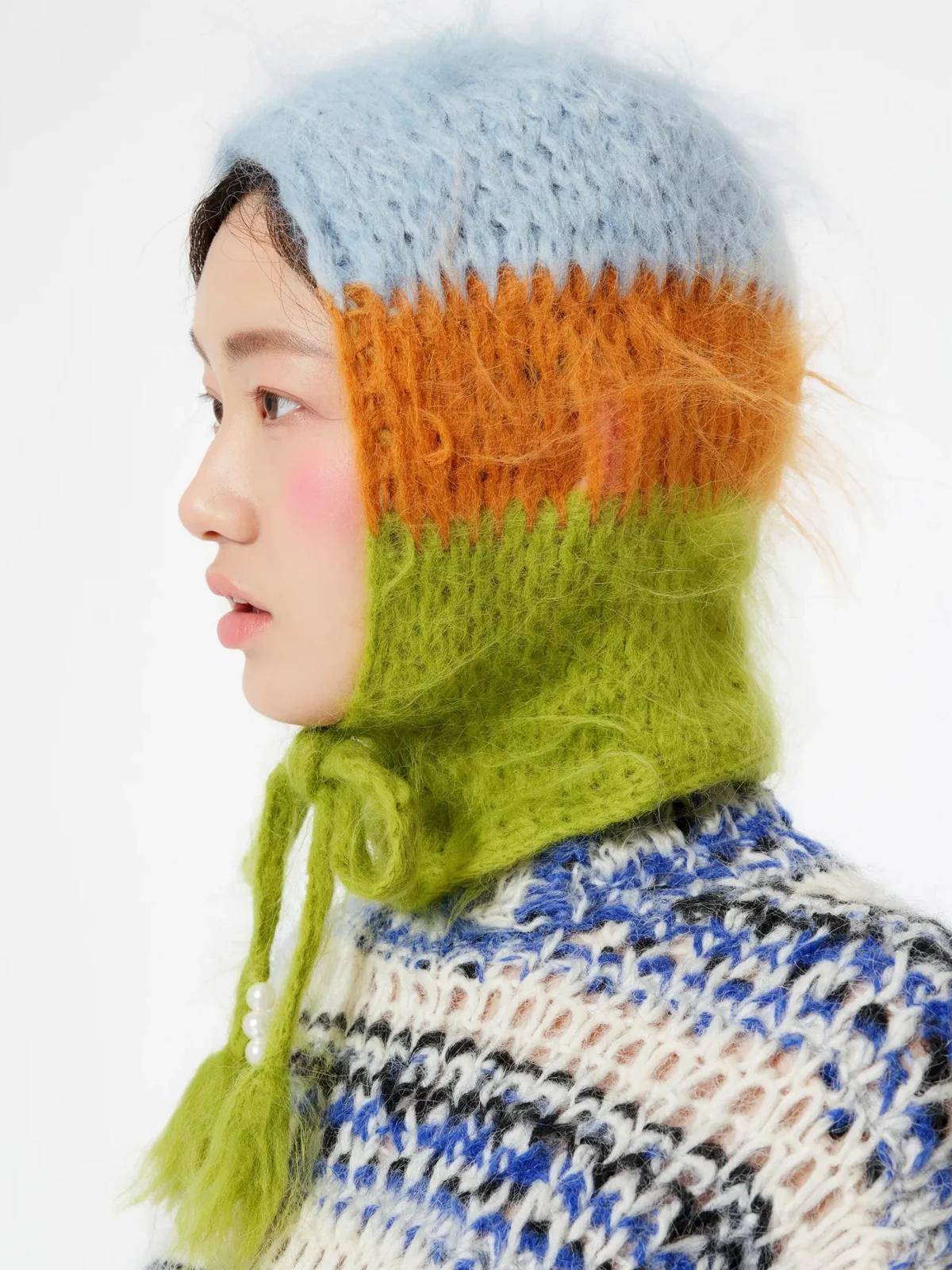
Mohair hood
Prompt
A studio profile of a woman in a fuzzy mohair hood striped pale blue, orange and lime, tied under the chin, 3:4.
Key Features of FLUX 3 Image
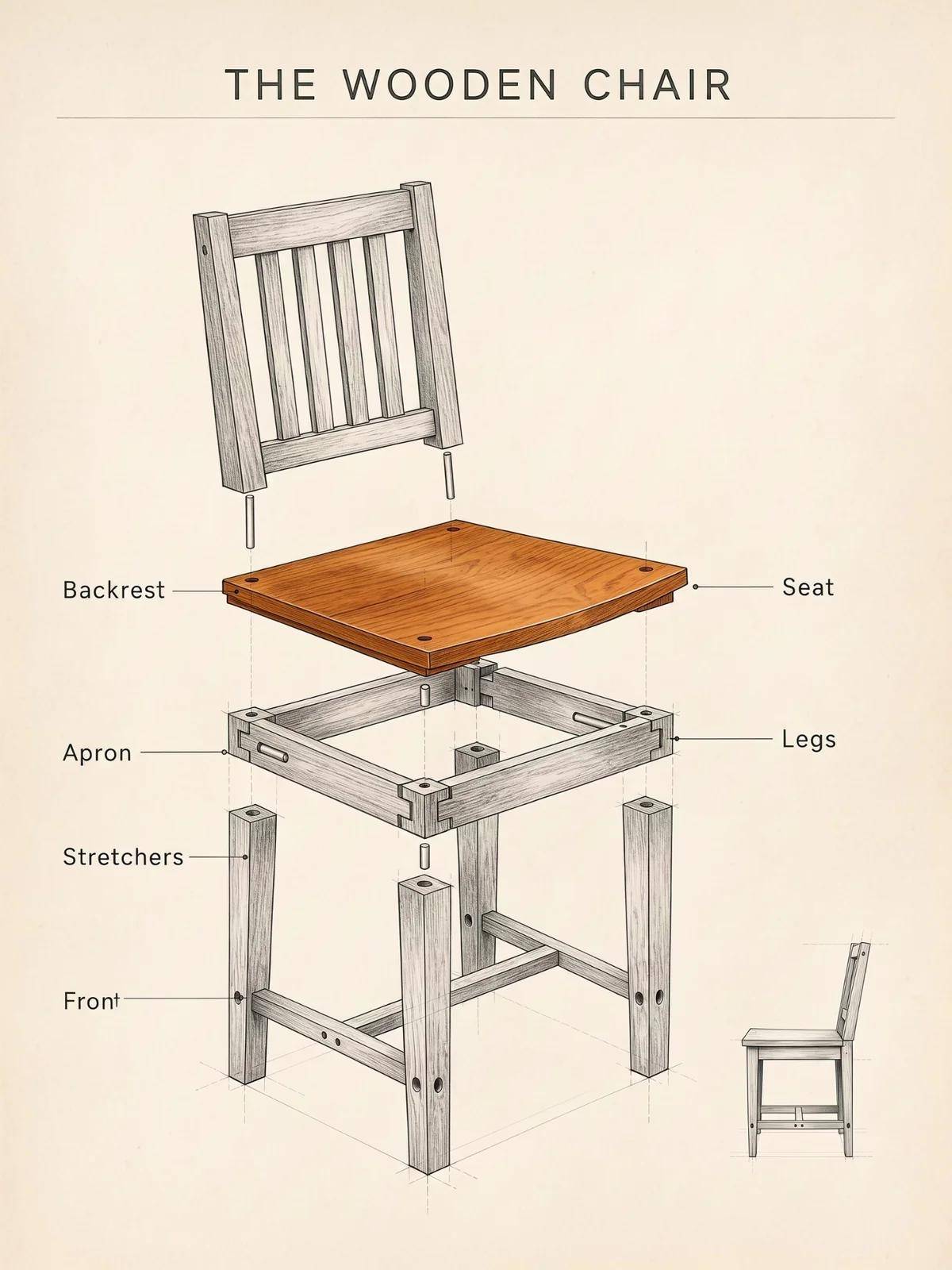
Prompt-led composition
Name each object, where it sits, and the light. MixVio sends that prompt on text-to-image, and the photo follows the layout you wrote.
How to Use FLUX 3 Image
1. Start from text or photos
Open FLUX 3 Image with a text prompt, or attach one to ten owned photos for image edit. Prefill from a Key Feature or Example if you want. Nothing runs until you generate. Generate stays disabled on edit until a photo is attached.
2. Write the scene, or the one change
For a new photo, name the subject, where it sits, and the light. For an edit, name the change and what must stay. Refer to uploads as image 1 and image 2 when you need a role.
3. Choose ratio and resolution, then generate
Pick Auto or a fixed ratio, then 768sq, 1K, 2K, or 4K. Confirm the credit estimate and generate. Review the photo, then download or continue on image edit. MixVio does not expose a bounding-box drawer.
FLUX 3 Image Pricing
Compare FLUX 3 ImageHow FLUX 3 Image compares to other models
FLUX 3 Image
This modelNative 2K and 4K photos, readable text, and up to 10 photo refs
1K–4K PNG3–43 credits per output
Keep-and-change edits, reference fidelity, and Flare or Sunburst
1K–4K PNG1–8 credits per output
Strict prompts, premium edits, high-resolution finals
1K–4K PNG4–9 credits per output
FLUX 3 Image FAQs
What is FLUX 3 Image on MixVio?
FLUX 3 Image is the Black Forest Labs image family for generating and editing photos. It is separate from FLUX 3 video. Text-to-image takes a prompt. Image edit takes a prompt plus 1 to 10 owned photos. FLUX 3 Image ↗
Is this the same as FLUX 3 video or FLUX.2 [max]?
No. FLUX 3 on MixVio is video only, with durations and per-second credits. FLUX 3 Image is the photo family on this page. FLUX.2 [max] is a different image route and is not this model.
Which resolutions and aspect ratios are supported?
Both routes offer 768sq, 1K, 2K, and 4K. 768sq means about 0.6 megapixels: 768×768 at 1:1, with other ratios keeping a similar pixel count. The default is 1K. Ratios are Auto, 21:9, 2:1, 16:9, 3:2, 7:5, 4:3, 5:4, 1:1, 4:5, 3:4, 5:7, 2:3, 9:16, and 1:2. Auto is the default. On edit, Auto follows the first photo. 512sq, 1.5K, and 9:21 are not on this MixVio route.
How many photo references can I attach?
Text-to-image takes no photos. Image edit takes 1 to 10 JPEG, PNG, or WebP photos. Each photo needs at least 256 pixels on a side and at most 4,000,000 pixels. Order is image 1 through image 10. Adding more photos does not change the credit quote.
How many credits does FLUX 3 Image use?
FLUX 3 Image is available on the Free plan when your balance covers the quote. Generate and edit share one table: 3 credits at 768sq, 4 at 1K, 7 at 2K, and 43 at 4K. The generator shows the exact reservation before you submit. Failed runs cost no credits.
Create and edit photos with FLUX 3 Image.
Private. Credits shown first.
Start from a prompt or up to 10 owned photos, choose a ratio and resolution through 4K, then generate with FLUX 3 Image selected.
Create with FLUX 3 Image ↑