Qwen Image 3 AI Image Generator & Editor
Generate or edit photos with Alibaba Qwen Image 3. Build newspapers, slides, and other dense layouts with readable multilingual text, or restyle up to three owned photos at 1K or 2K. Credits shown before you run.
- Up to 3 photo refs
- Up to 2K
- Generate + edit
- Alibaba · Qwen Image 3 docs ↗
Create with Qwen Image 3
Made with Qwen Image 3
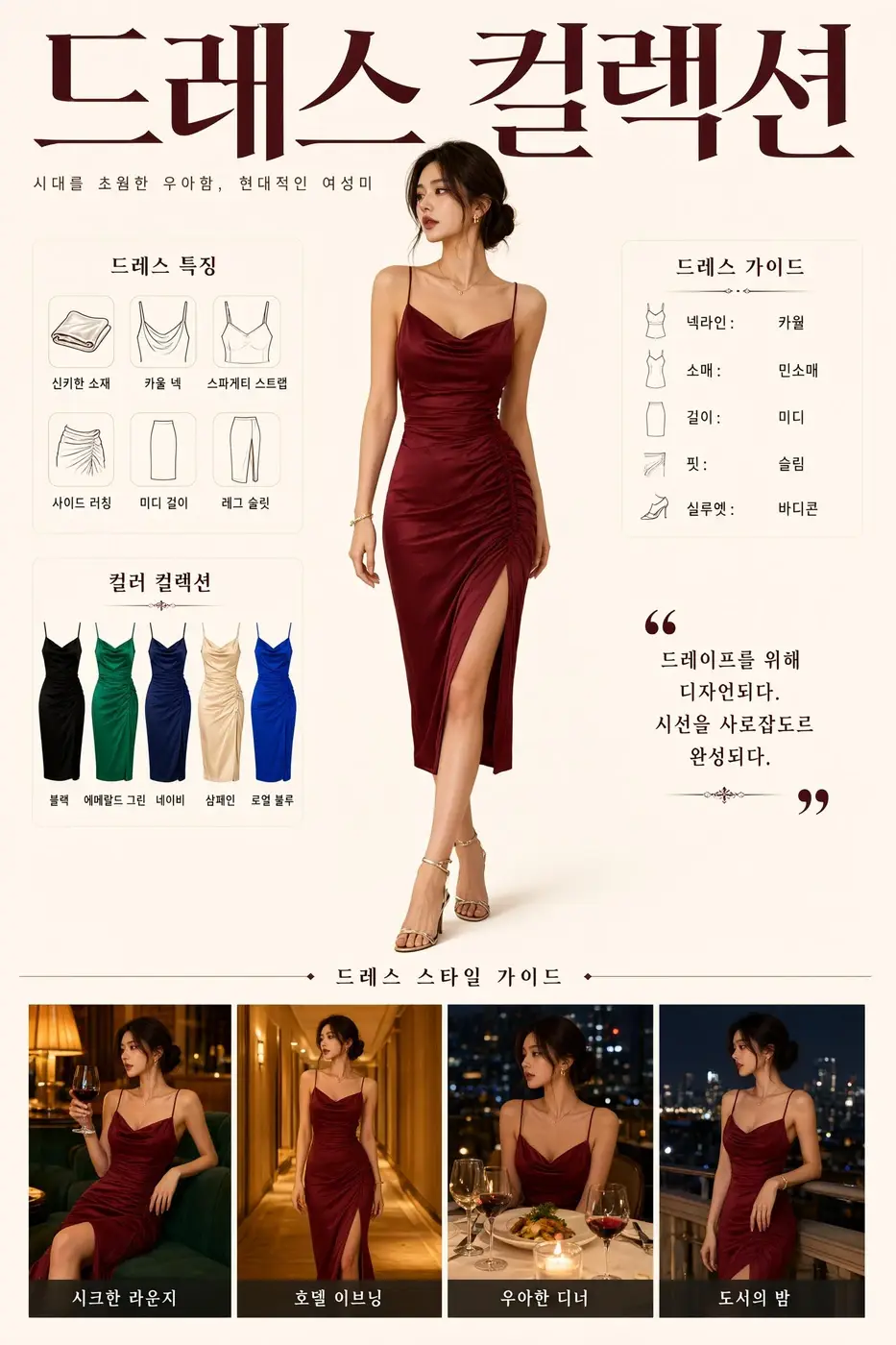
Korean dress lookbook
Prompt
Korean fashion lookbook titled "드레스 컬렉션". A woman in a burgundy satin slip dress with a high slit stands at center. Line drawings and color chips sit above four night-out photos of the same dress, each with a Korean caption. Cream field, 3:4.
Key Features of Qwen Image 3
Rich content
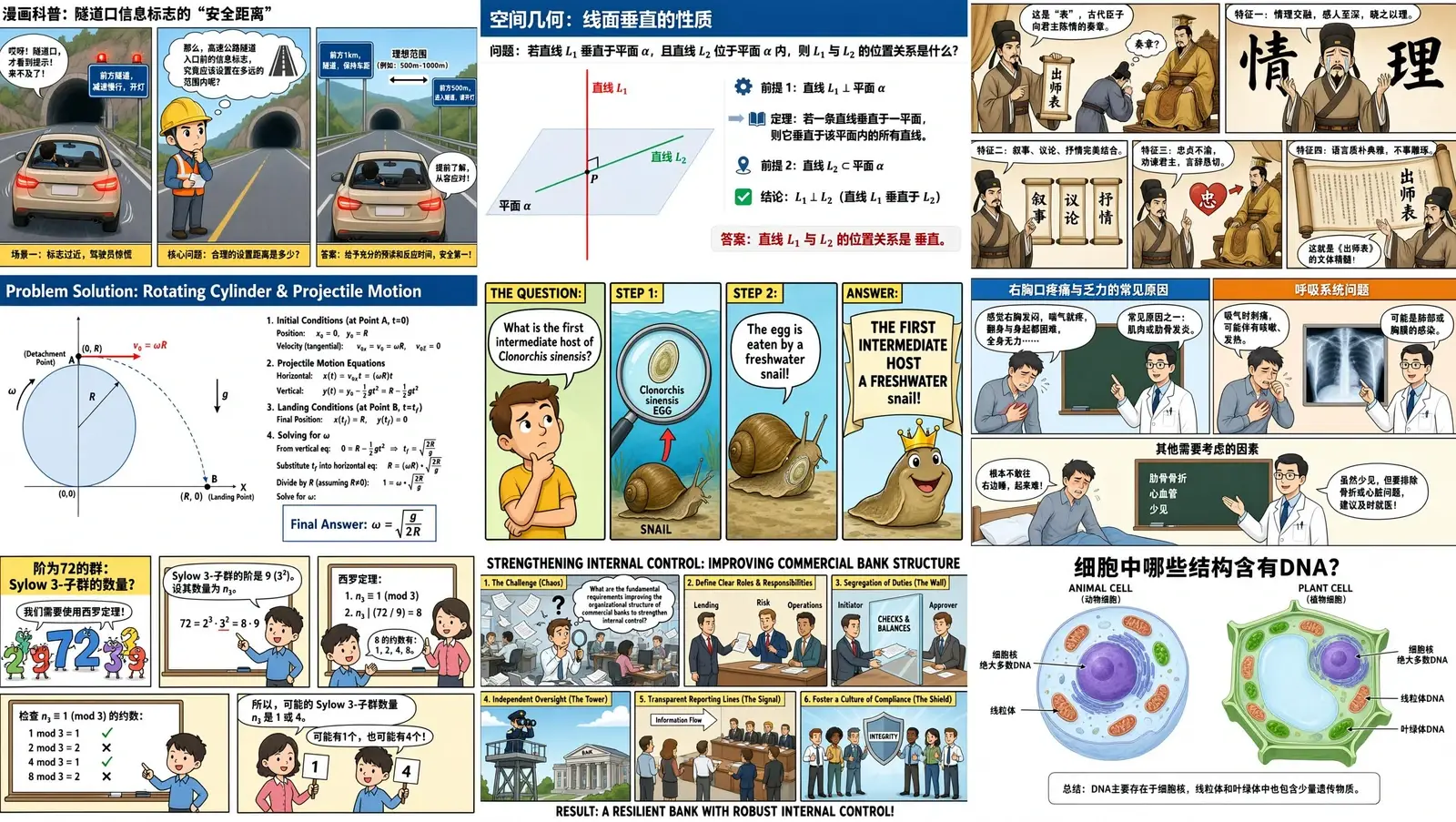
Ask for a newspaper page, a storyboard, an exam sheet, or a multi-panel infographic in one image. Qwen Image 3 keeps the hierarchy readable. MixVio sends one PNG at 1K or 2K.
How to Use Qwen Image 3
1. Start from text or references
Open Qwen Image 3 with a text brief, or add one to three owned photos for the image-edit route. Prefill from a Key Feature or Example if you want—nothing runs until you generate. Generate stays disabled on edit until a reference is attached.
2. Write the layout, or the one change that must stay
For generate, name the headline, the lines of text, and the frame. For edit, name the one change and what must stay, and refer to uploads as Image 1, Image 2, and Image 3.
3. Choose ratio and resolution, then generate
Select 1:1, 4:3, 3:4, 16:9, or 9:16—or Auto on edit to keep the first image—then 1K or 2K. Confirm the credit estimate and generate. Review readable text and identity, then download or continue on image-edit. MixVio does not expose a quality menu, 4K, or more than one PNG per run.
Qwen Image 3 Pricing

Compare Qwen Image 3How Qwen Image 3 compares to other models
Qwen Image 3
This modelDense layouts, readable multilingual text, and up to three photo refs
1K–2K PNG3–6 credits per output
Consistency-heavy professional editing and typography
1K–2K PNG3–11 credits
Keep-and-change edits, reference fidelity, and Flare or Sunburst
1K–4K PNG1–8 credits per output
Qwen Image 3 FAQs
What is Qwen Image 3?
Qwen Image 3 is Alibaba’s image generation and editing model. On MixVio you start from a text brief or up to three owned photos, then generate or edit privately at 1K or 2K. Credits are shown before you run.
What is Qwen Image 3 best for?
Use it for dense layouts, readable in-image text, and prompt-led edits with up to three photos. Stay on GPT Image 2.5 when you need 4K, Flare or Sunburst, or more references. Stay on Seedream 5.0 Pro for larger reference sets. This page is image-only.
Can I edit an existing image with Qwen Image 3?
Yes. Upload one to three owned photos (JPEG, PNG, or WebP, up to 10 MB, each side 384–2048 pixels), then name the one change. Call them Image 1, Image 2, and Image 3 so the order stays assigned. Transparent PNG may be rejected. Masks are not exposed. Review text and identity before publishing.
Which resolutions and ratios does MixVio support?
1K or 2K. Generate ratios are 1:1, 4:3, 3:4, 16:9, and 9:16. Edit adds Auto, which keeps the first photo’s shape inside the selected 1K or 2K band. Desktop starts at 2K and 16:9. Phone starts at 1K and 9:16. There is no quality menu and no 4K on this route.
How many credits does Qwen Image 3 use?
From 3 credits at 1K to 6 credits at 2K. The desktop default is 6 credits at 2K. Generate and edit share this table. MixVio shows the exact estimate before submission. Failed runs cost no credits.
Create dense layouts with Qwen Image 3.
Private. Credits shown first.
Start from text or up to three owned photos, choose 1K or 2K, then generate with Qwen Image 3 selected.
Create with Qwen Image 3 ↑