Gemini Omni Flash 1.2 AI Video Generator
Create a 3–15 second video with native audio from a prompt, one start photo plus an optional last frame, or up to six reference photos. Sizes run from 360p through upscaled 4K.
- Native audio
- 360p to 4K
- 3–15 seconds
- Google · Gemini Omni Flash 1.2 docs ↗
Create with Gemini Omni Flash 1.2
Gemini Omni Flash 1.2 video examples
Official demonstrations. Some of these videos are longer than the 15 second maximum this page can generate.
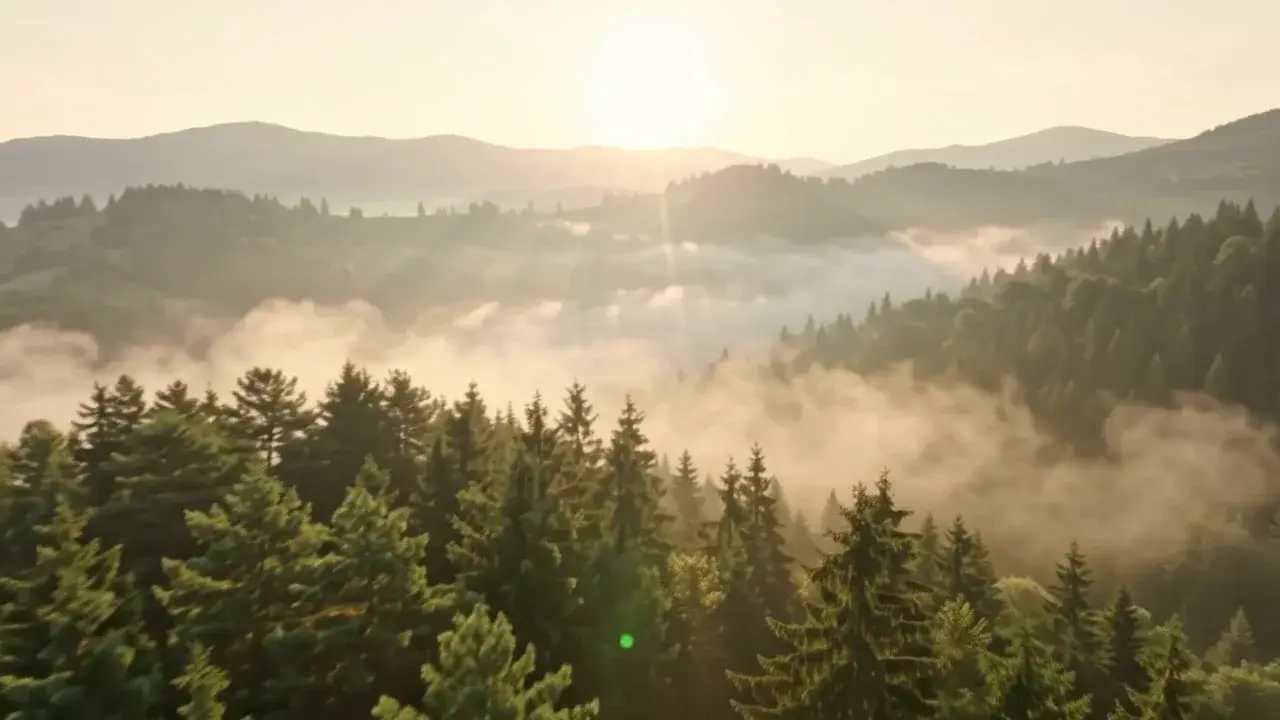
Foggy forest
Prompt
An aerial view over a pine forest filled with morning fog, the sun flaring above distant ridges.
Key features
15-second camera moves
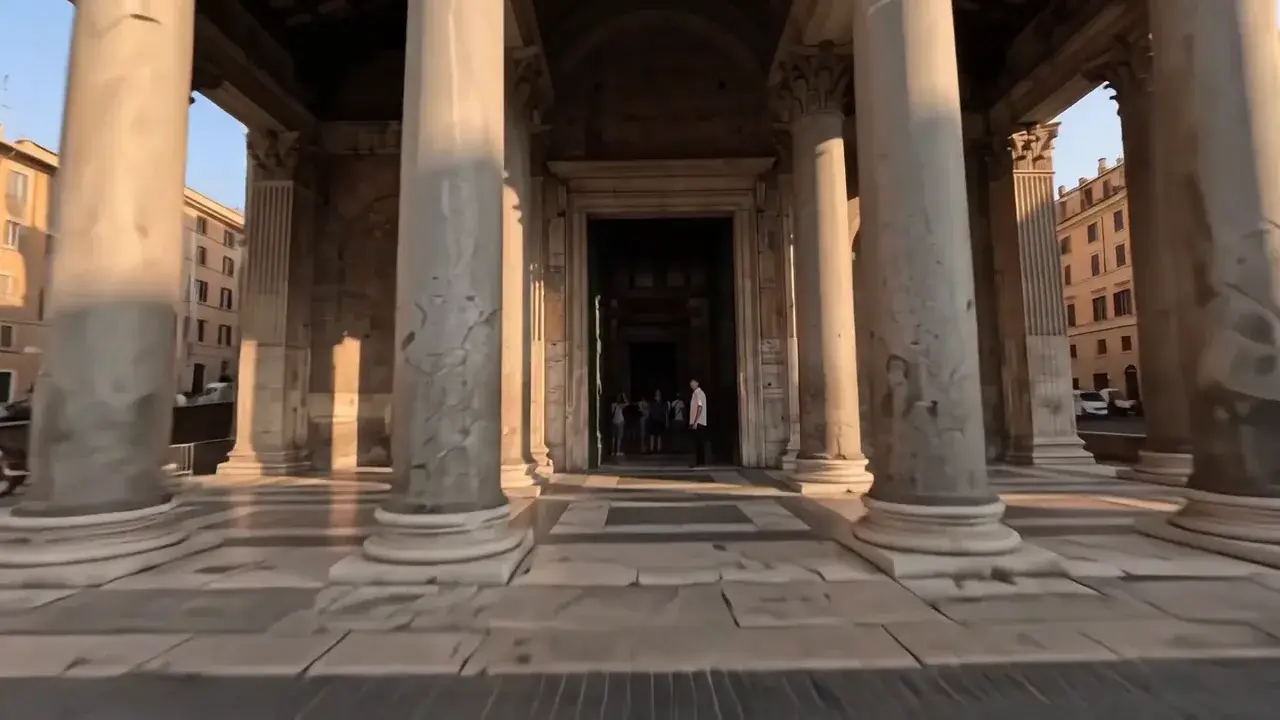
Hold one continuous move for as long as 15 seconds. This demonstration travels through the Pantheon columns without a cut.
How to Use Gemini Omni Flash 1.2
1. Start from text, one photo, or six photos
Write a prompt, add one start photo, or switch to reference mode and add up to six photos. A last frame belongs on the single-photo path and only through 10 seconds.
2. Set length, size, and frame
The draft starts at 5 seconds and 360p. Choose 3 to 15 seconds, 360p to 4K, and 16:9 or 9:16. 1080p and 4K are upscaled. Native audio stays on.
3. Generate, then review
The price on Generate matches that length and size. Review the picture and the soundtrack, then change the prompt or the photos and run again.
Gemini Omni Flash 1.2 pricing

Compare Gemini Omni Flash 1.2Compare Gemini Omni Flash 1.2
Gemini Omni Flash 1.2
This modelFast video concepts · Spoken scenes
3–15s5–116 credits
Fast video concepts · Social stories
4–10s10–26 credits
Cinematic ads · Dialogue scenes
4–8s49–62 credits
Gemini Omni Flash 1.2 questions
What can Gemini Omni Flash 1.2 generate on this page?
A 3 to 15 second video with native audio, from a prompt, from one start photo, or from up to six reference photos. 16:9 and 9:16 are the frame shapes. 360p, 720p, 1080p, and 4K are the sizes. 1080p and 4K are upscaled.
What files can I add?
Text needs no file. Image to video needs one start photo, and can add a last frame only when the length is 3 to 10 seconds. Reference mode takes one to six photos and does not take a last frame. This page does not take a reference video, an audio upload, or both frames and reference photos at once.
How many credits does a video cost?
A 5 second 360p video is 7 credits. At 5 seconds, 720p is 16, 1080p is 18, and 4K is 39. The shortest 360p video is 5 credits, and a 15 second 4K video is 116 credits. Generate shows the price for the length and size you picked.
Does the video include sound?
Yes. Native audio is always on, and there is no switch to turn it off. You cannot upload a voice track or a music file on this page.
Can I extend a video or replace part of one?
Not on this page. Each run creates a new 3 to 15 second video. Extending a finished video, editing a source video, and a standalone upscale control are not offered here. 1080p and 4K already include upscaling.
Create a Gemini Omni Flash 1.2 video
from a prompt or photos.
Start with text, one photo, or up to six reference photos. The draft is 5 seconds at 360p.
Open the generator ↑