AI Video Generator
Turn a prompt or an image you own into a short private video. Switch video mode and model, see credits first, keep results private.
- Text or image
- Social · Product · Concept
- 16:9 · 9:16 · 1:1
- 5s · 480p · 23 credits
Use AI Video Generator
AI Video Generator examples
Videos from a written scene or an image. Copy the prompt, or Try it in the generator without submitting.
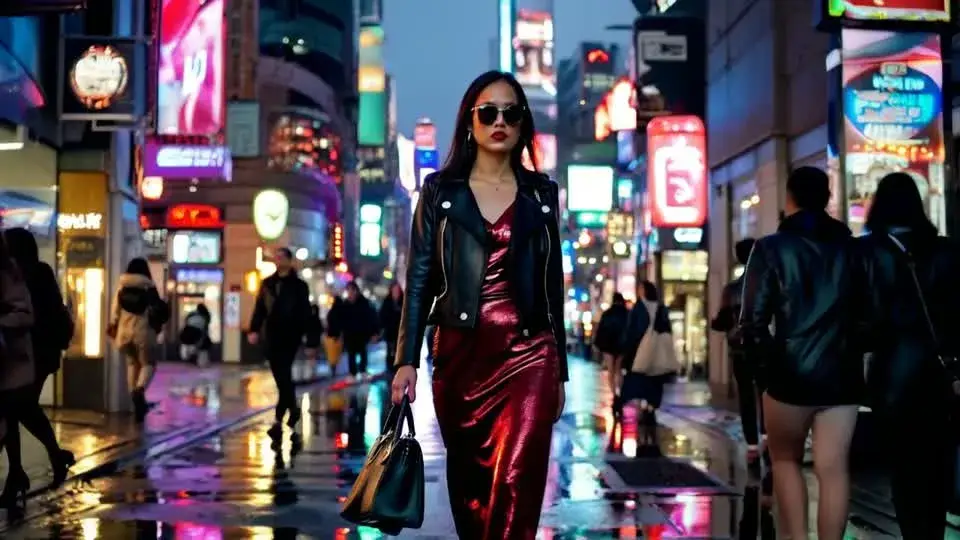
Neon street stroll
Prompt
A fashionable woman walks toward camera on a wet Tokyo street at night, neon signs and blurred pedestrians behind her. She wears a black leather jacket, a sleeveless red dress, sunglasses, and carries a small handbag.
AI Video Generator use cases
Social hooks and Reels
Short, attention-grabbing scenes for TikTok, Reels, and Shorts before a full shoot.
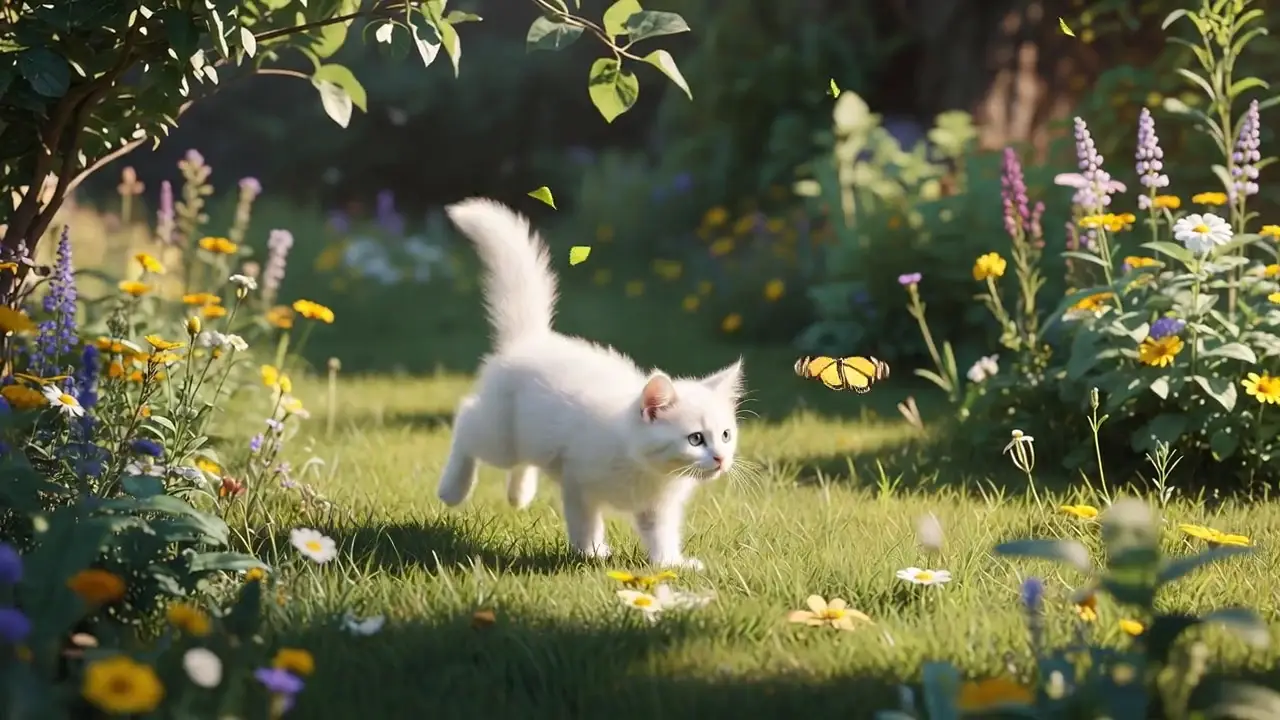
Product teaser videos
Animate a product image you own into a short launch or listing video.
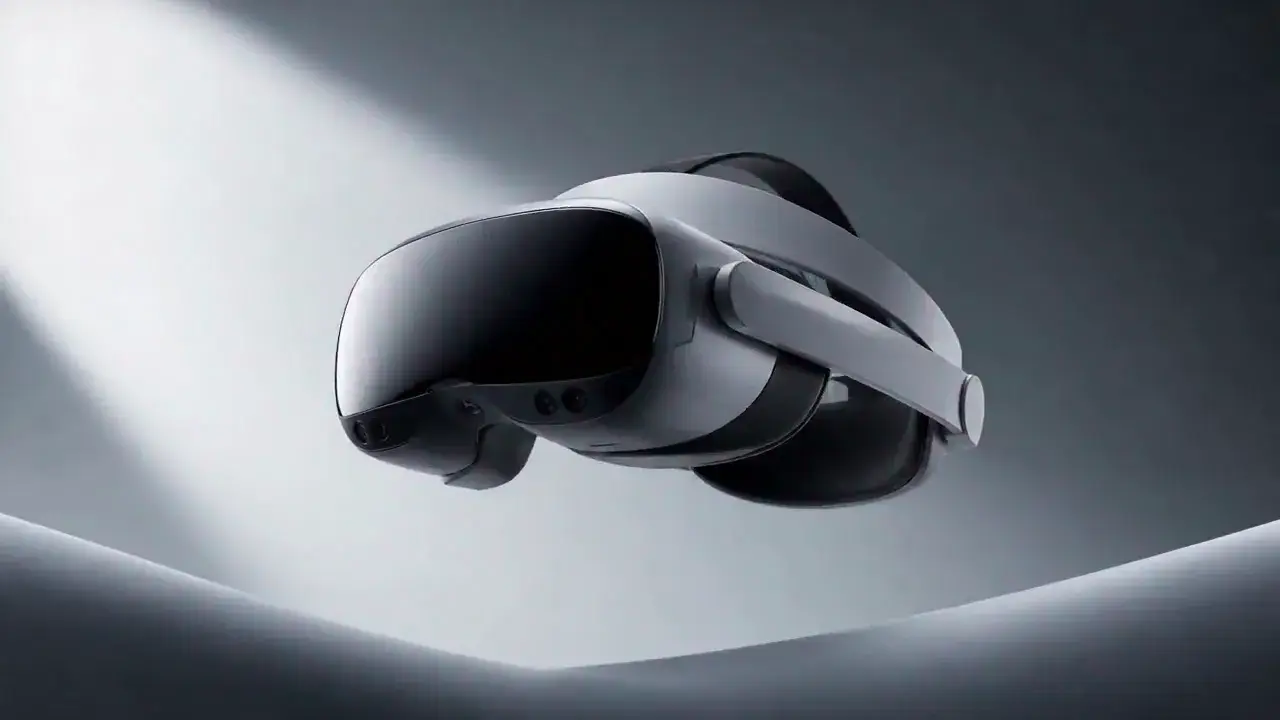
Concept and storyboard shots
Write a cinematic beat to test camera language before a longer edit or shoot.
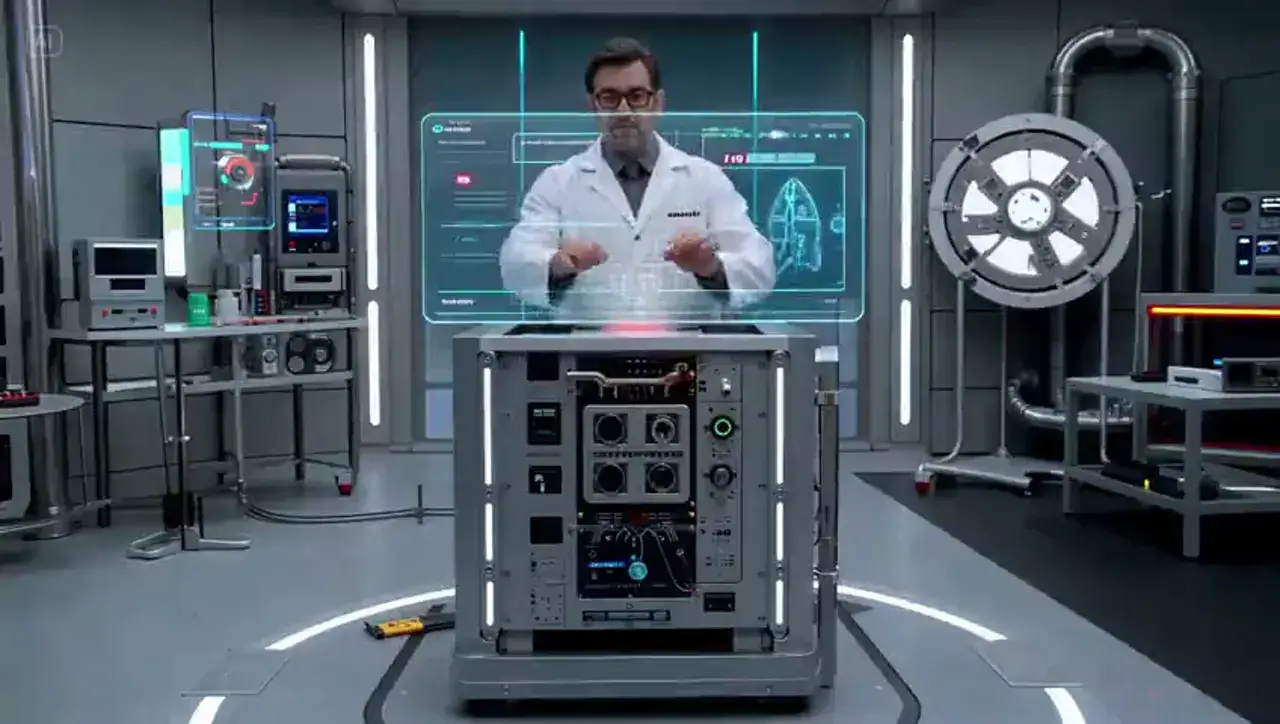
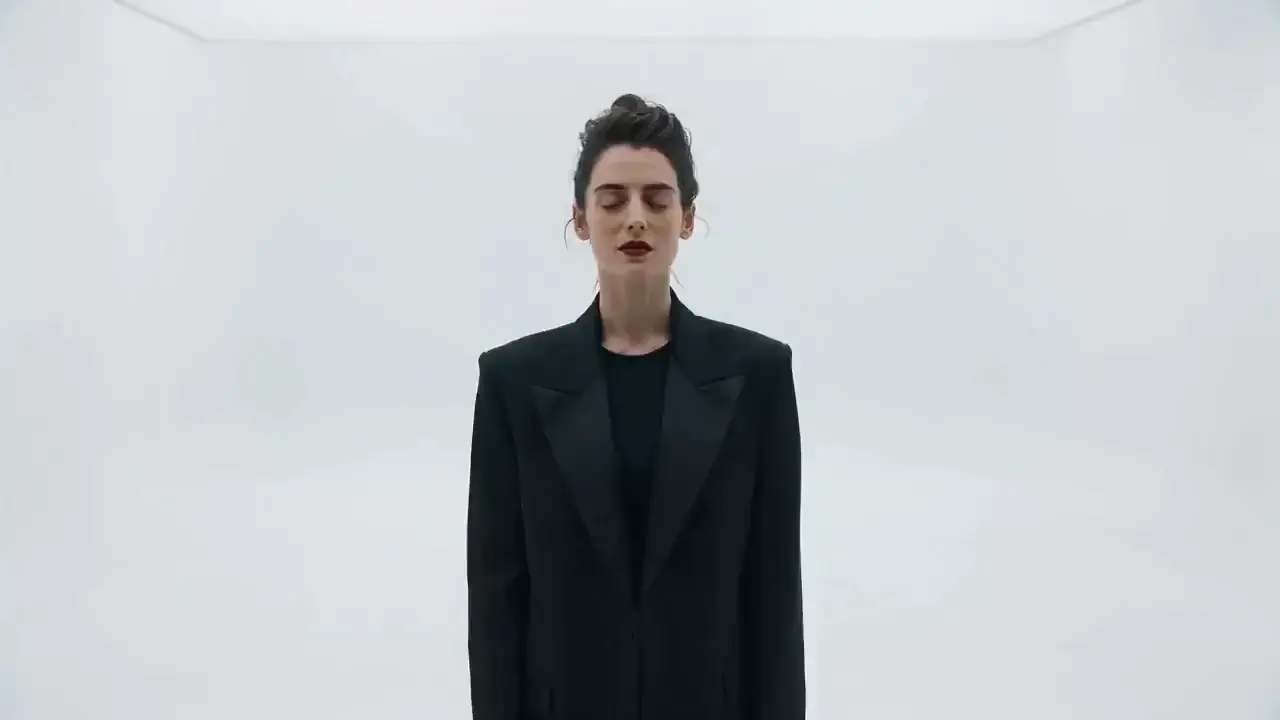
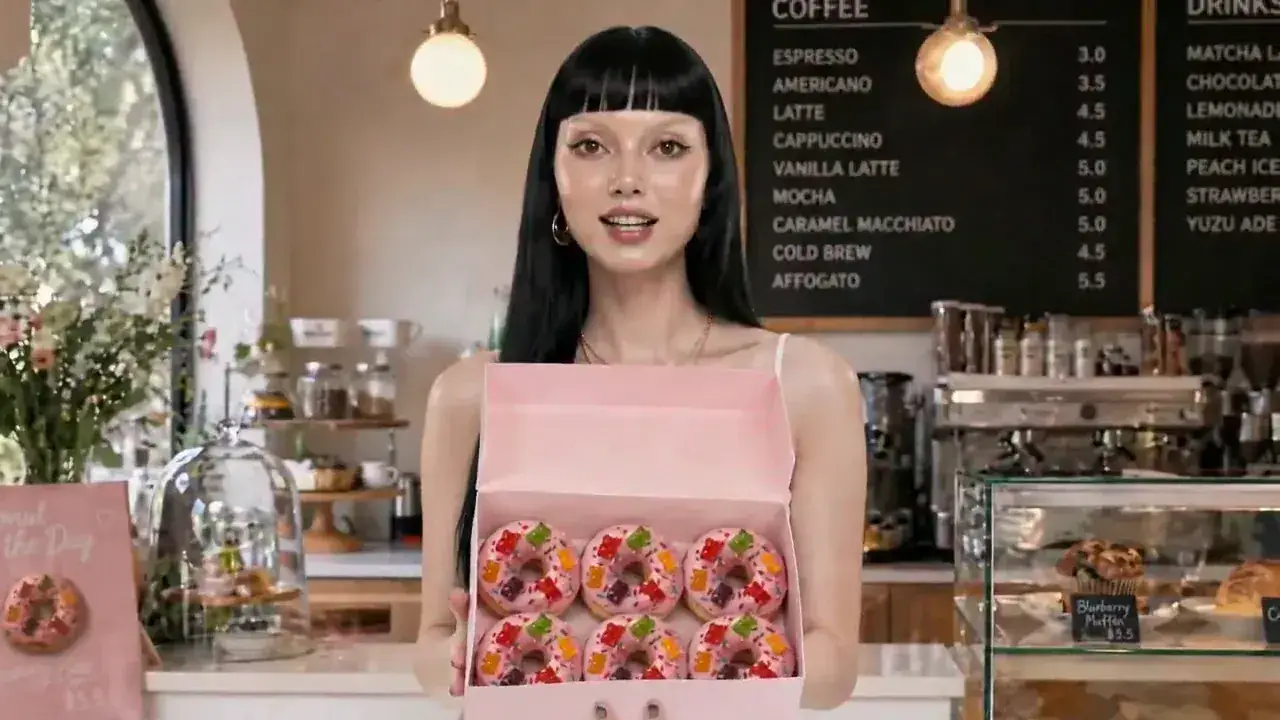
What AI Video Generator can do
Write a scene into video
Describe the subject, motion, camera, light, and sound. Generate a short video from the prompt — no shoot and no timeline.
Animate an image you own
Upload a product, portrait, or frame. The look stays in the image; motion and camera layer on top.
Set the shot before you generate
Switch Text to Video or Image to Video, then pick 9:16, 16:9, or 1:1 and the duration. Steer the camera in the prompt.
AI Video Generator models



How to generate AI video from text or an image
1. Add a prompt or image
Write the scene—subject, motion, camera, light, and sound—or upload an image you own. If you start from an image, describe only the motion. Example: a slow push-in past a cream bottle on marble, soft rim light, quiet room tone.
2. Set mode, format, and model
Choose Text to Video or Image to Video, then pick ratio, duration, and model. Credits update with the selected model.
3. Generate and download
Confirm the credit quote, generate a private video, inspect the result, then download or generate again.
AI Video Generator Pricing

Explore more AI tools
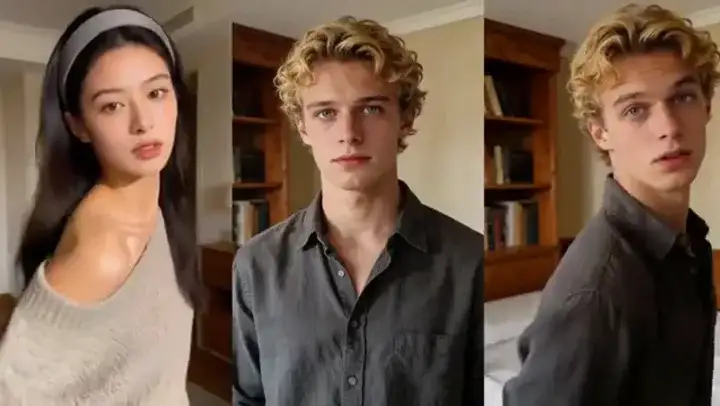
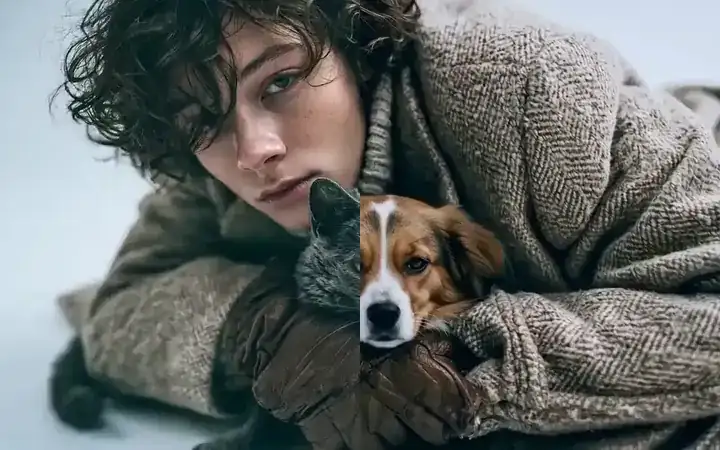
Copy a performance, restyle a finished video, or sharpen the export.
AI Video Generator FAQs
What is an AI video generator?
An AI video generator turns a text prompt or an image you own into a short video. MixVio AI Video Generator is the shared entry for that job. It is not Text to Video only, not Image to Video only, and not a script-to-finished-video editor with avatars, captions, or minute-long timelines. MixVio lets you switch video models, shows credits before you run, and keeps the video in your workspace.
How do I generate AI video from text or an image?
Three steps in the generator on this page. 1) Add a prompt or image: write the scene or upload an image you own. If you start from an image, describe only the motion. 2) Set mode, format, and model: choose Text to Video or Image to Video, then pick ratio, duration, and model. Credits update with the selected model. 3) Generate and download: confirm the credit quote, generate a private video, inspect the result, then download or generate again.
Is MixVio AI Video Generator free?
An account is required. Eligible Google-connected accounts receive 40 welcome credits once, valid for 7 days. AI Video Generator is available on the Free plan when your balance covers the quote. The default 5-second 480p Seedance 2.0 video costs 23 credits. Free videos do not add a MixVio plan watermark. Failed runs cost no credits.
How do credits work?
Credits are quoted from the selected model, duration, and resolution before you generate. Seedance 2.0 starts at 23 credits for 5 seconds at 480p. Other models on this page quote separately. Failed or cancelled tasks release the reservation.
What kinds of prompts work best?
Name the subject, action, camera move, lighting, and sound in one or two sentences. Example: a slow dolly past a cream ceramic bottle on marble, soft rim light, quiet room tone. Vague “make a cool video” prompts leave the model guessing. When you start from an image, describe only the motion you want added.
Add a prompt or image.
Generate a private video.
Add a prompt or an image you own, set the shot, confirm credits, and download a private video.
Start generating videos