OmniHuman 2.0 Make Photos Talk or Sing
Add one photo and an audio file. OmniHuman 2.0 returns a 720p video that follows the audio for lip sync, gesture, and emotion, for up to five minutes, with no watermark.
- 720p video
- Up to 5 minutes
- One photo and audio
- ByteDance · OmniHuman 2.0 docs ↗
Create with OmniHuman 2.0
Photo and audio demonstrations
Each demo is one photo performed to an audio file. Prefill copies the direction into the generator and does not generate.
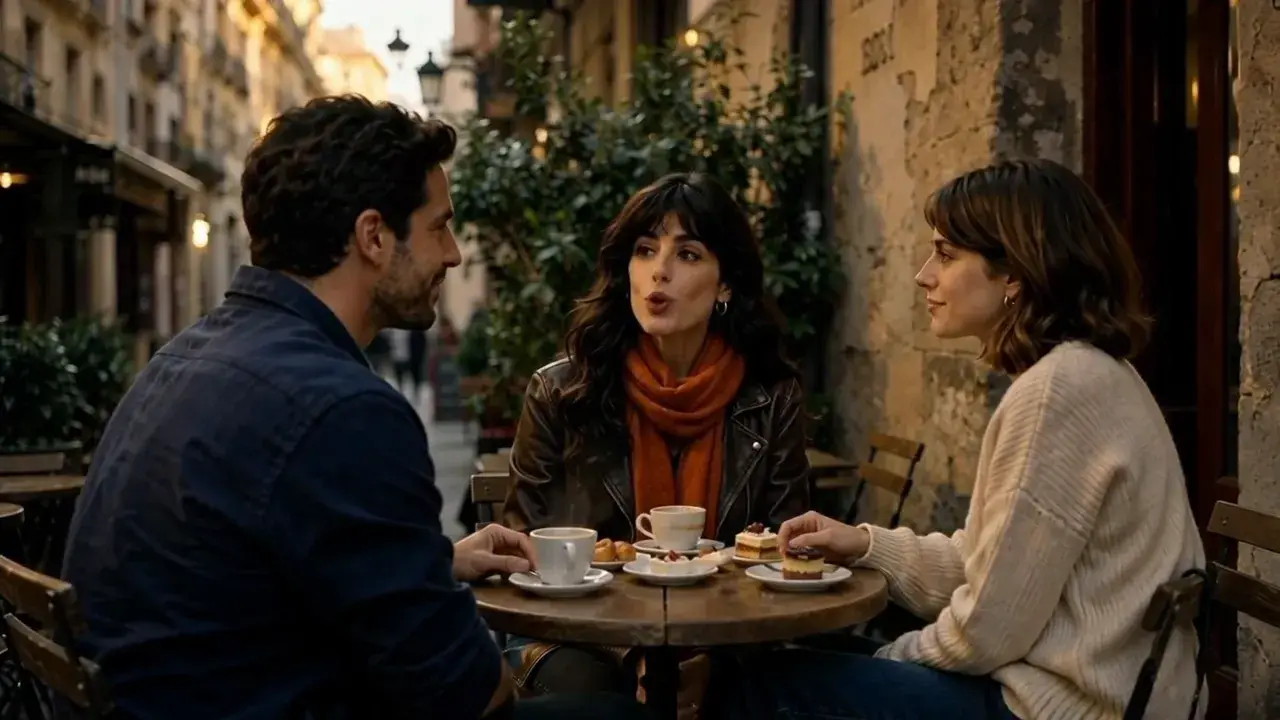
Café table
Prompt
Three people sit at a café table. The woman in the leather jacket and orange scarf speaks, beside a man in navy and a woman in a cream sweater, with cups and pastries on the table.
What OmniHuman 2.0 can do
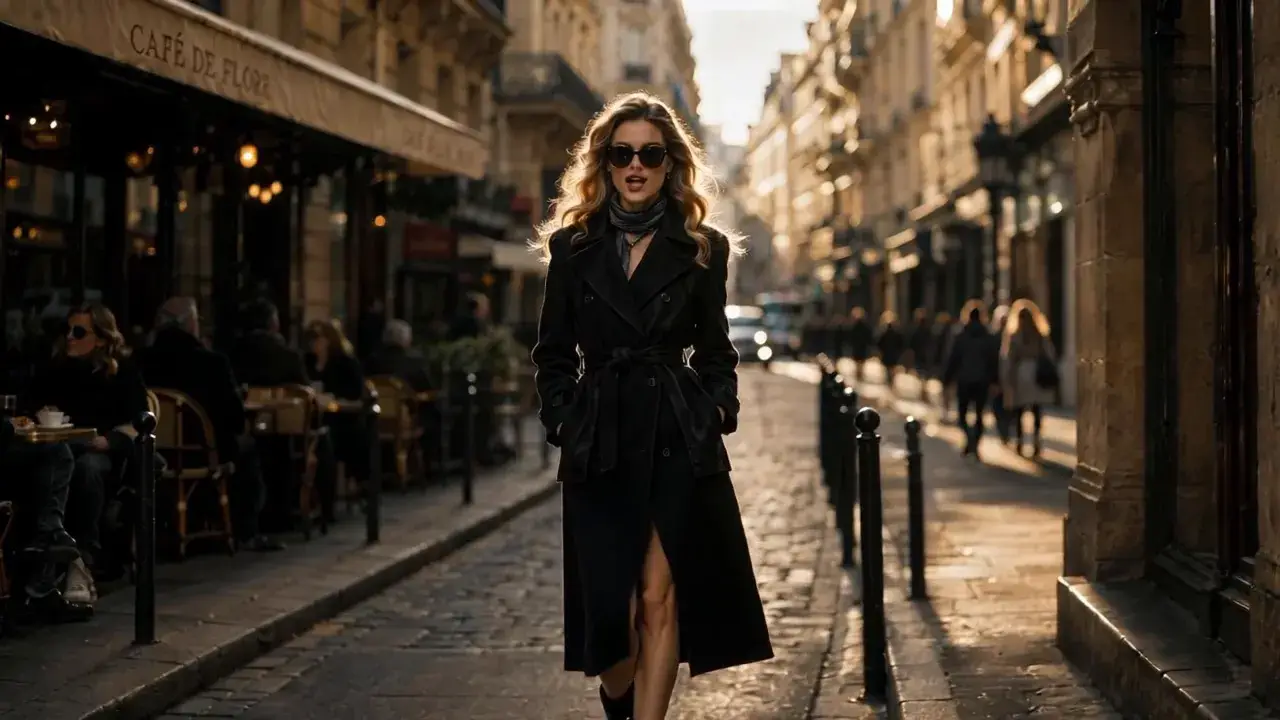
Text controls camera and action
A short direction can ask for a tracking camera, a turn, or a gesture. It does not replace the spoken words.
How to Use OmniHuman 2.0
1. Add one photo and one audio file
Use one photo of a person, several people, or a character, plus speech or music. Audio shorter than 4 seconds is padded with silence. Audio longer than 5 minutes keeps the first 5 minutes.
2. Describe the camera or the action
The prompt is optional. Use it for camera, gesture, or expression. It is not the spoken script and it does not replace the audio.
3. Generate the 720p video
The frame follows the photo and the length follows the prepared audio. Confirm the credit estimate, then review the private video. A long audio file takes much longer to finish.
OmniHuman 2.0 pricing

Compare OmniHuman 2.0Compare video models
OmniHuman 2.0
This modelPerforming uploaded audio from one photo, up to five minutes
4–300s20–1470 credits
4–30s one-takes, packs up to 50 files, and clay-render blocking
4–30s19–651 credits
3–30s at 720p or 1080p, with frames, photos, videos, elements, and voices
3–30s20–346 credits
OmniHuman 2.0 FAQs
What is OmniHuman 2.0?
OmniHuman 2.0 is ByteDance’s photo-and-audio video model. MixVio turns one photo and one audio file into a 720p video that follows that audio.
Which files can I add?
One photo and one audio file. The photo is fitted when it is outside the accepted size or shape. Speech, singing, and music all count as the audio. A video file is not an input.
What if my audio is too short or too long?
Audio under 4 seconds is padded with silence to 4 seconds. Audio over 5 minutes keeps the first 300 seconds. You can still trim a shorter selection yourself before generating.
Can I choose 1080p or a duration?
No. The video is 720p. The frame follows the photo, and the length follows the prepared audio. There is no duration, ratio, or resolution picker.
Do I have to write a prompt?
No. A prompt can steer camera, action, or expression in Chinese, English, Japanese, Korean, Mexican Spanish, or Indonesian. It does not speak the line. The audio does.
Start an OmniHuman 2.0 video.
Private. Credits shown first.
Add one photo and one audio file, then generate with OmniHuman 2.0 selected.
Create with OmniHuman 2.0 ↑