Bulin 47 AI Video Generator
Upload one photo to become the lead in the street freestyle. The people around them are recast, while the phone, red light, handheld camera and original sound stay.
- 1 photo · No prompt
- New faces · Original sound
- 9:16
- 15s · 480p · 90 credits
Bulin 47 AI workspace
Resolution
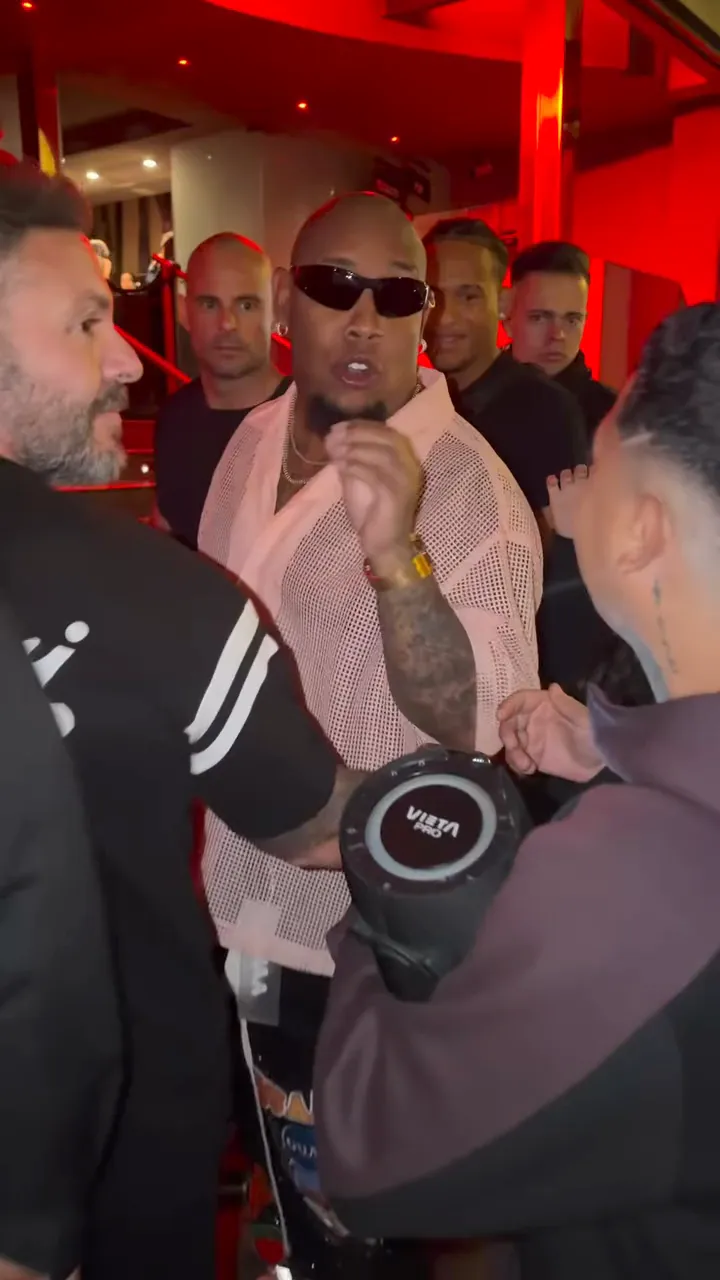
Your turn in the street freestyle
Bring your own look
The edit uses the face, hair, clothing and accessories visible in your photo for the lead behind the speaker.
Follow the freestyle
The lead follows the source shoulder rhythm, head turns and hand gestures, including moments when a hand or phone crosses the face.
Recast the street around you
The people around the lead get new faces, hair and clothes. Their number, positions and timing stay, and the person in front still holds the phone.
Best photos for a Bulin 47 AI video
Use a head-and-shoulders photo. Keep the face about a quarter of the frame, and skip full-body shots.
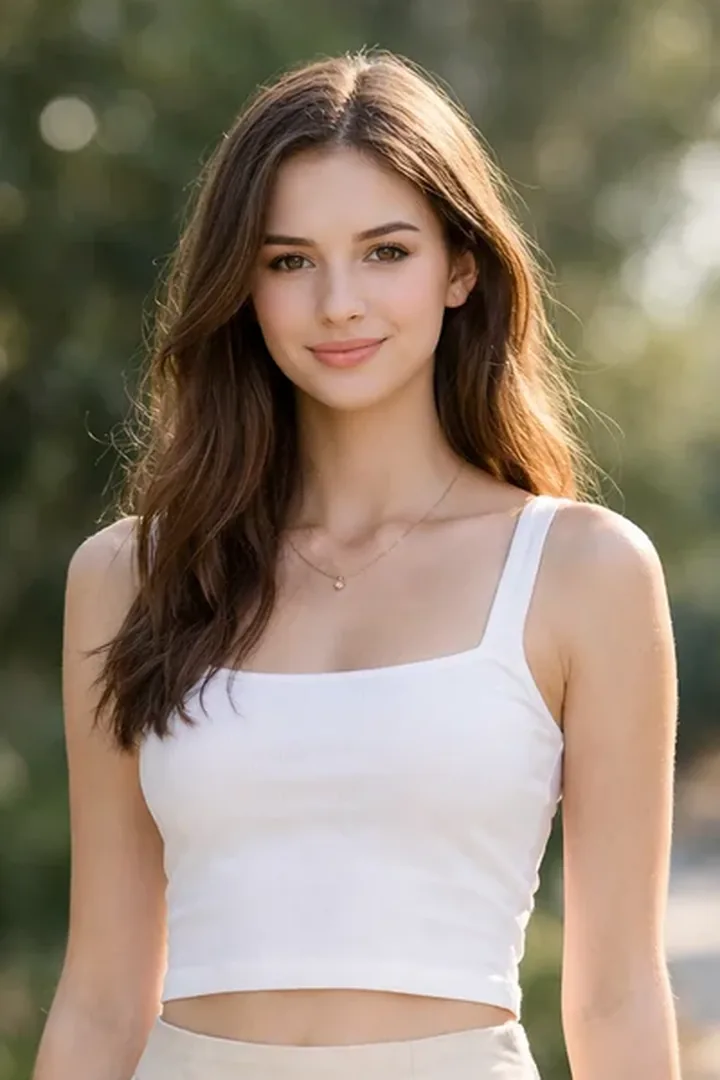
Good photo
Head and shoulders
Face the camera in soft, even light. Keep the face about a quarter of the frame, with the shoulders and upper outfit visible.
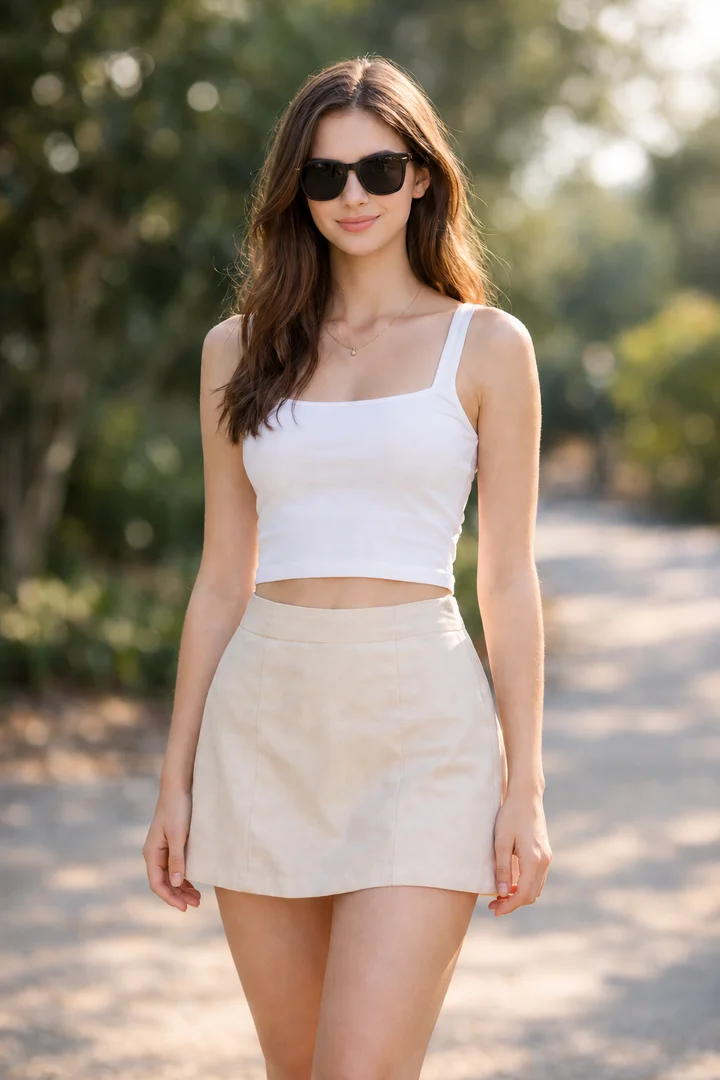
Avoid
Covered eyes
Sunglasses hide the eyes and make facial details harder to follow.
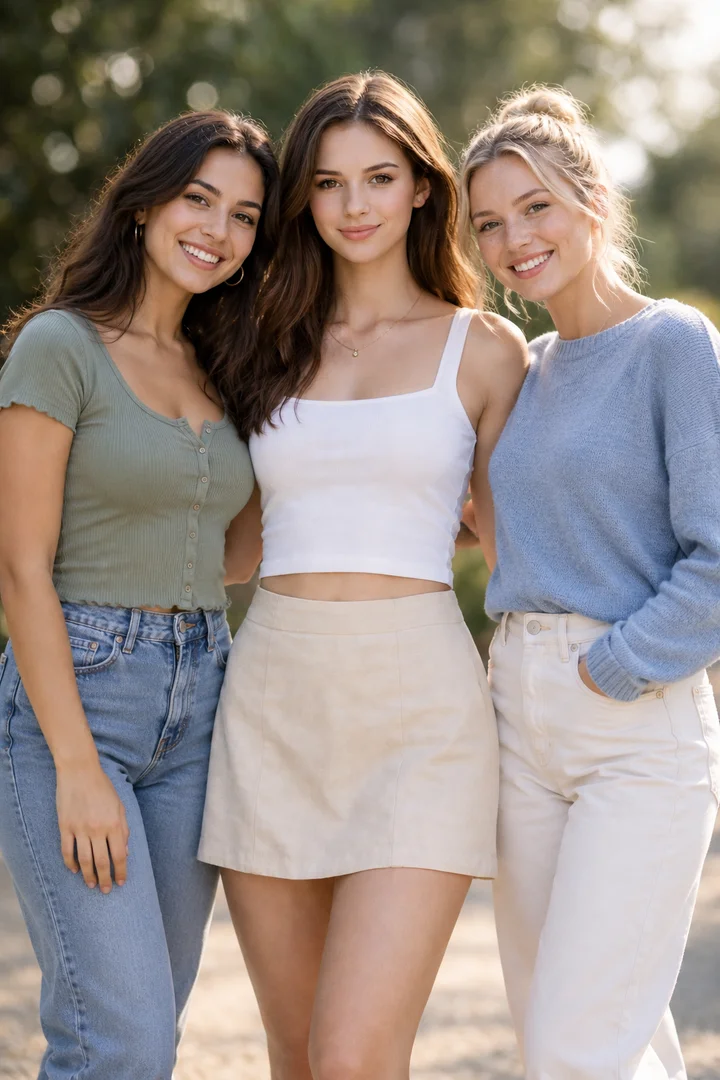
Avoid
Several people
A group photo makes the intended lead unclear. Choose a photo with only one person.
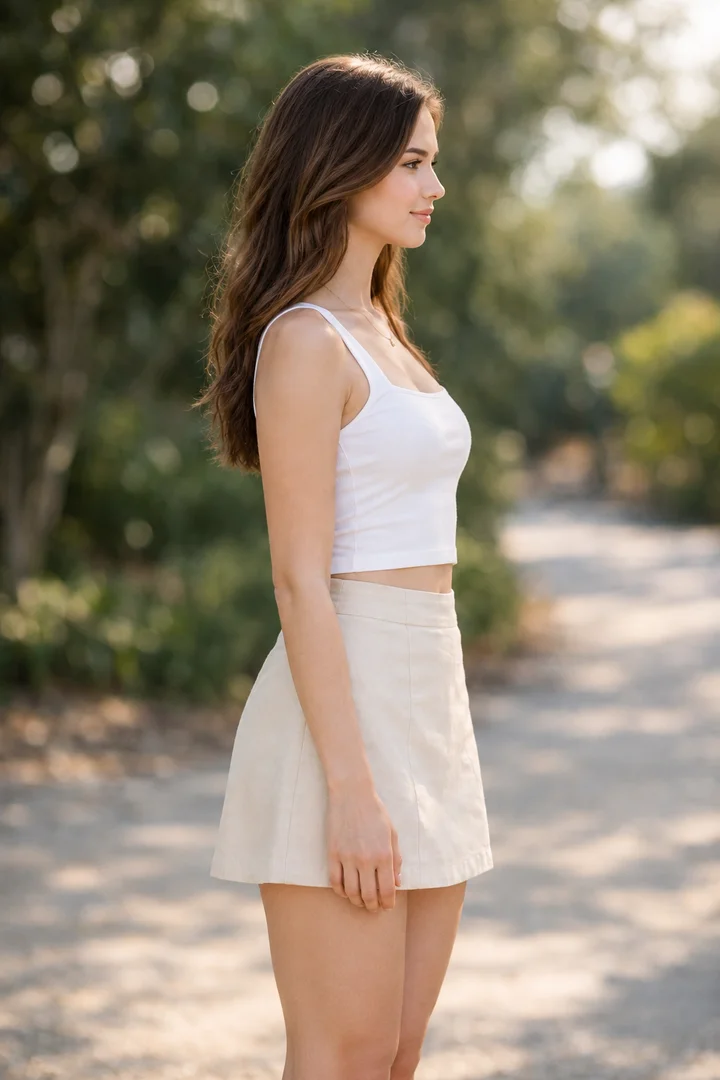
Avoid
Extreme side angle
A full side profile hides part of the face. Choose a front-facing view instead.
How to make a Bulin 47 AI video
1. Upload one photo
Add one front-facing head-and-shoulders photo of a consenting adult. Keep the face about a quarter of the frame, with the shoulders and upper outfit visible.
2. Choose the resolution
Keep the vertical frame. Choose 480p or 720p, confirm photo permission, and review the credit quote.
3. Review and download
Watch the full video with sound, check the face and hands, then download it.
Bulin 47 AI Pricing
More AI Effects
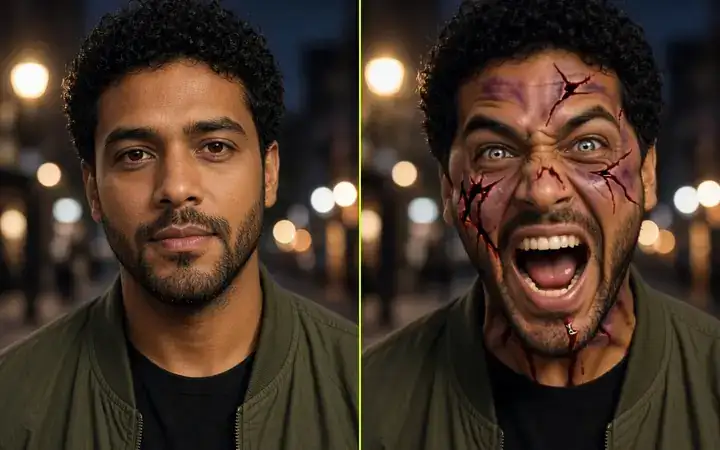
AI Zombie
Upload one portrait and watch the face crack, bleed and turn into a screaming zombie in a 5-second video with sound.From 21 credits
Zombie Love Story
Upload two photos for the viral zombie love story trend: a tense standoff, a sudden lunge, then a twist cut to a warm hug, in one 15-second video.From 45 credits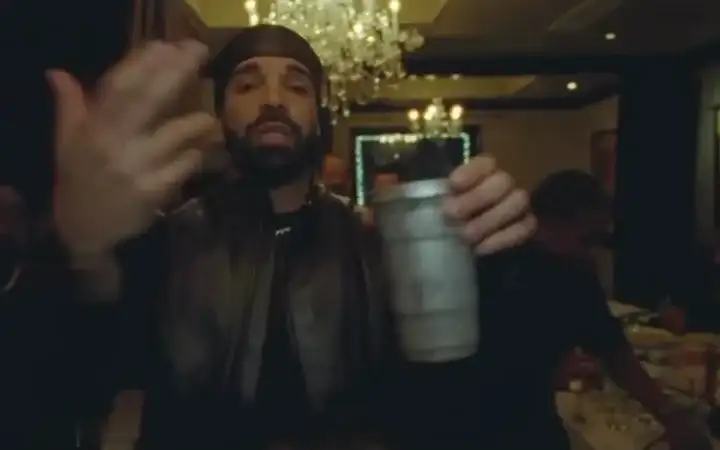
Burning Bridges AI
Replace the lead in the party video with your photo, keeping the source performance, camera movement and scene.From 375 creditsBulin 47 AI FAQs
What is Bulin 47 AI?
It is a character effect for the street freestyle trend. Your photo supplies the lead, and the prepared video supplies the gestures, camera and timing. The people around the lead are recast. This is an independent AI effect and is not affiliated with Bulin 47 or Kevin Wai.
What photo works best?
Use one sharp, evenly lit head-and-shoulders photo of an adult. Keep the face about a quarter of the frame or larger, with the eyes, shoulders and upper outfit visible. Full-body shots, group photos, sunglasses and heavy filters make the face harder to follow.
Do I need a reference video or a prompt?
No. The effect supplies the freestyle and the editing direction. You only upload a photo. To edit your own video with your own prompt, use Image to Video.
How long is the video, and what is its framing?
Each run creates one 15-second 9:16 vertical video. Choose 480p or 720p. 480p is the default. Credits update with the resolution.
Does the video keep the original sound?
The source audio track is attached to the picture automatically after the character edit, rather than asking AI to recreate the performance. Lip sync can vary. Listen to the finished video before sharing.
Ready for your
freestyle?
Upload one photo and take the lead in the street freestyle.
Make my freestyle