Enzo Celebration AI Video Generator
AI results may vary. Photos and examples are references, not guaranteed results.
Upload one front-facing photo and make an 8-second stadium celebration video. Both hands cup the ears, a kiss goes toward the crowd, and the stadium stays around the person in the photo. AI results may vary.
- 1 photo · Upper body
- Hands to ears · Crowd kiss
- 16:9 · 9:16
- 8s · 480p · 68 credits
Enzo Celebration AI workspace
Resolution

What the Enzo Celebration AI video looks like
Opening · Walk in your clothes
The person in your photo moves through the stadium in the clothes from the photo. Background people stay in the scene.
The gesture · Hands and a kiss
Both hands come up beside and behind the ears, elbows out, and a kiss goes toward the crowd. The head turns from side to side later in the video.
Desktop and phone examples
A desktop shows a widescreen example. A phone shows a vertical example. A desktop generation uses a widescreen frame, and a phone generation stays vertical. You do not pick the frame.
Best photos for Enzo Celebration AI
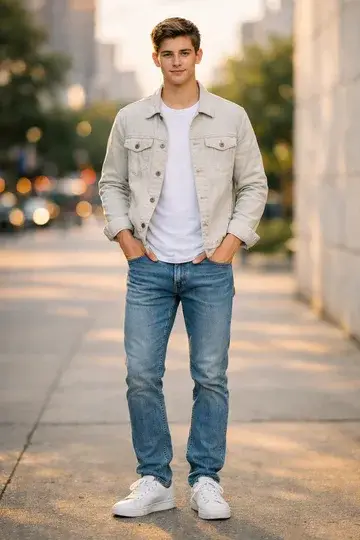
Use a clear portrait with the complete head, hair, shoulders and upper outfit visible. Keep the face large enough to see its details. Upload one original photo per adult in the requested order. Use even lighting and a plain background. Avoid group photos, collages, portrait thumbnails, screenshots, sunglasses, covered faces, severe side angles, blur and heavy filters.
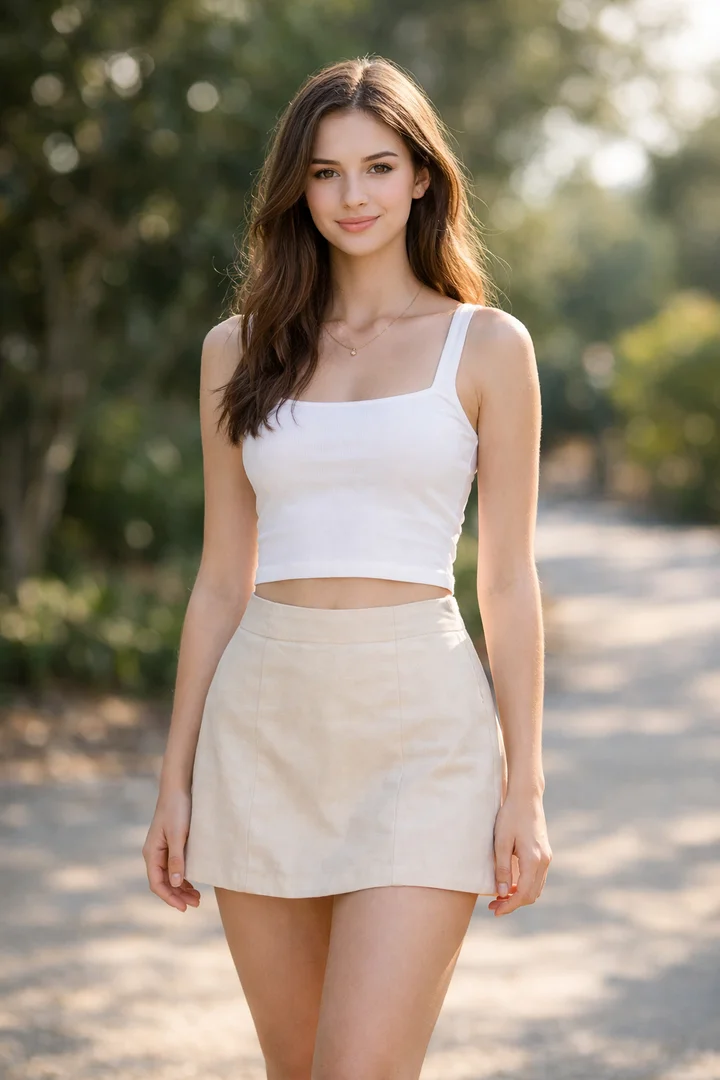
Good photo
One clear face
Face the camera in soft, even light. Keep the eyes visible and include the upper body when possible.
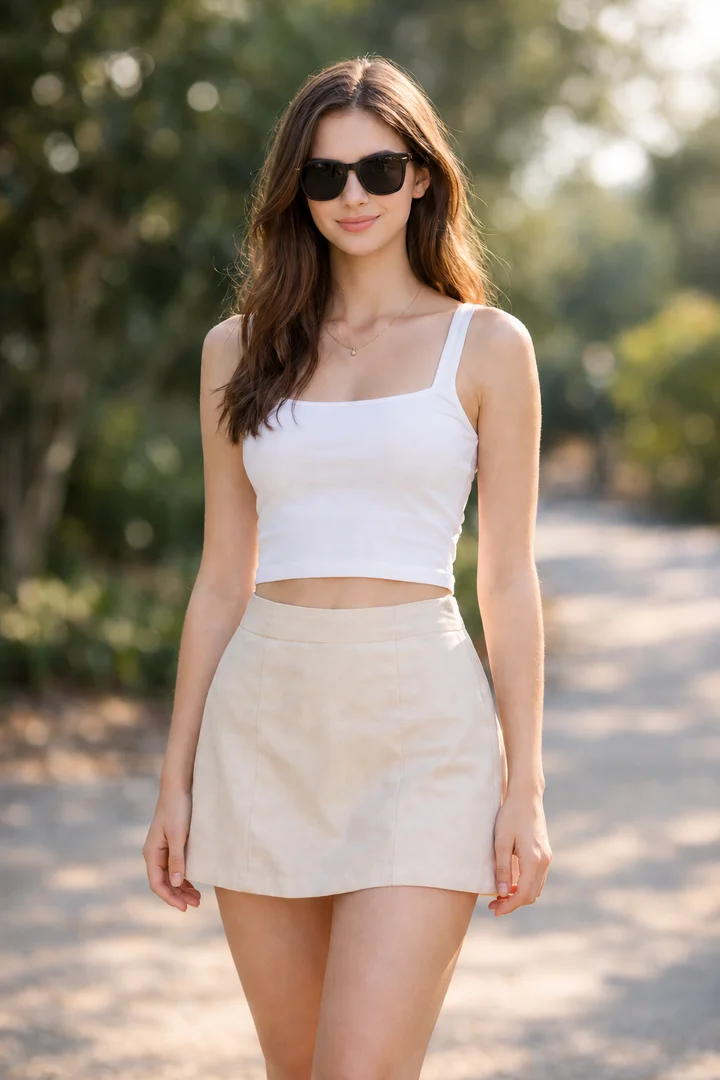
Avoid
Covered eyes
Sunglasses hide the eyes and make facial details harder to follow.
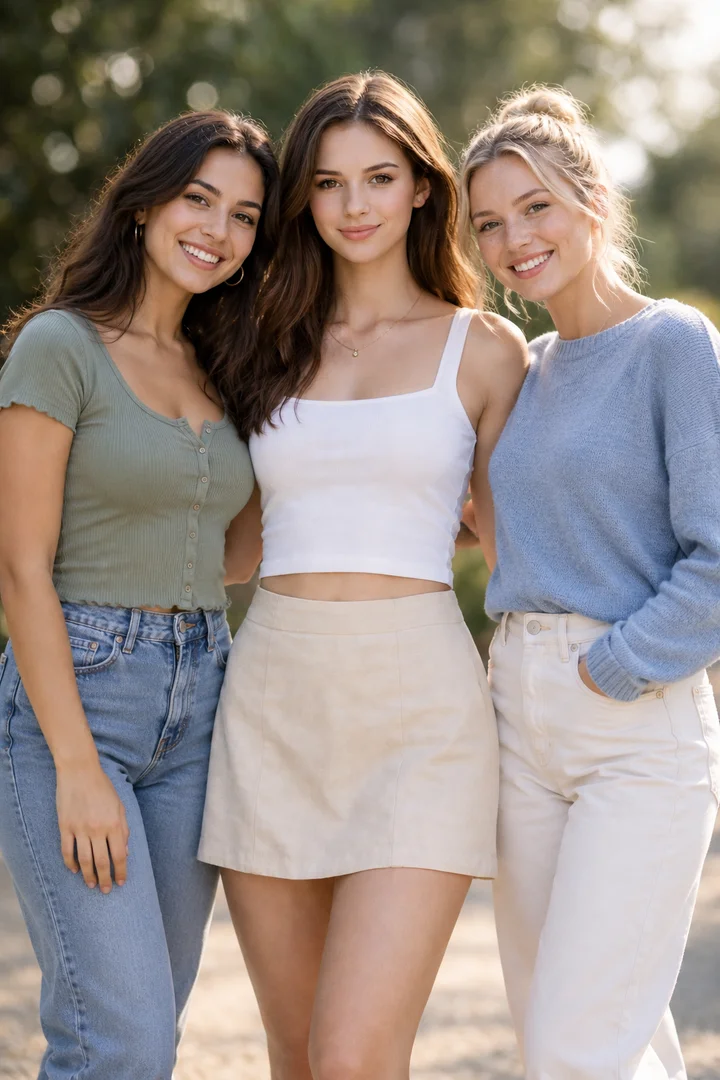
Avoid
Several people
A group photo makes the intended lead unclear. Choose a photo with only one person.
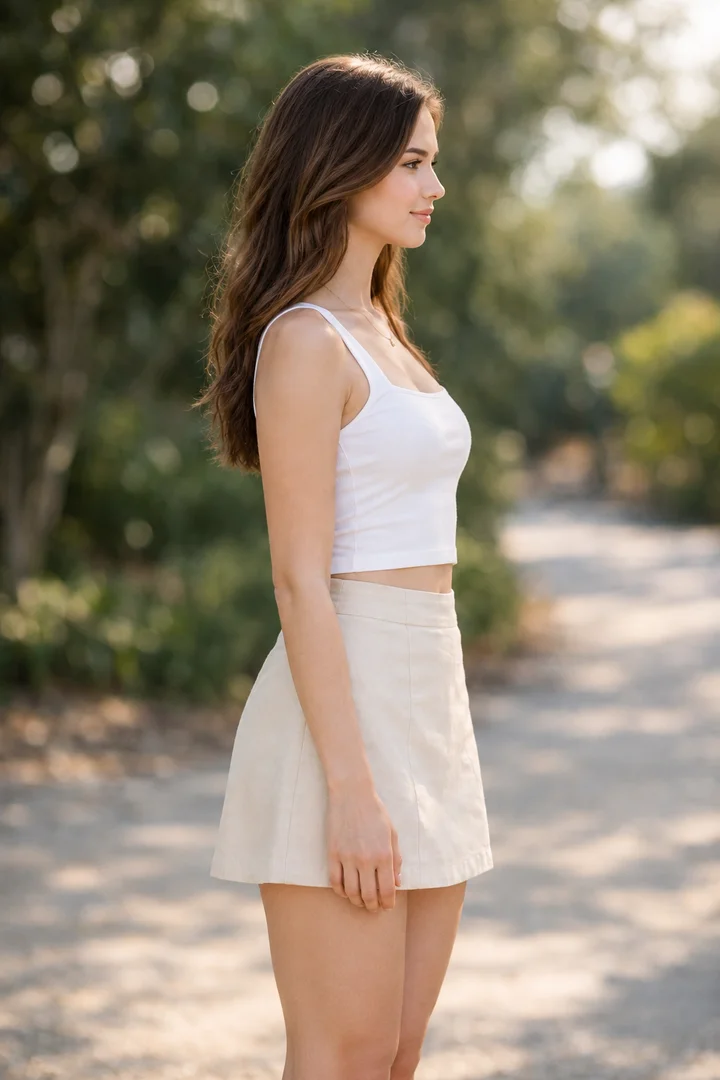
Avoid
Extreme side angle
A full side profile hides part of the face. Choose a front-facing view instead.
How to make an Enzo Celebration AI video
1. Upload one photo
Add one front-facing photo of an adult, with the face and upper body visible.
2. Keep 480p or choose a larger video
480p is selected already. Switch to 720p or 1080p only if you want a larger video. A desktop uses a widescreen frame and a phone uses a vertical frame.
3. Download the video
Download the 8-second video with sound after you confirm you may use the photo.
Enzo Celebration AI Pricing
More AI Effects
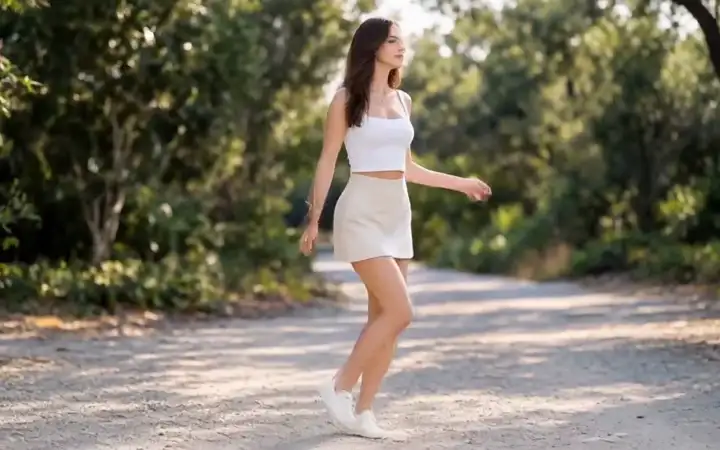
AI Moonwalk Dance
Turn one full-body photo into a moonwalk-inspired dance with backward glides and music in your own setting.From 60 credits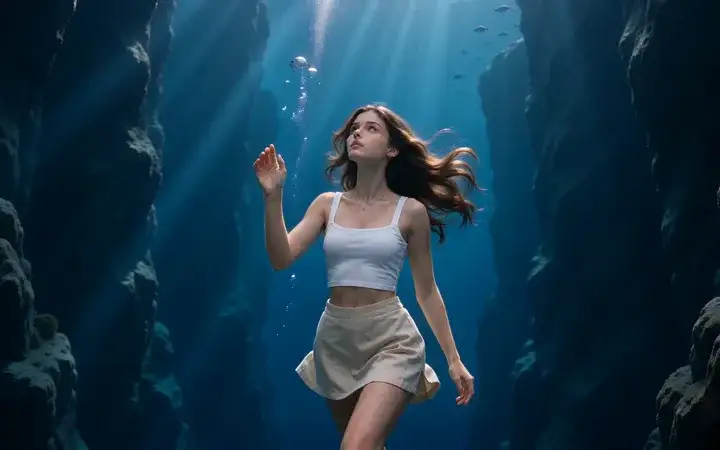
Deep Sea Viral Video
Upload one full-body photo and float through a quiet blue canyon in a 5-second widescreen video.From 8 credits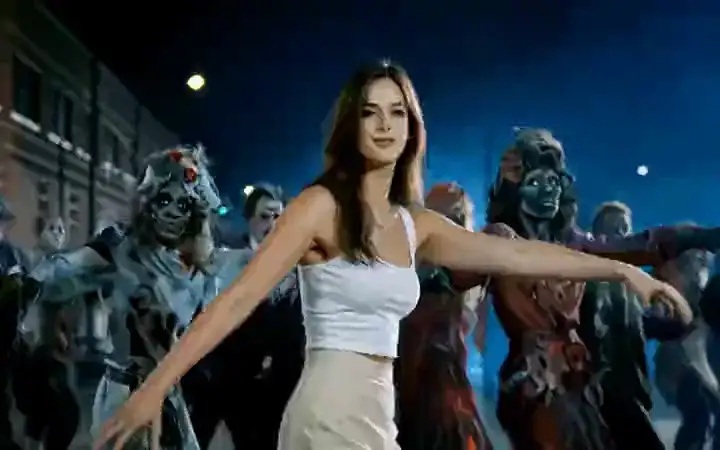
AI Thriller Dance
Upload one full-body photo and lead a night-street zombie dance. The crowd, camera, and music stay in one 14-second video.From 87 credits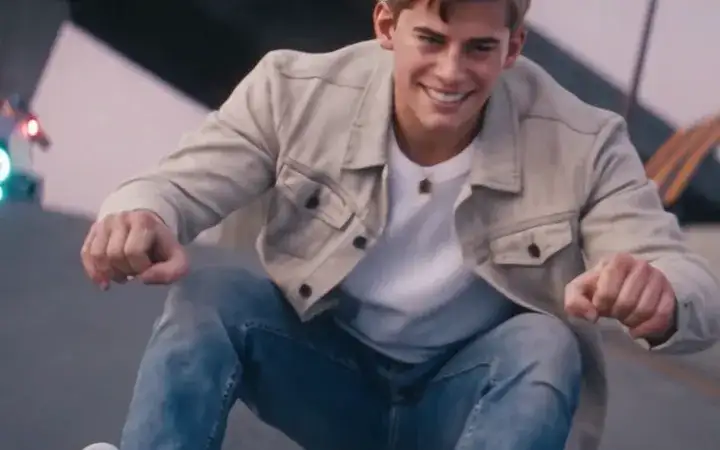
Crazy Frog AI
Upload two photos for the Crazy Frog AI chase: one person rides low on an invisible motorbike while a friend follows on a pursuit vehicle, in one 15-second widescreen video.From 165 credits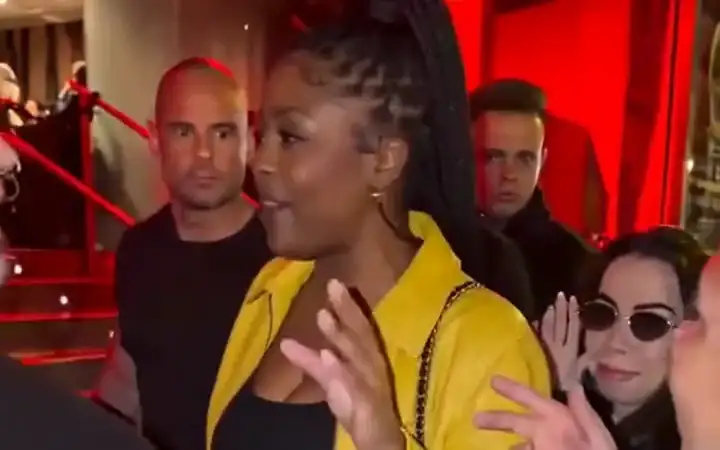
Bulin 47 AI
Replace the lead in the street freestyle with your photo. The people around them change, while the phone, red light, camera and original sound stay.From 90 credits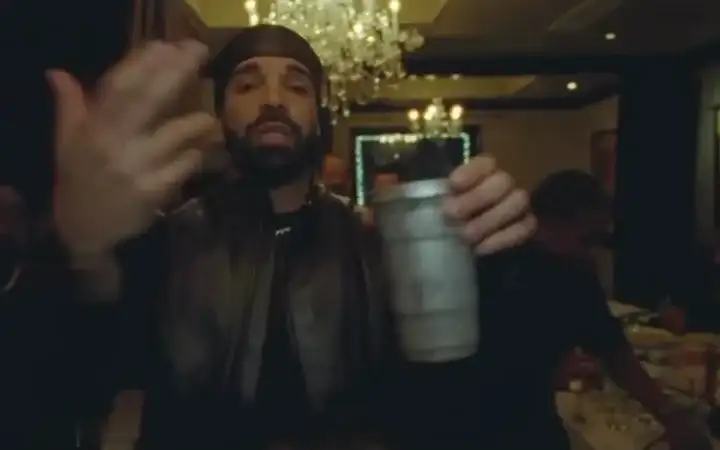
Burning Bridges AI
Create a Burning Bridges-style party video using your photos as references for the lead and optional supporting cast. Results may vary.From 375 credits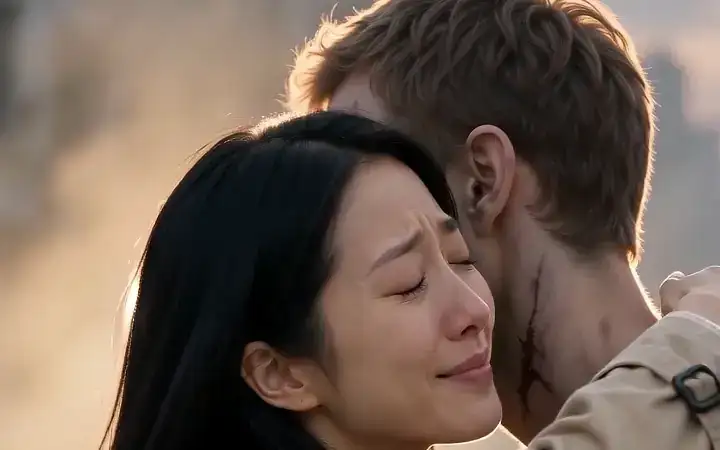
Zombie Love Story
Upload two photos for the viral zombie love story trend: a tense standoff, a sudden lunge, then a twist cut to a warm hug, in one 15-second video.From 45 credits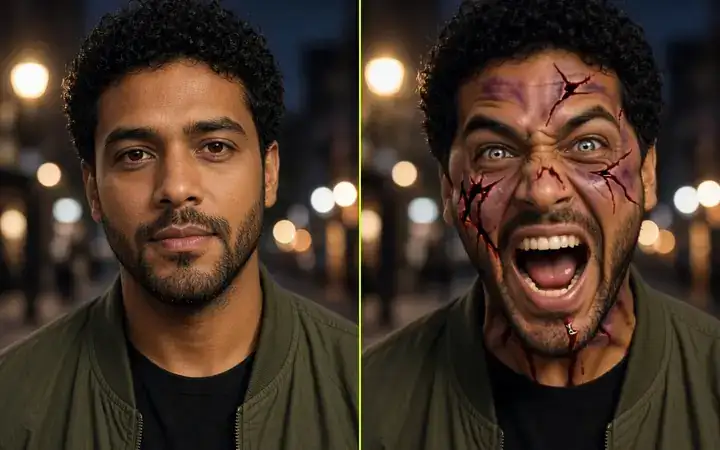
AI Zombie
Upload one portrait and watch the face crack, bleed and turn into a screaming zombie in a 5-second video with sound.From 21 creditsEnzo Celebration AI FAQs
What is Enzo Celebration AI?
An independent celebration gesture. You upload one photo, and the video shows both hands cupping the ears and a kiss toward the crowd in a stadium. You do not write a prompt. This is not a video of a player, a club, or FIFA.
Will my video match the photos and example exactly?
AI results may vary. We cannot guarantee an exact likeness or a specific creative result. The person may only partly resemble the photo. Clothes, hands, the ear-cup gesture, the kiss and the timing can change. Background people and the stadium can shift. The desktop example is widescreen, and the phone example is vertical. Clear photos can help, but photo cleanup and higher resolution do not guarantee a match. Examples illustrate possible outcomes, not guaranteed results. Review the finished video before sharing.
Can photo cleanup fix every picture?
No. Background cleanup can remove distractions around a clear person, but it cannot reliably recover a tiny, blurry or hidden face, choose somebody from a group, or reconstruct a missing body. Use one original photo per adult without collages or portrait thumbnails. Cleanup does not guarantee an exact likeness. Effects that animate your original photo keep its scene instead of replacing the background.
What should I do if a photo is rejected?
Replace the numbered photo mentioned in the message, following the Best photos guide above. Keep the other photos in their original order. Use a closer photo for a tiny face, an original photo for a screenshot or collage, and a complete full-body photo when the action needs it. A failed photo check stops video generation and returns reserved generation credits.
What photo works best?
Use a clear portrait with the complete head, hair, shoulders and upper outfit visible. Keep the face large enough to see its details. Upload one original photo per adult in the requested order. Use even lighting and a plain background. Avoid group photos, collages, portrait thumbnails, screenshots, sunglasses, covered faces, severe side angles, blur and heavy filters.
Ready for your
stadium celebration?
Upload one photo and make your own Enzo Celebration AI video.
Make my celebration video