PixVerse V6 Max AI Video Generator
PixVerse V6 Max makes a 1–15 second video from a text prompt or one photo. Direct the camera and the performance in the prompt, and leave native audio off until you want it.
- Up to 15-second 1080p
- Optional native audio
- Text or one photo
- PixVerse · PixVerse V6 Max docs ↗
Create with PixVerse V6 Max
PixVerse V6 Max examples
Seven public demonstrations. The public set did not include twelve unique clips without a logo or a duplicate, so this page does not pad the row.
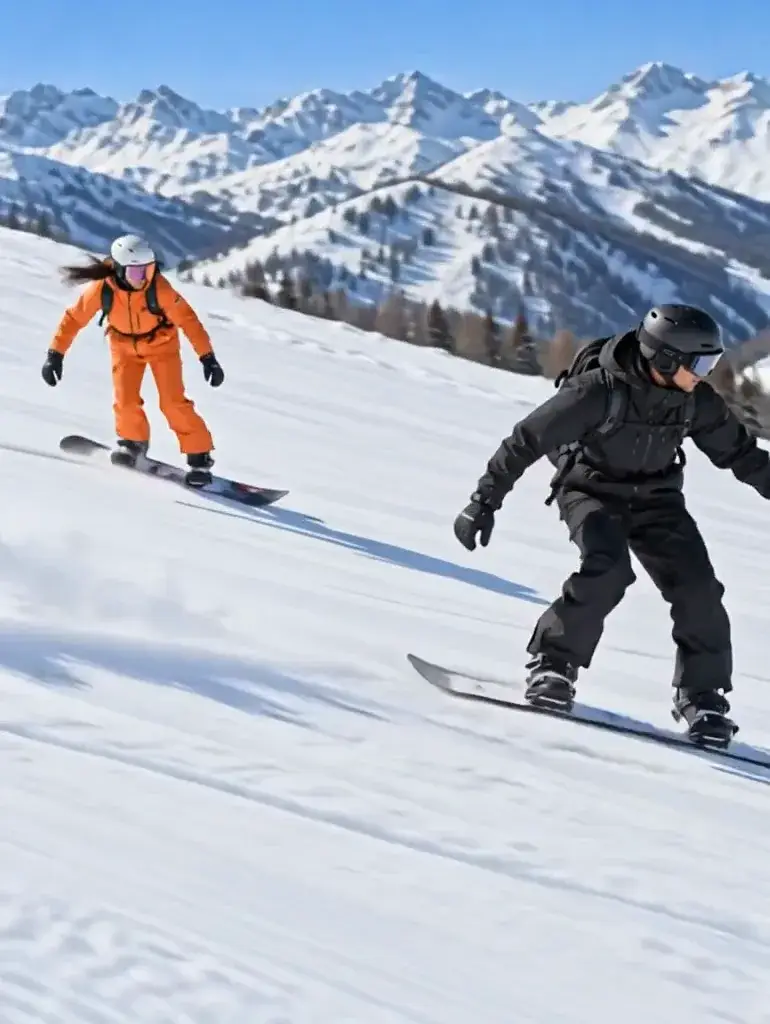
Alpine pass
Prompt
Two snowboarders, one in an orange suit and one in black, stand on a snowy ridge with peaks behind them.
Key Features of PixVerse V6 Max
Cinematic camera
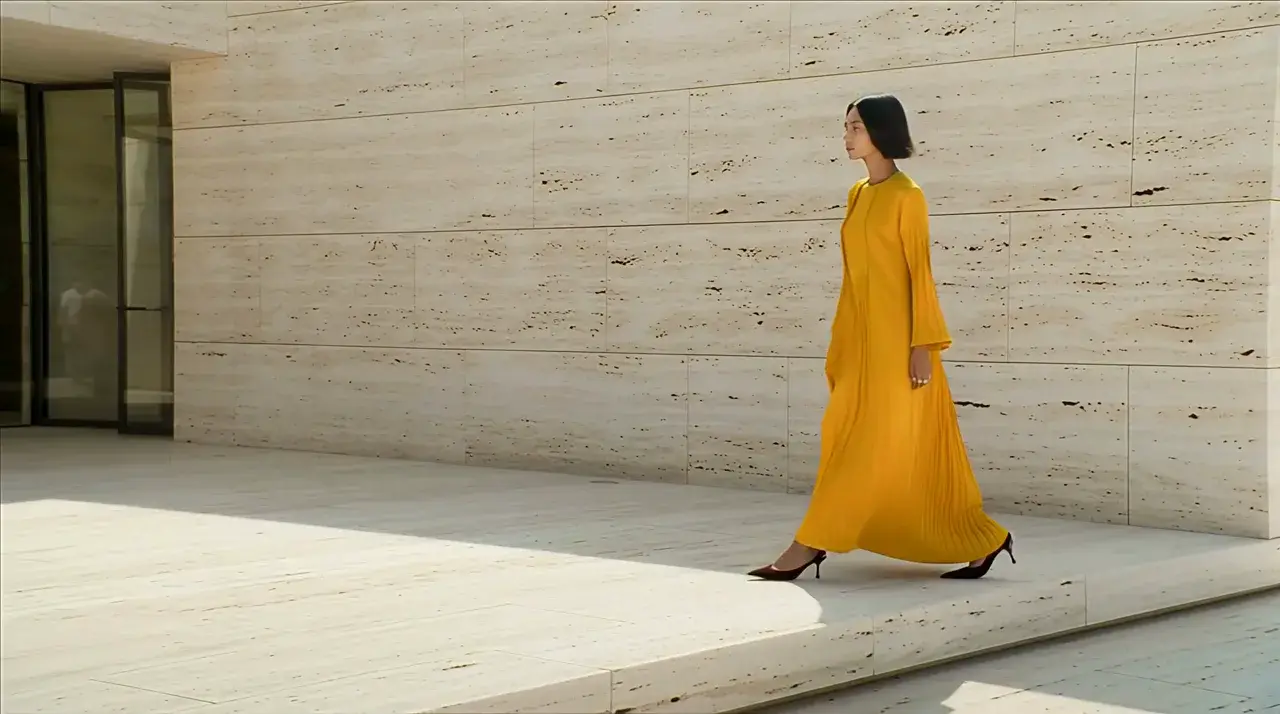
A woman in a long yellow dress walks a pale stone plaza in sunlight. This sample is 8 seconds at 1080p, from text. The route also reaches 15 seconds.
How to Use PixVerse V6 Max
1. Start from text or one photo
Text to video needs a prompt and no file. Image to video needs one JPEG, PNG, or WebP photo you have rights to use.
2. Set length, size, and audio
Choose 1–15 seconds and 360p, 540p, 720p, or 1080p. Audio starts off. Multi-shot is only on text to video, and the frame follows the photo on image to video.
3. Generate, then review
The price on Generate follows the length, size, and audio switch. Multi-shot does not change it. Review the result, then change the prompt or the photo and run again.
PixVerse V6 Max pricing

Compare PixVerse V6 MaxCompare PixVerse V6 Max
PixVerse V6 Max
This model1–15s cinematic video from text or one photo, with optional audio
1–15s2–88 credits
1–15s videos from text or one photo, optional audio and multi-shot
1–15s2–75 credits
4–30s one-takes, packs up to 50 files, and clay-render blocking
4–30s19–651 credits
PixVerse V6 Max questions
What is PixVerse V6 Max on this page?
PixVerse V6 Max is a separate PixVerse video model for cinematic camera work and character performance. This page generates 1–15 second video from a text prompt or from one photo, with native audio left off until you turn it on.
How is PixVerse V6 Max different from PixVerse V6?
PixVerse V6 Max is its own model and its own price. It takes text or one photo. It does not offer a last frame, multi-photo fusion, extend, or cameos. PixVerse V6 keeps those controls on its own page.
What can I upload?
Text to video needs no file. Image to video needs exactly one JPEG, PNG, or WebP photo. There is no last frame, no second photo, and no reference video on this page.
Does PixVerse V6 Max include audio?
Audio is off until you turn it on. Turning it on changes the quote. This page does not accept an uploaded voice or music file. One public sample on this page, the clay cup, has no soundtrack.
Can I use multi-shot?
Multi-shot is only on text to video. Write the shots in the prompt. It does not change the quote. Image to video does not offer multi-shot.
Start a PixVerse V6 Max video.
From a prompt or one photo.
Private. Credits shown first.
Create with PixVerse V6 Max ↑