Kling 3.0 AI Video Generator

Create campaign scenes, social stories, and multi-shot narrative clips from text or an owned start frame—with an optional end frame on supported routes—native synchronized audio, and selectable 720p–4K output up to 15 seconds.

  • Kuaishou · source ↗
  • Text + image to video
  • 720p–4K video + audio
  • From 110 credits

Create with Kling 3.0

Kling 3.0 Video Examples
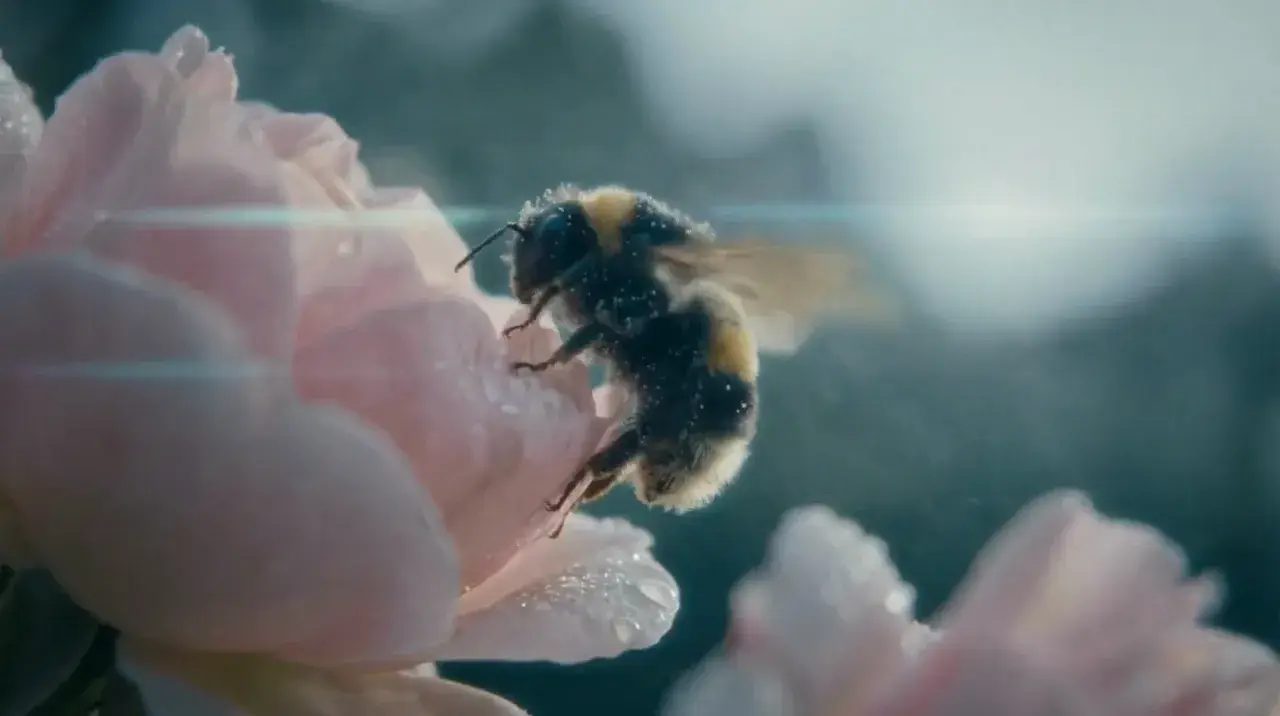
Reviewed Kling 3.0 demos across cinematic, action, fashion, sports, and narrative looks. Use Try to prefill the generator—nothing submits or charges until you generate.

Key Features of Kling 3.0

Each row proves a Kling 3.0 strength with a matching demo you can prefill. Nothing runs until you generate. A dedicated multi-shot storyboard editor is not exposed on MixVio yet.

Multi-shot storytelling

Describe wide, medium, and close beats in one brief—Kling can cut across shots in a single clip. On MixVio, pacing lives in the prompt; a separate per-shot storyboard editor is not exposed yet.
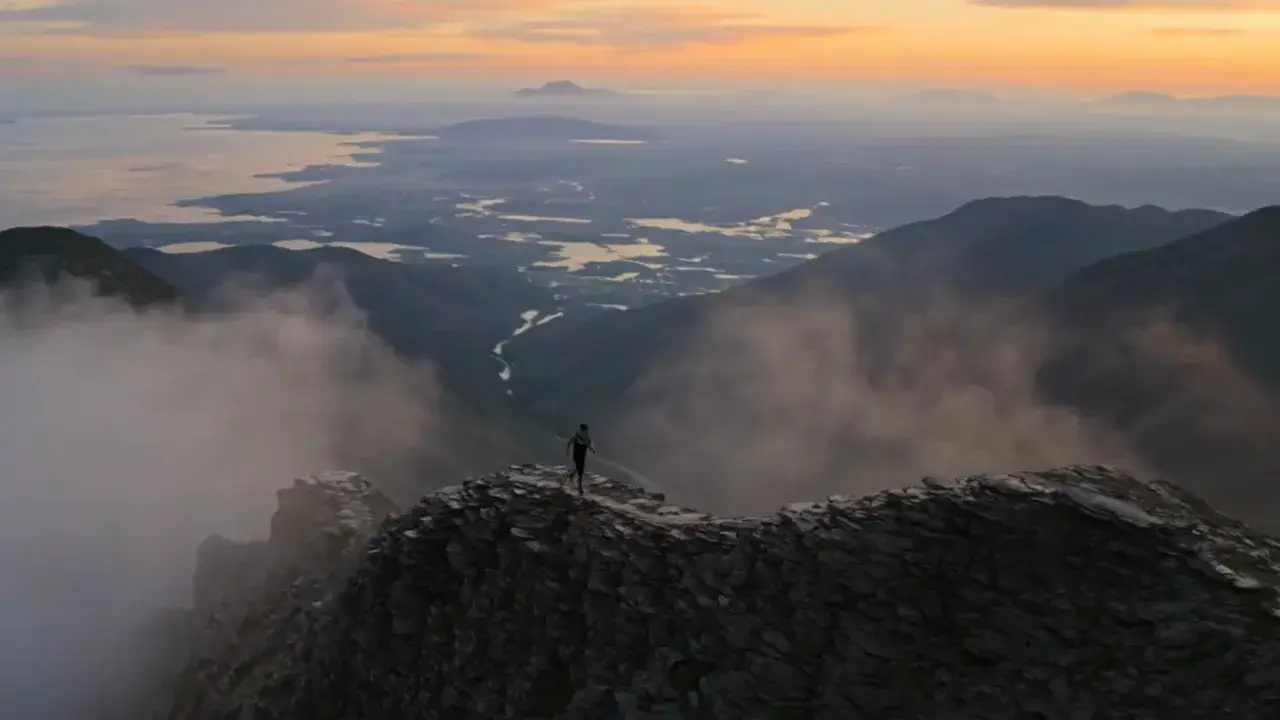
Kling 3.0 multi-shot mountain ridge run demonstration

Native audio

Speech, SFX, and ambience generate with the picture—not layered later. Name who speaks and what the space sounds like, then review lip sync and mix before publishing.

Kling 3.0 concert performance demonstration with native audio

Character consistency

Keep the same face, wardrobe, and presence across arrival, dialogue, and payoff shots in one run. Fine details can still drift—review identity before you publish.

Kling 3.0 character-consistency demonstration across elevator, lobby, and office shots

Motion & physics

Direct chase, impact, and environment force with readable weight and debris—not decorative blur. Strong for vehicles, storms, and high-motion beats; still review complex contacts before delivery.

Kling 3.0 physics-aware desert chase demonstration

How to Use Kling 3.0

  1. 1

    Start from text or an image

    Write a text brief, or add an owned start frame for image-to-video. Optionally add an end frame on the Kie image route when you need a deliberate finish. Prefill from an Example or Key Feature if you want—nothing runs until you generate.

  2. 2

    Write the scene, sound, and settings

    Describe action, camera language, dialogue, and ambience in plain language. Set duration (5, 10, or 15 seconds), ratio, and resolution (720p, 1080p, or 4K). Multi-shot pacing belongs in the prompt—a separate storyboard editor is not exposed on MixVio yet.

  3. 3

    Generate and review

    Confirm the credit estimate, generate, then check motion, character continuity, physics, cuts, and synced audio before downloading or refining the brief.

Kling 3.0 Pricing

From 110 credits per clip on the published route. Free is a watermarked preview; paid plans add monthly credits, with the exact quote shown before every run.

How Kling 3.0 compares to other models

Attribute
This modelKling 3.0
Best forCampaign scenes · Social storiesSocial hooks · Concept shotsSocial ads · Dialogue scenesFast video concepts · Social stories
InputsText · Image + end frameText · Up to 9 images · 3 videos · 3 audioText · ImageText · Image · Video
Output720p–4K video + audio720p–4K video + audio720p–4K video + audio720p video + audio
Duration5–15s4–15s4–8s3–10s
Native audioYesYesYesYes
Credits110–330 credits208–3,960 credits104–480 credits66–220 credits

Kling 3.0 FAQs

What is Kling 3.0?

Kling 3.0 is Kuaishou’s cinematic video model for text-to-video and image-to-video. On MixVio, the reviewed public Standard routes return one private clip with synchronized native audio at selectable 720p, 1080p, or 4K for 5, 10, or 15 seconds.

What inputs does Kling 3.0 support on MixVio?

Use Text to Video for a scene, camera, action, dialogue, and sound brief, or Image to Video with one owned start frame and an optional end frame. The optional end frame requires the Kie image-to-video path. Multimodal reference packs (multiple images, video, and audio together) are not offered on the public Kling routes—use Seedance 2.0 when you need that workflow.

What does multi-shot mean on MixVio?

Kling 3.0 can cut across wide, medium, and close beats inside one clip when you describe that pacing in the prompt. On MixVio there is no separate per-shot storyboard editor yet—dedicated multi-shot controls stay unexposed. Each run still returns one new clip.

Does Kling 3.0 generate native audio?

Yes. Public Kling 3.0 routes return video with synchronized native audio in the same pass. Describe dialogue, ambience, sound effects, or music in the brief, then review speech, lip sync, and mix before publishing.

How long can Kling 3.0 videos be?

Each public Kling 3.0 run produces one 5, 10, or 15 second clip. Choose the duration in the generator before you submit—longer clips cost more credits.

Which ratios and resolutions are supported?

Text to Video supports 16:9, 9:16, and 1:1. Image to Video supports Source, 16:9, 9:16, and 1:1. Output is available at 720p, 1080p, or 4K. The generator shows the exact compatible choices for the selected route.

Can Kling 3.0 keep characters consistent across shots?

Yes for prompt-led and start-frame identity within a single run—describe the same face, wardrobe, and presence across beats, or lock look with an owned start frame. MixVio does not expose a separate Elements / subject-library UI on public Kling routes today. Fine details can still drift, so review identity before publishing.

How many credits does Kling 3.0 use?

Kling 3.0 reserves from 110 credits. Typical anchors on the public Standard routes: 110 credits for 5 seconds, 220 for 10 seconds, and 330 for 15 seconds. The generator shows the exact reservation before submission, and failed or canceled generations release it automatically.

How does Kling 3.0 compare with Seedance 2.0 and Veo 3.1 Fast?

Kling 3.0 focuses on cinematic text or start-frame clips with flexible 5/10/15 second durations, optional end-frame control on supported image routes, and native audio. Seedance 2.0 emphasizes multimodal reference packs (images, video, and audio) with selectable 720p–4K across 4–15 seconds. Veo 3.1 Fast targets polished hero shots with native audio on a fast tier at 4/6/8 seconds. Compare live credits, inputs, duration, and audio in the comparison table before generating.

What is Kling 3.0 best for?

Multi-shot narrative beats, dialogue-led shorts, action and chase scenes, product or fashion motion from an owned still, and social ads that need native sound in one pass. Prefer Seedance 2.0 when you need multimodal reference packs, or Veo 3.1 Fast for short polished hero clips.

Can I use Kling 3.0 videos commercially?

Yes—paid MixVio generations can be used commercially when you have rights to every prompt, reference, likeness, brand asset, voice, and sound direction, and you comply with current Kuaishou / Kling terms. Prompts and references pass MixVio moderation and Provider safety checks; some requests may be rejected. Review identity, logos, dialogue, lip sync, and audio before publishing. MixVio does not guarantee exclusivity or trademark clearance.

Can I use real faces or celebrity likenesses?

Only use faces, voices, and likenesses you own or are authorized to use. Public figures, deceptive impersonation, deepfake-style face swaps, minors, and other prohibited content can be blocked by MixVio moderation or Provider safety checks. When a request is allowed, still review identity and consent before any commercial or public use.

Start your Kling 3.0 scene.
Private. Credits shown first.

Start from text or an owned start frame, then generate with Kling 3.0 selected.

Create with Kling 3.0

Your privacy choices

Choose whether MixVio can use optional analytics to improve the product and referral cookies to credit partners. We don’t sell or share personal information for targeted advertising. Learn more.