Seed Audio 1.0 AI Audio Generator
Direct a sound scene—not a bare voiceover. Describe speakers, timing, ambience, and score cues in one text brief, then keep every mixed 44.1 kHz MP3 private with exact credits shown first.
- 14 credits / take
- 44.1 kHz MP3
- Scene-directed audio
- ByteDance · Seed Audio 1.0 docs ↗
Create with Seed Audio 1.0
Seed Audio 1.0 Scene Examples
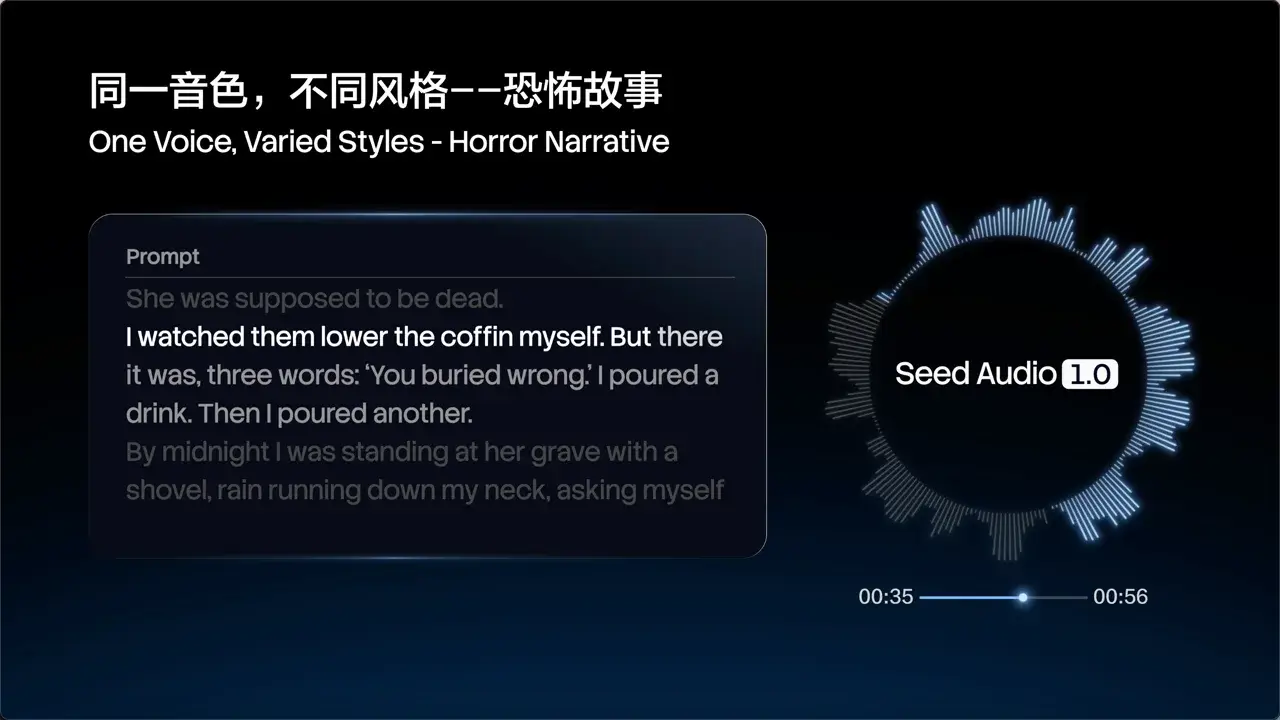
Speech · Sports clutch call
Prompt
30 seconds left. They're down by one. This is everything. He picks it up on the right wing. Look at that speed—through, past two defenders. He shoots—GO! In the dying seconds, a 17-year-old has just rewritten history. Remember this moment. You were here when a legend was born.
Key Features of Seed Audio 1.0
One-prompt sound scenes
Direct dialogue, ambience, and music or SFX cues in one text brief—then get a single mixed MP3, not a bare TTS read you have to assemble later.
Where Seed Audio 1.0 fits
AI video & dubbing
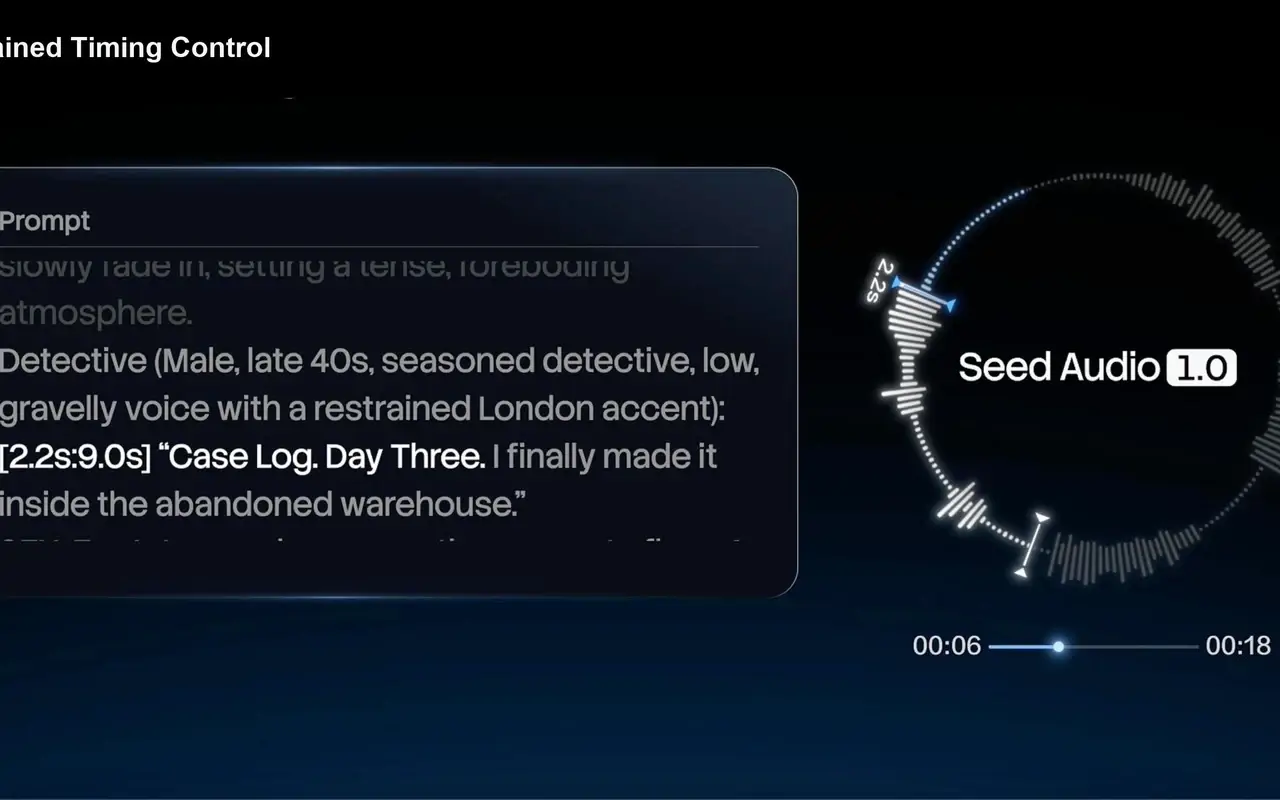
Lay dialogue and scene beds under silent AI video or storyboards—use timestamps like [2.8s:8.4s] so lines land on cuts before a final mix.
Ads & short-form
Ship a VO with room tone, SFX, and score cues in one mixed track instead of bouncing between TTS, music, and Foley tools.
Podcast & game drafts
Prototype multi-speaker turns, scene beds, and narrative cold opens as scratch audio before you book a booth or record VO.
Best for / Not for
Best for
- Directed speech + ambience + score cues in one mixed take
- Timestamped multi-speaker beats in a single brief
- Text-defined casting without a voice library
- Scratch / previz beds for picture-locked cuts
Not for
- Named preset voices or emotion-tag short VO (use Eleven v3)
- Voice cloning, image references, or uploaded reference voices
- Real-time conversational or low-latency assistants
How to Use Seed Audio 1.0
1. Write the scene layers
Follow the formula in order: scene and mood, speakers, emotion, quoted dialogue, then ambience / BGM / SFX. Name the language of spoken lines when it matters. Prefill from an Example or Key Feature if you want—nothing runs until you generate.
2. Pin casting and timing
Sharpen each speaker’s age, timbre, and delivery, then pin critical turns with ranges like [2.8s:8.4s] when beats must land on picture or music cues.
3. Generate, listen by layer, iterate
Confirm the 14-credit estimate, generate, then listen layer by layer—speech, ambience, and score. Fix the noisiest problem first, change one part of the brief, and re-run before you download.
Seed Audio 1.0 Pricing
Compare Seed Audio 1.0Seed Audio 1.0 vs Eleven v3
Seed Audio 1.0
This modelAI video beds, short-form scenes, and timed multi-speaker dialogue
Private speech audio14 credits per take
Emotion-tagged short VO and character performance
Private speech audio7 credits per 1,000 characters
Seed Audio 1.0 FAQs
What is Seed Audio 1.0?
Seed Audio 1.0 is ByteDance’s audio creation model for sound scenes—not ordinary text-to-speech. Plain TTS reads a script in a chosen voice; Seed Audio lets speakers, timing, atmosphere, and music cues share one brief and return as one mixed take. On MixVio you write that brief, then generate one private 44.1 kHz MP3 with credits shown first.
What inputs does MixVio support for Seed Audio 1.0?
Text only on this published route: one scene brief up to 2,048 characters. There is no voice picker, no audio or image reference upload, and no @AudioN / @Image markers. Describe casting, dialogue, ambience, and cues in the prompt itself.
What is Seed Audio 1.0 best for?
AI video and dubbing, ads and short-form with VO plus SFX or score cues, and podcast or game drafts—anywhere dialogue, space, and pacing belong in one text-led brief. Prefer Eleven v3 when you need named presets and emotion tags on short VO. See Where Seed Audio fits and Best for / Not for on this page.
How should I write a Seed Audio 1.0 prompt?
Follow a director formula: Scene + speakers + emotion + dialogue + ambience / BGM / SFX + timing. Name who speaks and how they sound, put spoken lines in quotes, describe the space and score concretely, and use ranges like [2.8s:8.4s] when beats must land. Vague “make it cinematic” lines underperform—listen, tighten direction, and re-run.
Can Seed Audio 1.0 do multi-speaker dialogue and timestamps in one take?
Yes for directed scene briefs—name each speaker and turn in one prompt, and pin critical beats with ranges like [2.8s:8.4s]. Results vary; review overlaps and pronunciation, then refine. There is no separate multi-track mixer on this published path.
Direct richer Seed Audio sound scenes.
Private. Credits shown first.
Write a scene brief with speakers, ambience, and cues, then generate with Seed Audio 1.0 selected.
Create with Seed Audio 1.0 ↑