MAI Image 2.7 AI Image Generator and Editor
Create a new photo or edit one you own with Microsoft MAI Image 2.7. Standard and Flash share the same controls: 1K or 2K, seven aspect ratios, an opaque or transparent background, and PNG, JPEG, or WebP.
- Up to 5 photos
- 1K or 2K
- Standard or Flash
- Microsoft · MAI Image 2.7 docs ↗
Create with MAI Image 2.7
Prompt ideas
Four ideas use published example prompts. The flower, poppy, and pond ideas describe photos on Microsoft’s public pages. Those three prompts are recreation briefs, not claimed original prompts.
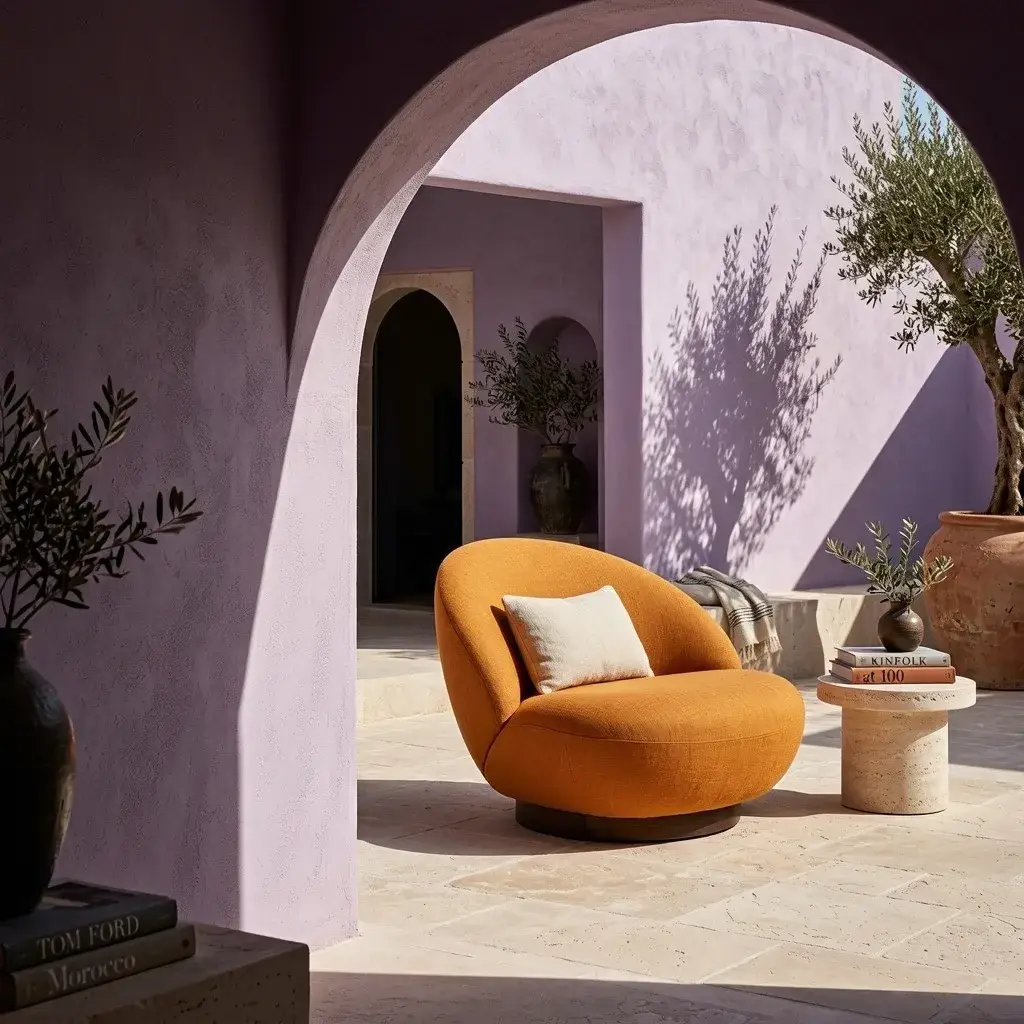
Saffron courtyard
Prompt
Editorial architectural photograph of a sculptural saffron lounge chair in a lavender plaster courtyard, framed through a broad arch. Late afternoon side light, linen upholstery, pale limestone, one olive branch casting a graphic shadow, generous negative space and precise material detail.
What you can make
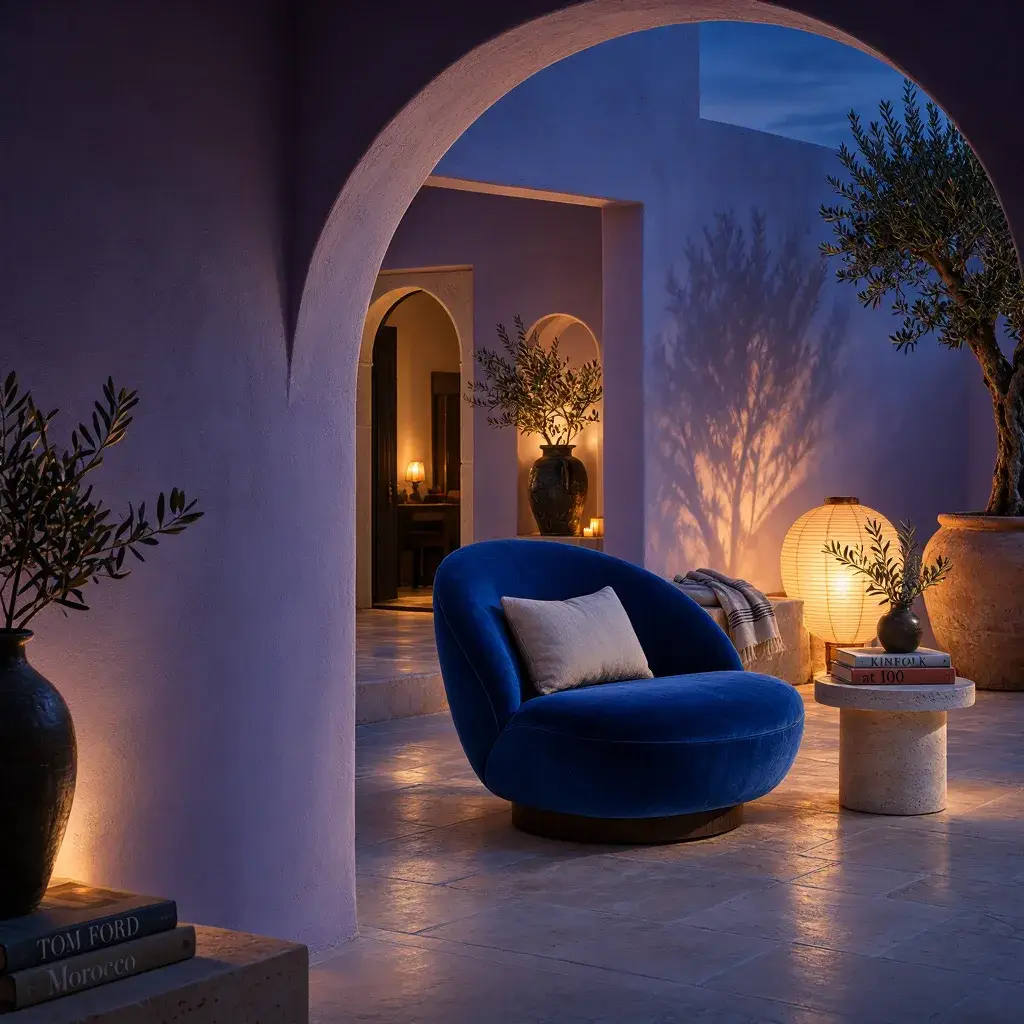
Change one part of a photo
Keep the courtyard, the chair, and the camera framing, then change the hour and the fabric. This panel uses the published edit example. The book spines in the source photo are imperfect, so review any text.
How to Use MAI Image 2.7
1. Write the change you want
Describe the photo, or say what to keep and what to change.
2. Choose Standard or Flash
Then pick 1K or 2K, a ratio, a background, and PNG, JPEG, or WebP.
3. Review the result
Check text, faces, and trademarks before you download.
Credits

Compare MAI Image 2.7Compare image models
MAI Image 2.7
This modelStandard or Flash, transparent PNG, and up to five photo refs
1K–2K PNG1–16 credits per output
Flare or Sunburst, 1K–4K, and up to 16 references
PNG, GIF, or SVG2–19 credits
Native 2K and 4K photos, readable text, and up to 10 photo refs
1K–4K PNG3–43 credits per output
MAI Image 2.7 questions
What is MAI Image 2.7?
MAI Image 2.7 is Microsoft’s image model for new photos and edits. Microsoft lists the Foundry version as a public preview, so this page does not claim a service-level agreement.
What is the difference between Standard and Flash?
They use the same ratios, sizes, backgrounds, and file types. Flash is the lower-priced tier. Standard is the default. The button shows the credits for the tier you selected.
How many credits does MAI Image 2.7 use?
A short Standard prompt at 1K square is 3 credits, and 2K square is 10. Flash is 1 at 1K square and 3 at 2K square. One reference photo adds about one Standard credit at 1K. A long prompt can add more. The button uses the same quote as the server.
Which files can I upload?
Edit accepts one to five JPEG, PNG, or WebP photos you own. Text to image does not take a reference. Each reference is kept at or below about one megapixel. Transparent output can be PNG or WebP. Transparent JPEG is rejected.
Will the text in the image be correct?
Not always. The published courtyard examples include book spines with imperfect letters. Read every word before you publish.
Make the next photo with MAI Image 2.7
from a prompt or photos you own.
Start from a prompt, or edit one to five photos you own.
Open MAI Image 2.7 ↑