AI Avatar
Turn a single portrait photo and speech audio into an expressive talking avatar video. Upload your own portrait or choose from the Avatar Library, attach audio or Text to Speech, and export in 720p or 1080p.
- Portrait to talking video
- Built-in Avatar Library
- Audio upload & TTS
- 720p & 1080p HD
Use AI Avatar
AI Avatar workspace
AI Avatar use cases
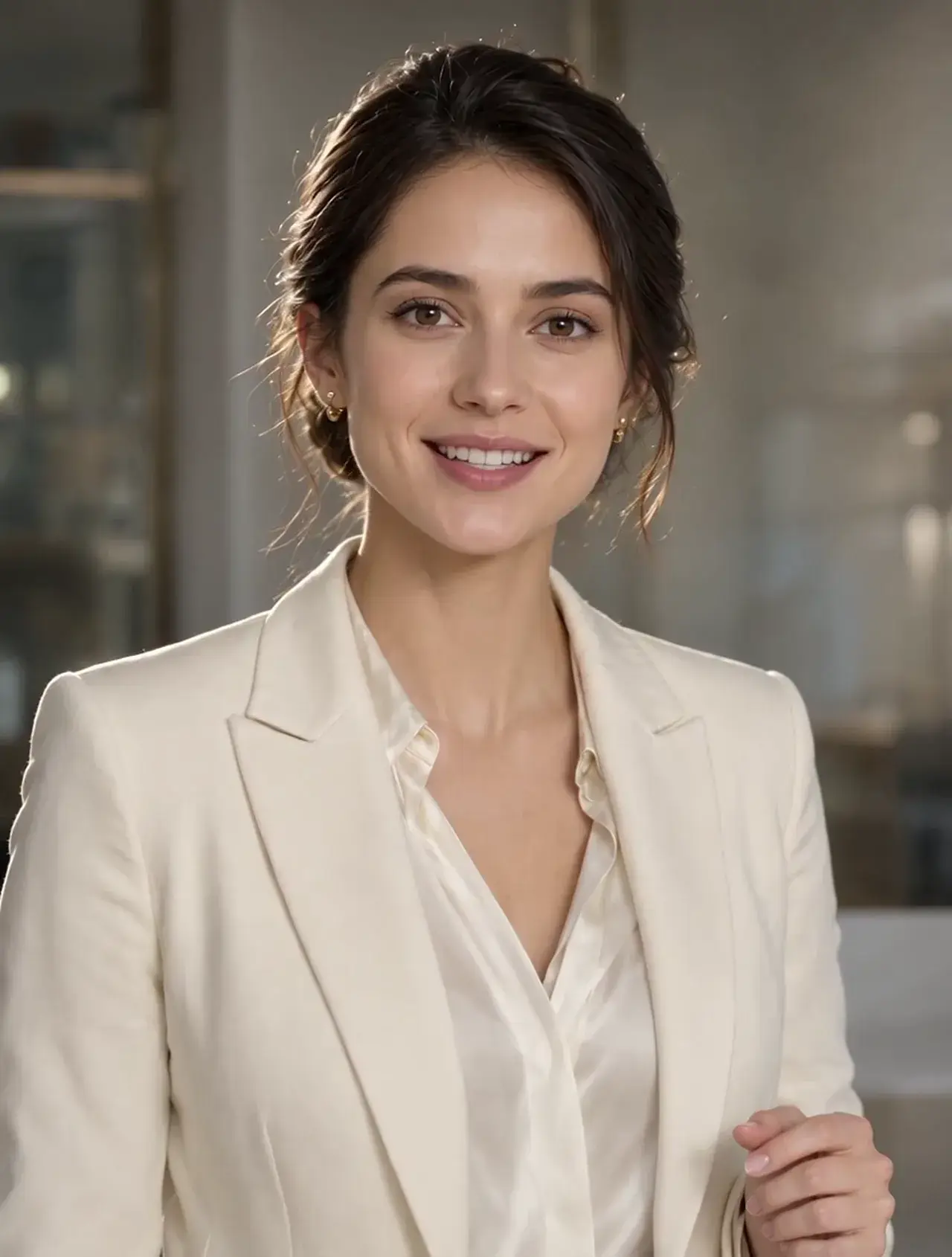
Launch crisp studio explainers without booking a shoot
TryAnimate a front-facing presenter portrait with clear voiceover audio to ship onboarding videos, feature updates, and help-center walkthroughs in minutes.
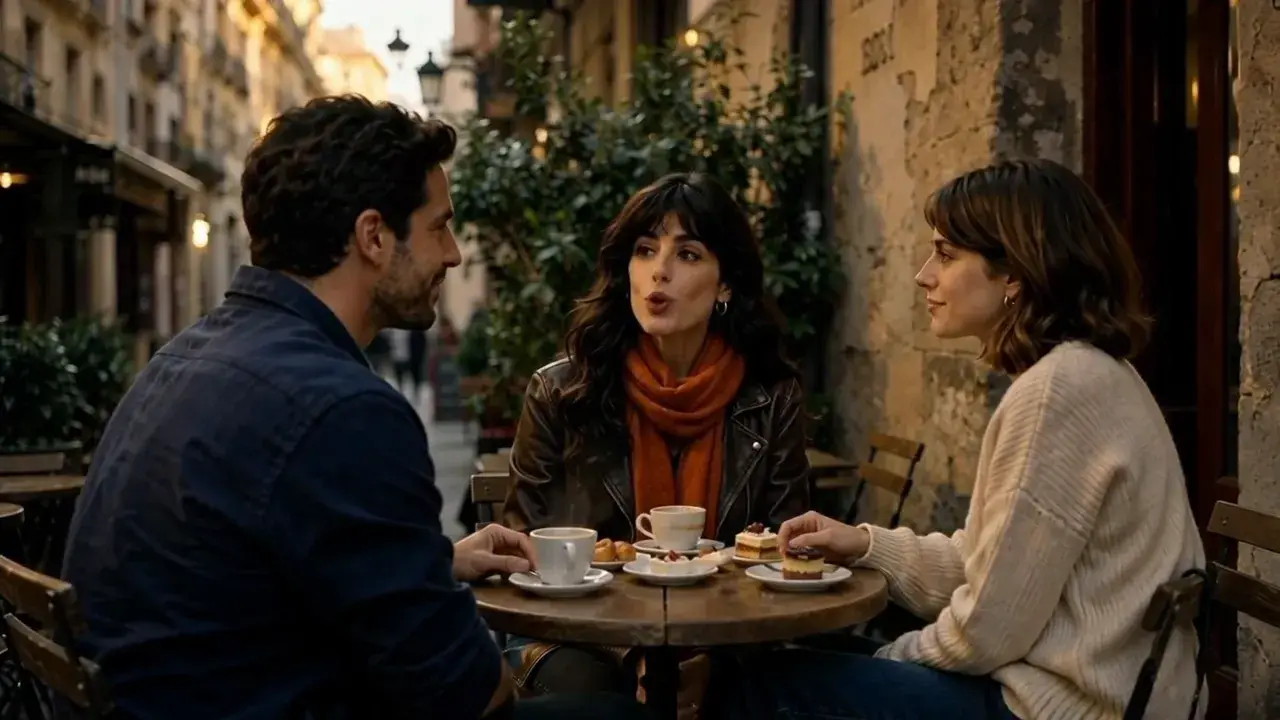
Produce conversational UGC hooks at campaign speed
TryPair a lifestyle portrait or built-in starter avatar with recorded dialogue or Text to Speech to test ad scripts without re-filming every hook.
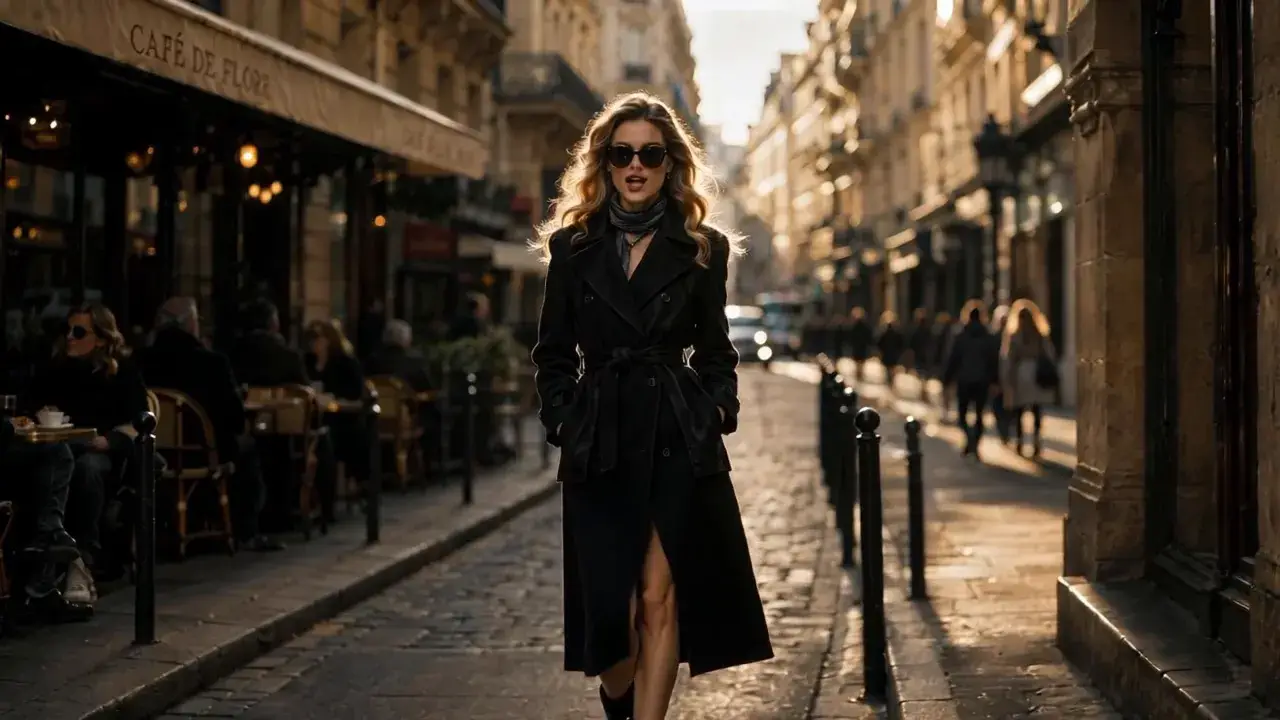
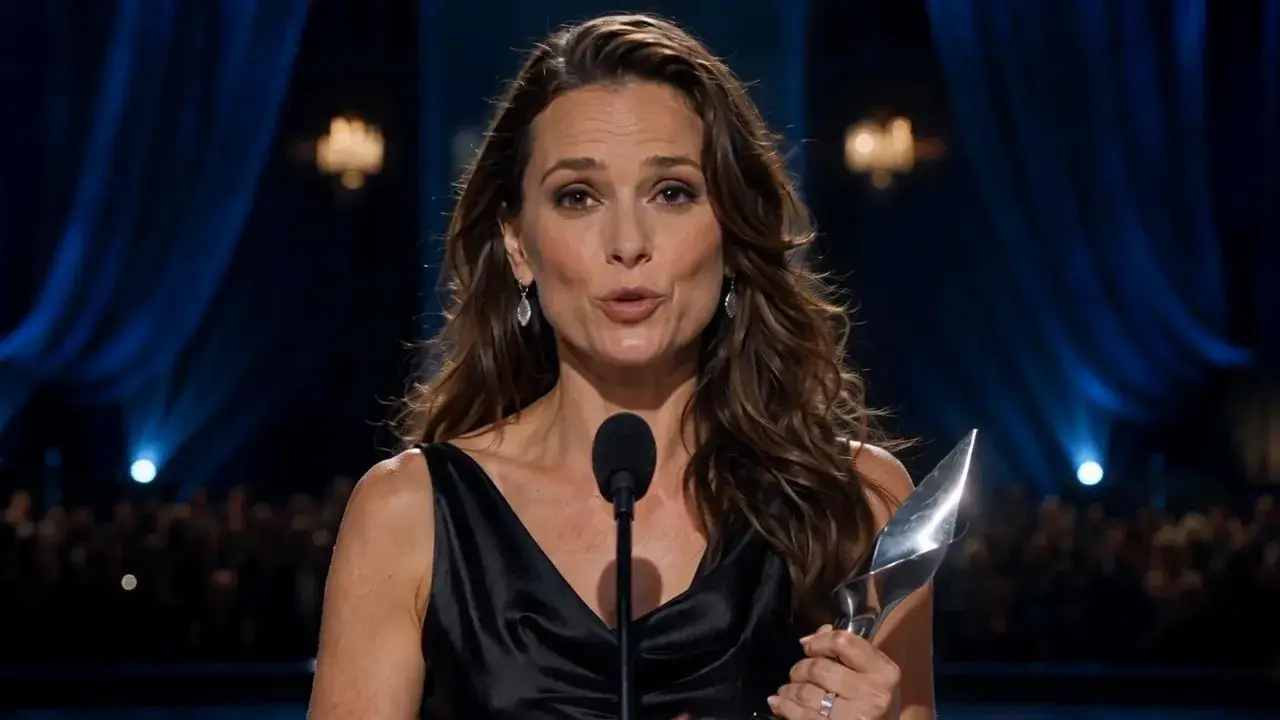
Turn scripts into direct-to-camera social videos
TryKeep natural blinks, head posture, and syllable-accurate mouth timing across short reels or longer commentary up to five minutes.
What AI Avatar can do
Upload or pick from Avatar Library
Bring your own JPEG or PNG portrait—realistic, illustrated, or mascot—or start right away with curated Studio, Presenter, and UGC starter avatars.
Uploaded speech or Text to Speech
Attach MP3, WAV, M4A, AAC, or OGG speech up to five minutes, trim in the built-in editor, or generate a studio voiceover from text on the spot.
Clean 720p and 1080p HD output
Choose 720p for fast social drafts or 1080p HD for crisp presenter exports, with optional expression and motion direction for natural delivery.
How to create an AI Avatar video
1. Upload a portrait or pick an avatar
Upload a clear front-facing JPEG or PNG photo, select one from Assets, or open the docked Avatar Library to pick a ready-to-use presenter.
2. Add speech or generate a voiceover
Upload a 2–300 second audio track and trim if needed, or switch to Text to Speech to synthesize a voiceover directly into the Speech slot.
3. Select 720p or 1080p and export
Optionally guide expression and head motion, review the exact credit quote, generate, and download your private MP4 from the workspace or History.
AI Avatar Pricing
Related video tools
Combine AI Avatar with MixVio's speech-sync, motion-transfer, and upscaling tools.
AI Avatar AI FAQs
What is MixVio AI Avatar?
MixVio AI Avatar turns one still portrait photo and a speech track into a talking video with synchronized mouth movement, blinks, and natural head motion. You can upload your own portrait or choose a starter presenter from the Avatar Library and export in 720p or 1080p.
How do I create a talking AI avatar video?
Upload a front-facing portrait photo or pick a presenter from the Avatar Library, then upload a speech recording or create one using built-in Text to Speech. Choose 720p or 1080p, optionally add an expression note, confirm the exact credit quote, and click Generate AI Avatar.
What image and audio formats and limits are supported?
Portrait images accept JPEG and PNG up to 10 MB (you can also crop or adjust uploaded images in the workspace). Speech tracks support MP3, WAV, M4A, AAC, and OGG up to 50 MB and 2 to 300 seconds (up to 5 minutes), with built-in audio trimming.
Can I start without my own portrait or voice recording?
Yes. Open the Avatar Library inside the workspace to pick from curated Studio, Presenter, and UGC portraits, and switch the Speech slot to Text to Speech to write a script, choose a voice, and generate a voiceover ready for your avatar.
How many credits does AI Avatar cost?
Credits are calculated per second of speech audio and resolution. 720p starts at 8 credits (2s minimum) and 1080p HD starts at 15 credits (2s minimum). Built-in Text to Speech starts at 6 credits per 1,000 characters. Exact credits appear before you generate, and failed jobs release reserved credits automatically.
Pick a portrait.
Bring your script to life.
Turn a portrait photo and speech into a natural 720p or 1080p talking avatar video with upfront credit quotes and private MP4 exports.
Start AI Avatar ↑