HappyHorse 1.1 AI Video Generator
Start from a prompt, one photo, or up to nine images. HappyHorse 1.1 returns a 3–15 second 720p or 1080p video with native audio already on.
- Native audio
- 3–15 second video
- Prompt, photo, or images
- Alibaba · HappyHorse 1.1 docs ↗
Create with HappyHorse 1.1
Made with HappyHorse 1.1
These demos use the published HappyHorse 1.1 routes. Prefill copies the prompt into the matching route and does not generate.
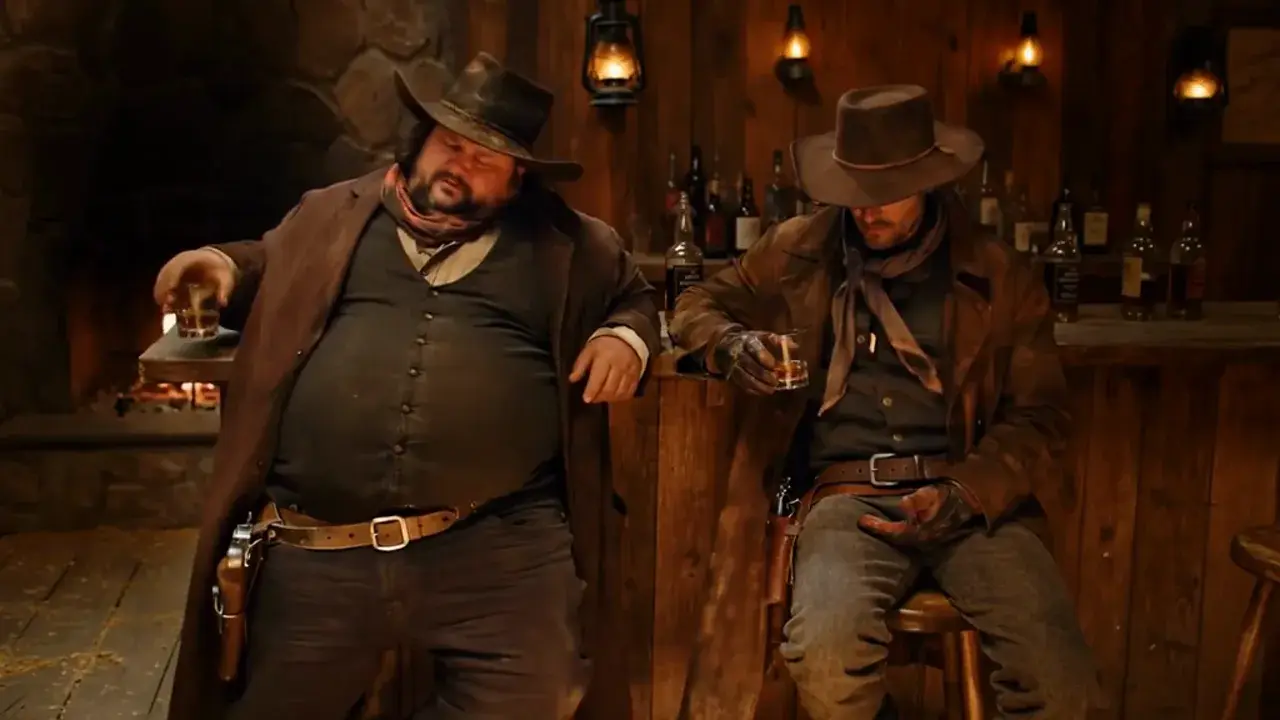
Saloon bar
Prompt
Two men in worn coats and hats sit at a wooden saloon bar with whiskey glasses, lanterns, and bottles behind them.
What HappyHorse 1.1 can do
Native audio
Speech and room tone are part of the video. There is no audio switch to turn off.
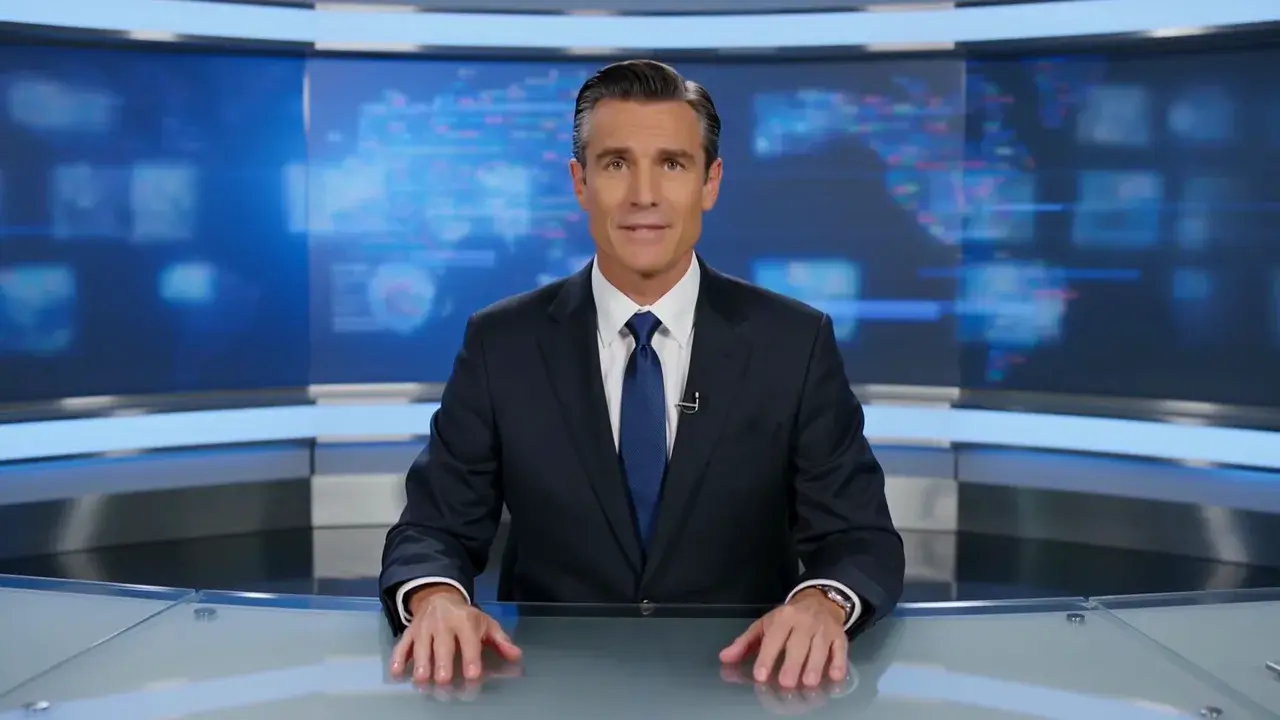
How to Use HappyHorse 1.1
1. Choose the route
Use text with no photos, one start photo, or 1–9 reference photos. The start photo and the reference pack are separate routes.
2. Write the scene
Describe motion and sound. On the reference route, photo order is character1 through character9.
3. Set time and size
Choose 3–15 seconds and 720p or 1080p. Confirm the credit estimate, generate, then review the private video.
HappyHorse 1.1 pricing

Compare HappyHorse 1.1Compare video models
HappyHorse 1.1
This modelNative-audio video from a prompt, one photo, or up to nine images
3–15s30–189 credits
2–30s one-takes, 10/5/5 reference packs, and document or webpage input
2–30s3–147 credits
4–30s one-takes, packs up to 50 files, and clay-render blocking
4–30s19–651 credits
HappyHorse 1.1 FAQs
What is HappyHorse 1.1?
HappyHorse 1.1 is Alibaba’s video model for a prompt, one start photo, or up to nine photos. MixVio offers 720p and 1080p, 3–15 seconds, and native audio.
Which files can I add?
Text uses no files. Image to video uses one start photo and follows that photo. Reference to video uses 1–9 photos. Video, audio, and a last frame are not accepted.
How are credits calculated?
The estimate covers the whole request. A 720p 3-second video is 30 credits, a 1080p 5-second video is 63 credits, and a 1080p 15-second video is 189 credits.
Can I turn audio off?
No. Native audio stays on.
Which aspect ratios are available?
Text and reference routes offer 16:9, 9:16, 1:1, 4:3, 3:4, 21:9, 9:21, 5:4, and 4:5. Image to video follows the start photo and does not take a ratio.
Start a HappyHorse 1.1 video.
Private. Credits shown first.
Choose text, one start photo, or up to nine photos, then generate with HappyHorse 1.1 selected.
Create with HappyHorse 1.1 ↑