Grok Imagine Video 1.5 AI Video Generator
Native audio, motion, and physics. Start from text, one owned photo, or up to 7 photo references. Confirm 1–15 seconds and 480p–1080p before you generate.
- Native audio
- 1–15s · 480p–1080p
- Text, photo, or refs
- xAI · Grok Imagine Video 1.5 docs ↗
Create with Grok Imagine Video 1.5
Grok Imagine Video 1.5 Examples
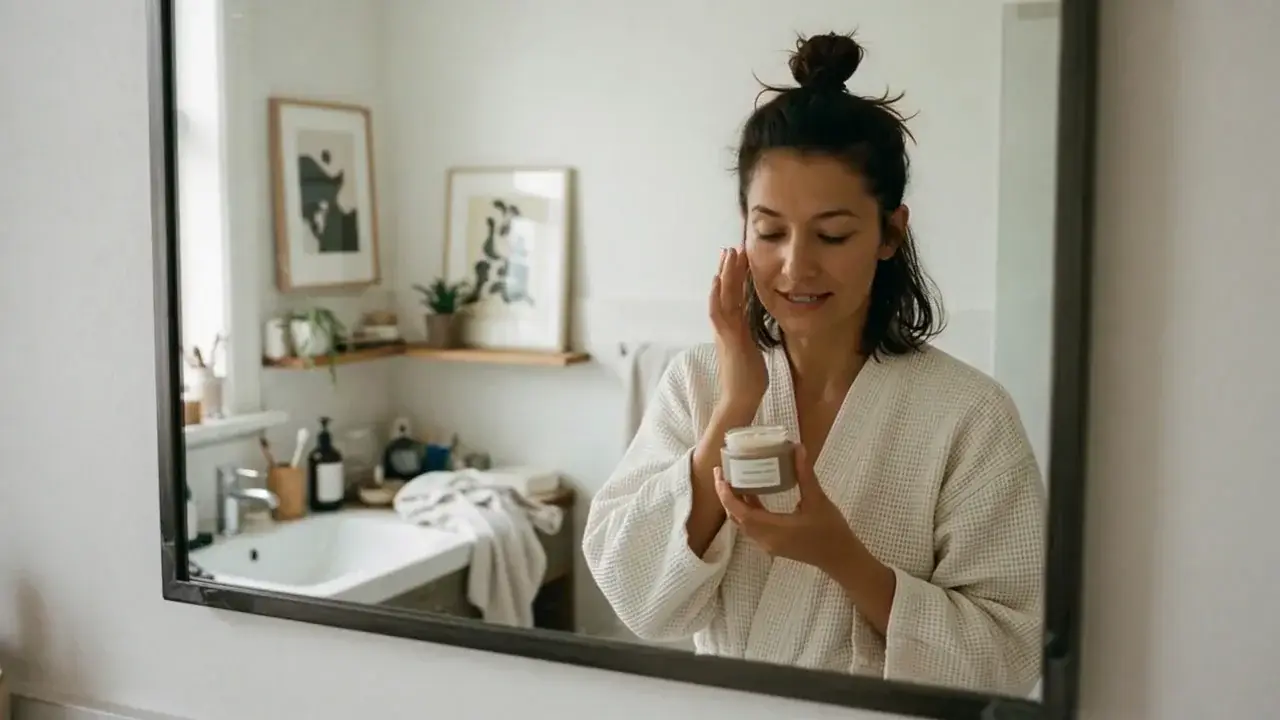
Robe mirror talk
Prompt
Bathroom mirror shot. A woman in a white waffle robe, hair in a bun, holds a cream jar and touches her cheek. She checks the cream on her fingers, then smiles at her reflection. Soft daylight, 16:9.
Key Features of Grok Imagine Video 1.5
Audio and speech
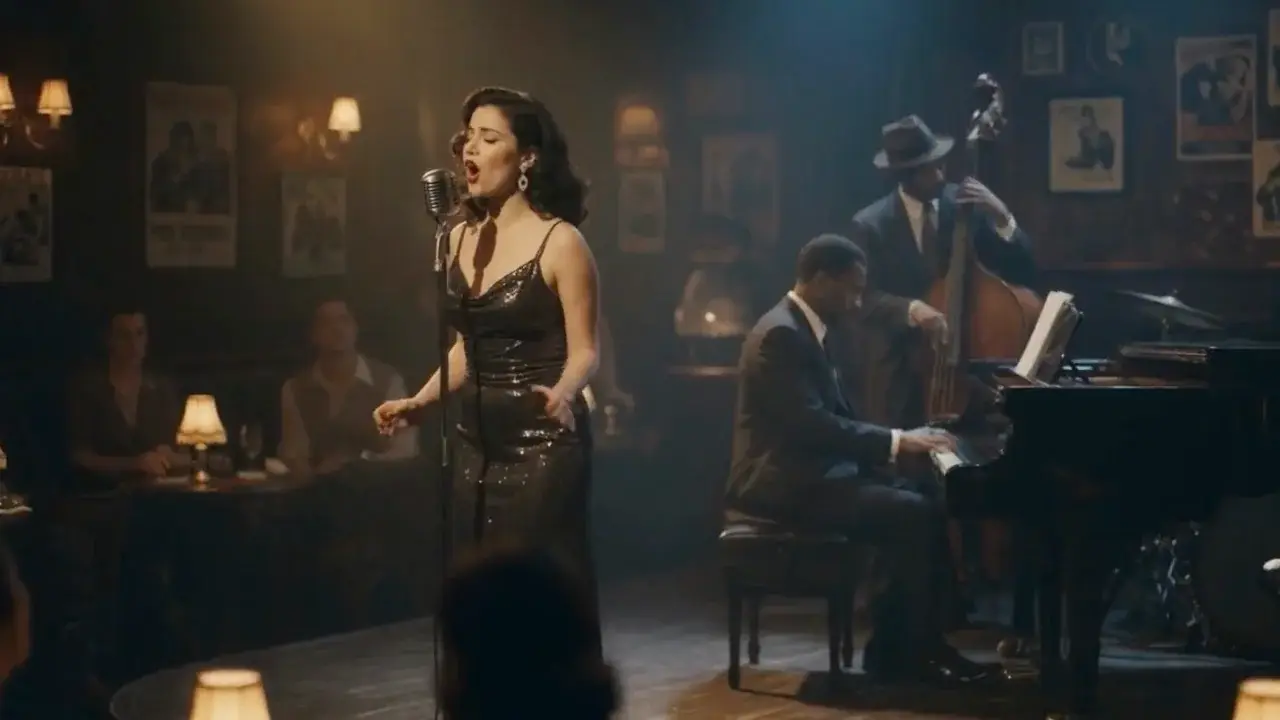
Sound effects, ambience, and dialogue generate in the same pass and land on the action. Speech is clearer and better synced. MixVio does not offer an audio-off switch on this route.
How to Use Grok Imagine Video 1.5
1. Start from text, a photo, or references
Use text-to-video for a new scene, add one owned start photo for image-to-video, or switch to Multi Reference for up to 7 photos. Prefill from a Key Feature or Example if you want—nothing runs until you generate.
2. Direct motion, camera, and sound
Write subject, action, setting, camera, and sound. For Multi Reference, tag each photo with @Image1 through @Image7 so roles stay assigned. First-frame mode follows the source photo ratio.
3. Generate, review, then iterate
Select 1–15 seconds and 480p, 720p, or 1080p—reference packs cap at 720p. Confirm the credit estimate, then generate. Review identity, motion, dialogue, and mix before publishing or iterating.
Grok Imagine Video 1.5 Pricing

Compare Grok Imagine Video 1.5How Grok Imagine Video 1.5 compares to other models
Grok Imagine Video 1.5
This model1–15s videos with native audio, a start photo, or up to 7 photo refs
1–15s3–104 credits
4–30s one-takes, packs up to 50 files, and clay-render blocking
4–30s19–651 credits
5–20s multi-shot clips with native audio and in-scene type
5–20s38–266 credits
Grok Imagine Video 1.5 FAQs
What is Grok Imagine Video 1.5?
Grok Imagine Video 1.5 is xAI’s video model. On MixVio it creates 1–15 second videos from text, one start photo, or up to seven photo references, with native audio and selectable 480p, 720p, or 1080p. Grok Imagine Video 1.5 ↗
How is this different from Grok Imagine video on MixVio?
This family is Grok Imagine Video 1.5: 1–15 seconds, 480p–1080p, and Multi Reference up to 7 photos. The older Grok Imagine video page stays at 6–30 seconds with one image. They are separate pages and separate slugs.
What inputs and modes does MixVio support?
Use text-to-video for a new scene, image-to-video for one owned start photo, or Multi Reference for one to seven photos. Tag photos with @Image1 through @Image7. Prompts can be up to 4,096 characters. Video refs, audio refs, last-frame, edit, and extend are not on this MixVio route.
How many photo references can I add?
First-frame image-to-video uses one start photo. Multi Reference accepts 1–7 photos. Reference packs cap at 720p. MixVio does not accept reference video or audio on this family.
Does Grok Imagine Video 1.5 generate native audio?
Yes. Every run returns video with native synchronized audio in the same pass. Describe dialogue, ambience, or effects in the brief. This MixVio route does not offer an audio-off switch or preset voices.
Start a Grok Imagine Video 1.5 scene.
Private. Credits shown first.
Start from text, a photo, or up to 7 photo refs, then generate with Grok Imagine Video 1.5 selected.
Create with Grok Imagine Video 1.5 ↑