Veo 3.1 AI Video Generator
Create cinematic video from text or an owned image with Google Veo 3.1—native audio, 4, 6, or 8 second durations, selectable 720p–4K, and first plus last frame on image-to-video.
- First + last frame
- 4 / 6 / 8s · 720p–4K
- Text + image to video
- Google · Veo 3.1 docs ↗
Create with Veo 3.1
Veo 3.1 Video Examples
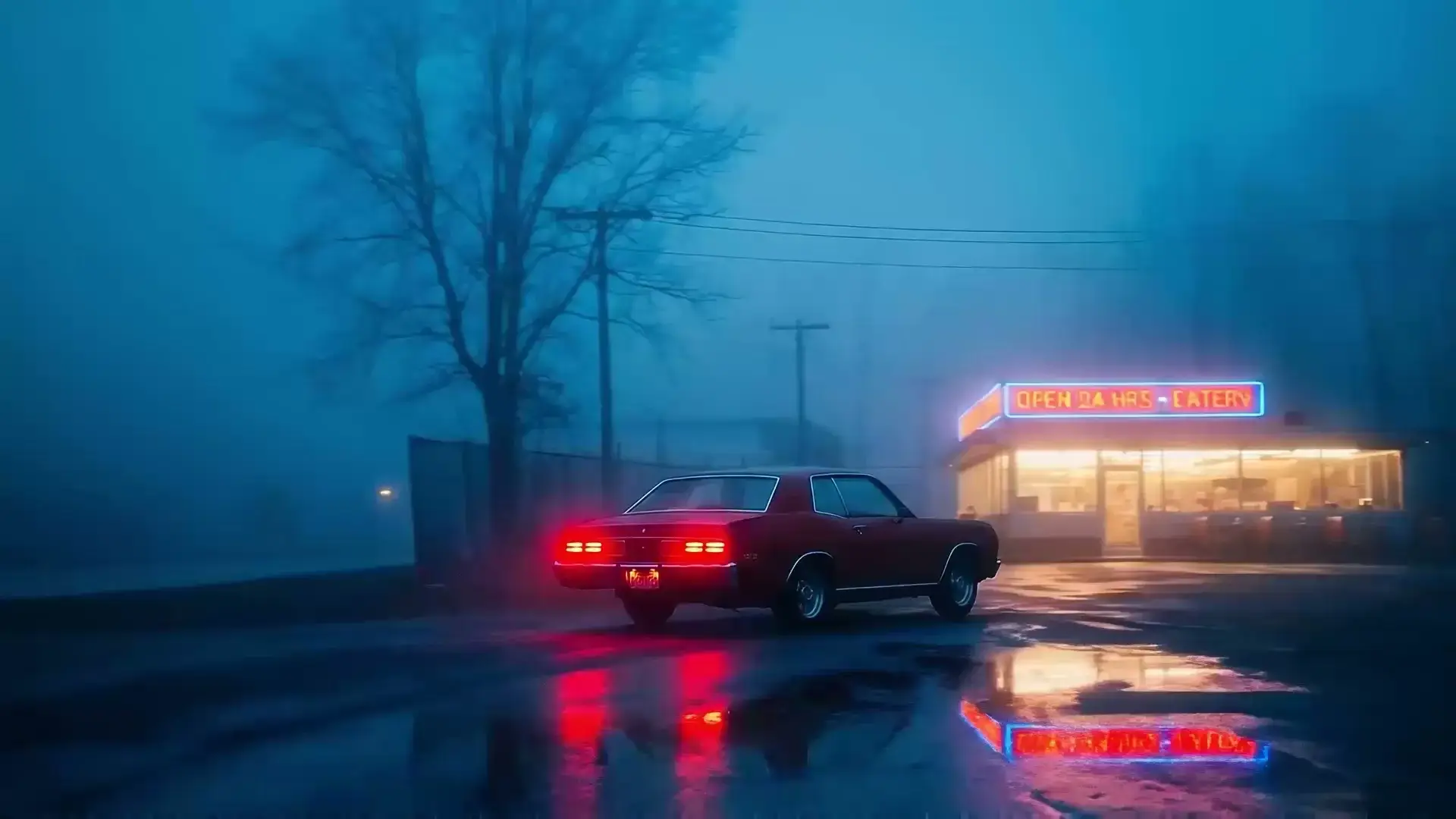
Neon diner hero
Prompt
Cinematic night shot of a red vintage muscle car parked outside a glowing 24-hour diner, thick blue fog, wet pavement reflecting neon and taillights, slow push-in, moody atmosphere.
Key Features of Veo 3.1
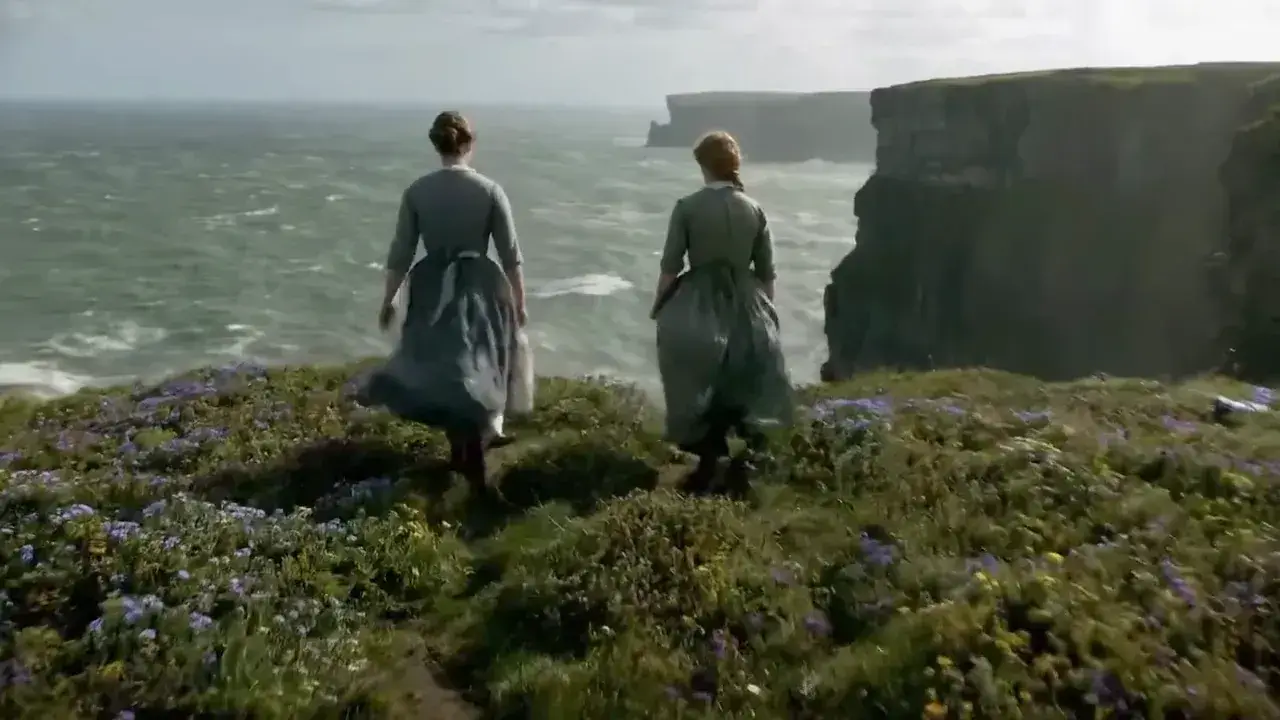
Cinematic video
Hold atmosphere, costume, and camera language in one take. Veo 3.1 is the Quality route for period drama, weather, and wide scenic motion—review faces and fabric before you publish.
How to Use Veo 3.1
1. Choose text or owned frames
Write a text brief, or add one owned JPEG, PNG, or WebP for image-to-video. Add a second photo as the last frame when the finish is already approved. Prefill from an Example or Key Feature if you want—nothing runs until you generate.
2. Direct the scene and sound
Spell out subject, action, camera language, dialogue, and ambience in plain language. Set duration (4, 6, or 8 seconds) and resolution (720p, 1080p, or 4K). Text-to-video also sets 16:9 or 9:16; image-to-video follows the start photo.
3. Generate, review, then download
Confirm the credit estimate, generate, then check motion and synced audio before downloading or refining the brief for another pass.
Veo 3.1 Pricing

Compare Veo 3.1How Veo 3.1 compares to other models
Veo 3.1
This modelCinematic ads · Dialogue scenes
4–8s49–62 credits
Social ads · Dialogue scenes
4–8s7–21 credits
4–30s one-takes, packs up to 50 files, and clay-render blocking
4–30s19–651 credits
Veo 3.1 FAQs
What is Veo 3.1?
Veo 3.1 is Google’s Quality-tier video model for cinematic shorts from text or owned photos. On MixVio, the reviewed public routes return one private video with synchronized native audio at selectable 720p, 1080p, or 4K for 4, 6, or 8 seconds. Image-to-video accepts a first frame, or first plus last frame.
What is Veo 3.1 best for?
Use it for cinematic ads, hero opens, dialogue-ready scenes, and first-to-last-frame transitions where Quality delivery and native audio matter. Prefer Veo 3.1 Fast when you want the same 4/6/8 second durations at a lower credit floor without last-frame control. Prefer Seedance 2.5 when you need a longer one-take or a large reference pack, or Kling 3.0 when you need 5/10/15 second cinematic shots.
What is the difference between Veo 3.1 and Veo 3.1 Fast?
Veo 3.1 is the Quality route: cinematic delivery, first and last frame on image-to-video, native audio, 4/6/8 seconds, and selectable 720p–4K from 49 credits. Veo 3.1 Fast keeps the same durations and resolutions on a lower-credit tier with first-frame image-to-video only. Neither public route offers three-image reference packs, video references, or scene extension. Switch to Fast in the generator when you want faster iteration.
What inputs does Veo 3.1 support on MixVio?
Use Text to Video for a scene, camera, dialogue, and sound brief, or Image to Video with one owned JPEG, PNG, or WebP start frame (≤10 MB). Add a second owned photo as the last frame when you need a first-to-last transition. 720p or higher in 16:9 or 9:16 is recommended; other ratios may be cropped. MixVio does not hard-reject photos below 720p. Three-image packs, video or audio references, and scene extension are not on this MixVio route.
Does Veo 3.1 generate native audio?
Yes. Public Veo 3.1 routes return video with synchronized native audio. Describe dialogue, ambience, sound effects, or music in the brief, then review speech, lip sync, and mix before publishing.
Start your Veo 3.1 video.
Private. Credits shown first.
Start from text or owned JPEG, PNG, or WebP frames (≤10 MB), then generate with Veo 3.1 selected.
Create with Veo 3.1 ↑