Seedream 5.5 AI Image Generator
Create one photo from a prompt, or edit one to ten photos you own. Sizes are 1K, 1.5K, and 2K. A transparent background is a PNG.
- JPEG or PNG
- Eight aspect ratios
- 1K, 1.5K, or 2K
- ByteDance · Seedream 5.5 docs ↗
Create with Seedream 5.5
Seedream 5.5 image examples
Official demonstrations. The prompts stay in English so the pictured result matches the words.
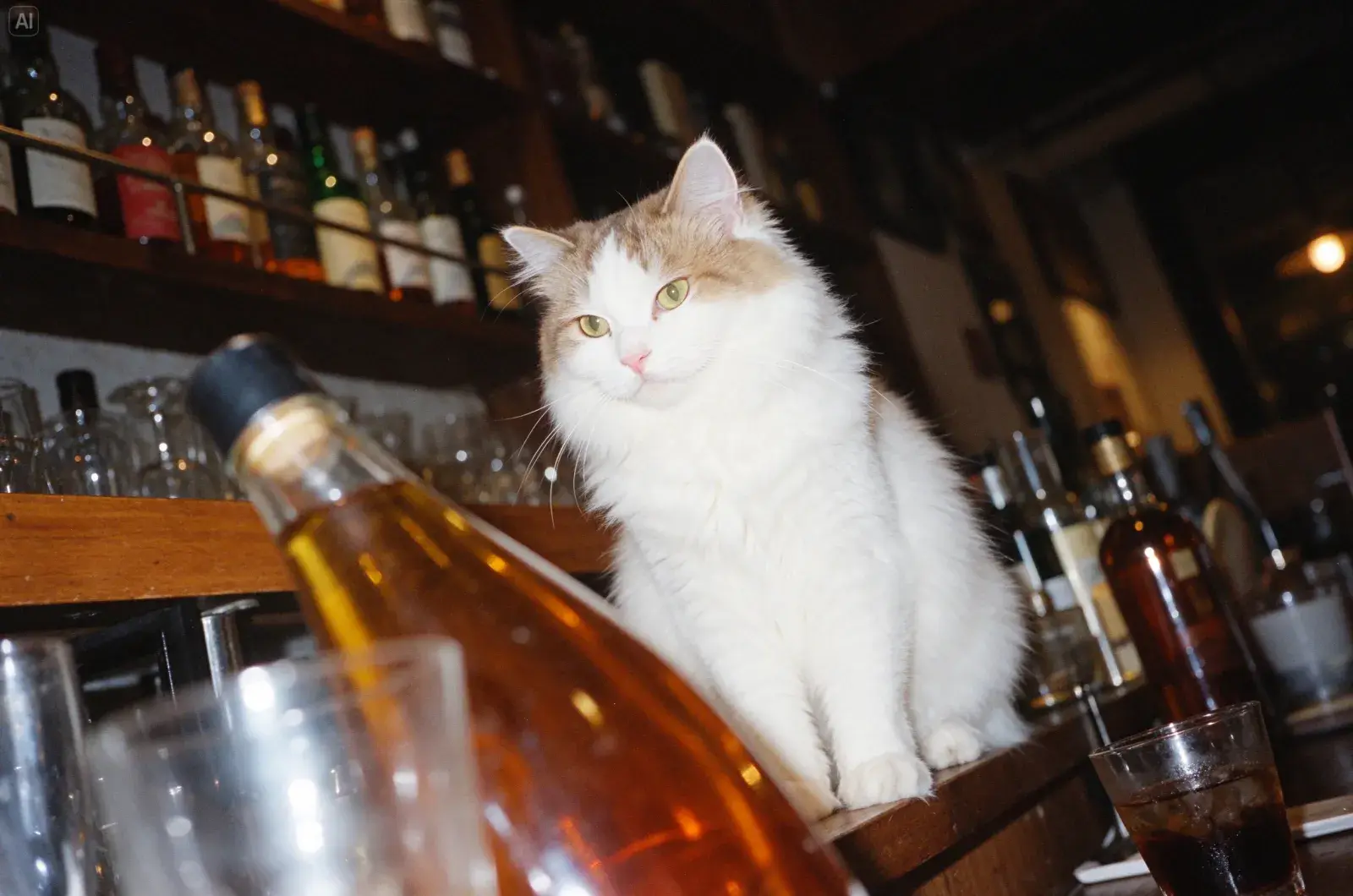
Bar cat
Prompt
A white cat sits elegantly among bottles and glasses in a bar at night. Shoot from a low angle with a tilted composition, using flash, Fujifilm Provia colors and film grain. Capture dappled light, bright highlights and crisp detail for a vintage photographic feel.
Key Features of Seedream 5.5
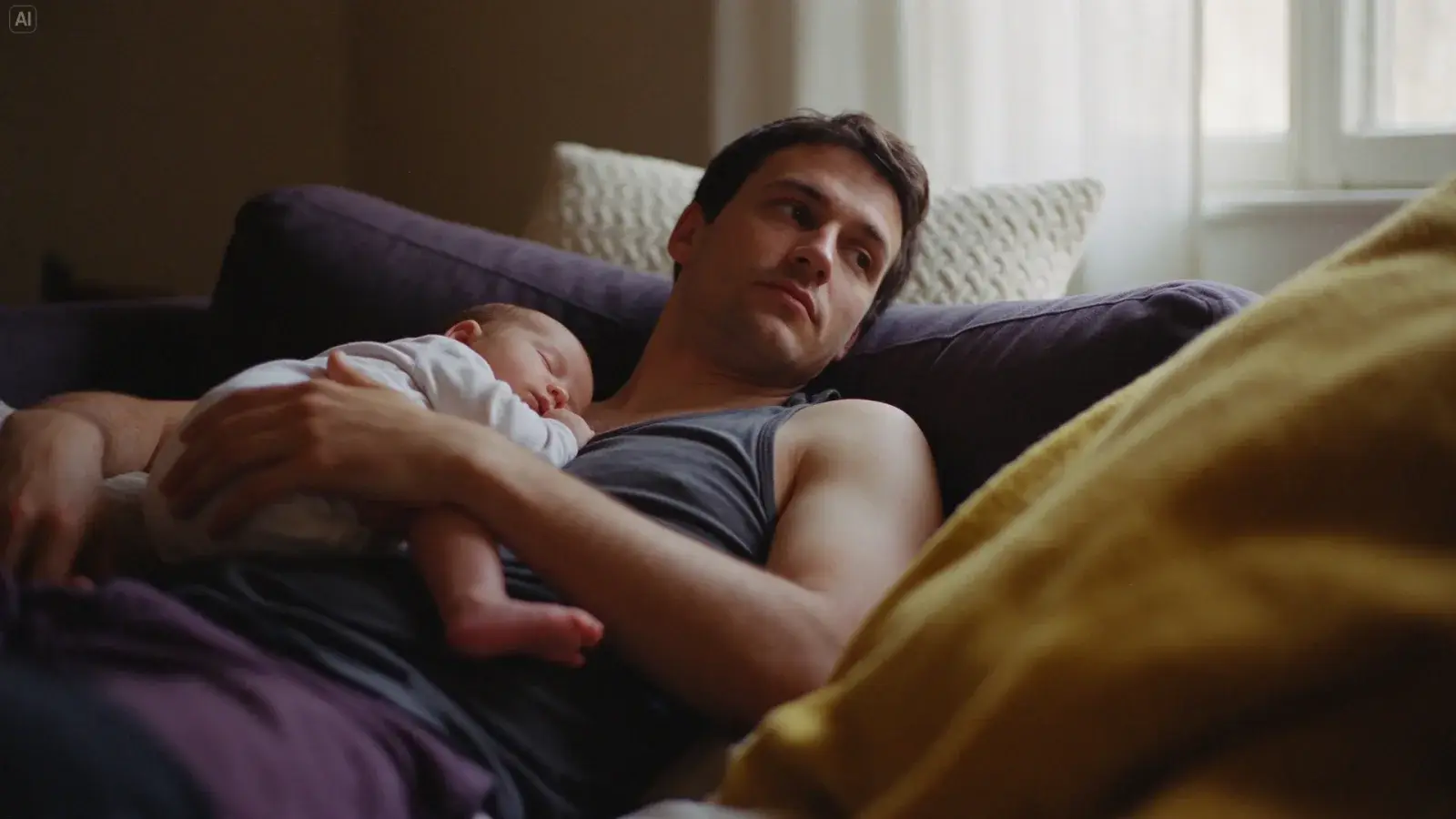
Photographic light and skin
Ask for window light, fabric, and skin in the same frame. This official demonstration keeps the afternoon light on the father and the baby.
How to Use Seedream 5.5
1. Start from text or your photos
Write a prompt for a new photo, or switch to edit and add one to ten photos you own.
2. Set size, ratio, background, and format
The draft is 2K. Choose 1K, 1.5K, or 2K, and one of eight ratios. Auto background omits a background choice. Transparent requires PNG.
3. Generate one image, then review
Each run returns one image. Read small text before you publish. To continue an edit, send the result back as the next reference photo.
Seedream 5.5 pricing

Compare Seedream 5.5Compare Seedream 5.5
Seedream 5.5
This modelPhotographic stills and successive photo edits
1K–2K PNG3–12 credits
Consistency-heavy professional editing and typography
1K–2K PNG3–11 credits
Keep-and-change edits, reference fidelity, and Flare or Sunburst
1K–4K PNG1–8 credits per output
Seedream 5.5 questions
What can Seedream 5.5 make on this page?
One JPEG or PNG at 1K, 1.5K, or 2K, from a prompt or from one to ten photos you own. Ratios are 1:1, 4:3, 3:4, 16:9, 9:16, 3:2, 2:3, and 21:9. 4K, custom pixel sizes, and more than one image per request are not on this page.
What files can I add?
Text to image takes no photo. Edit takes one to ten photos. This page does not take a video or an audio file.
How many credits does an image cost?
Text to image is 3 credits at 1K, 1.5K, and 2K. An edit at 1K or 1.5K with one photo is still 3 credits. 2K with one photo is 4 credits. Ten photos at 2K is 12 credits. Generate shows the price before you run.
Can the background be transparent?
Yes. Choose Transparent and PNG. JPEG with a transparent background is rejected. Auto leaves the background choice off the request. Opaque asks for a filled background. Credits do not change with the background or the file format.
Can I export layers or split text out of the image?
Not on MixVio yet. This page returns one image. It does not export a layer stack or run text recognition.
Create a Seedream 5.5 image
from a prompt or your photos.
Start with text, or add one to ten photos. The draft is 2K.
Open the generator ↑