AI Long Video Generator
Turn 1 to 7 reference images and an optional story prompt into a continuous 1080p multi-shot video up to 3 minutes long. Pick any integer duration from 1 to 180 seconds across five aspect ratios.
- Up to 3 minutes (1–180s)
- 1–7 reference images
- 1080p HD across 5 ratios
- Optional 3,000-char prompt
Use AI Long Video Generator
AI Long Video Generator workspace
AI Long Video Generator examples
Preview illustrative 17–30s multi-shot style demonstrations showing subject continuity and transitions; your generated videos export up to 180s in 1080p HD.
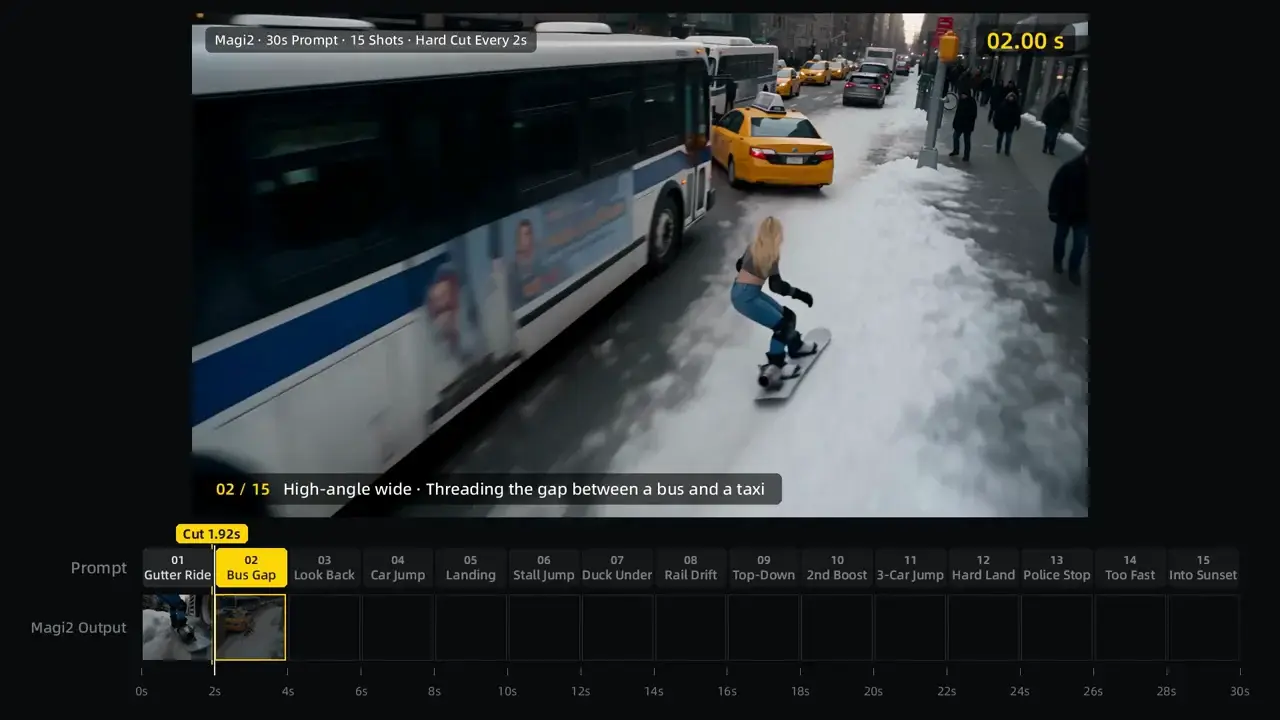
Winter avenue chase
Prompt
Open with a low tracking shot of a snowboarder launching along a snow-covered city avenue, cut to a high-angle wide pass weaving between a city bus and a yellow taxi, and hold on powder spray across rapid multi-shot cuts.
AI Long Video Generator use cases
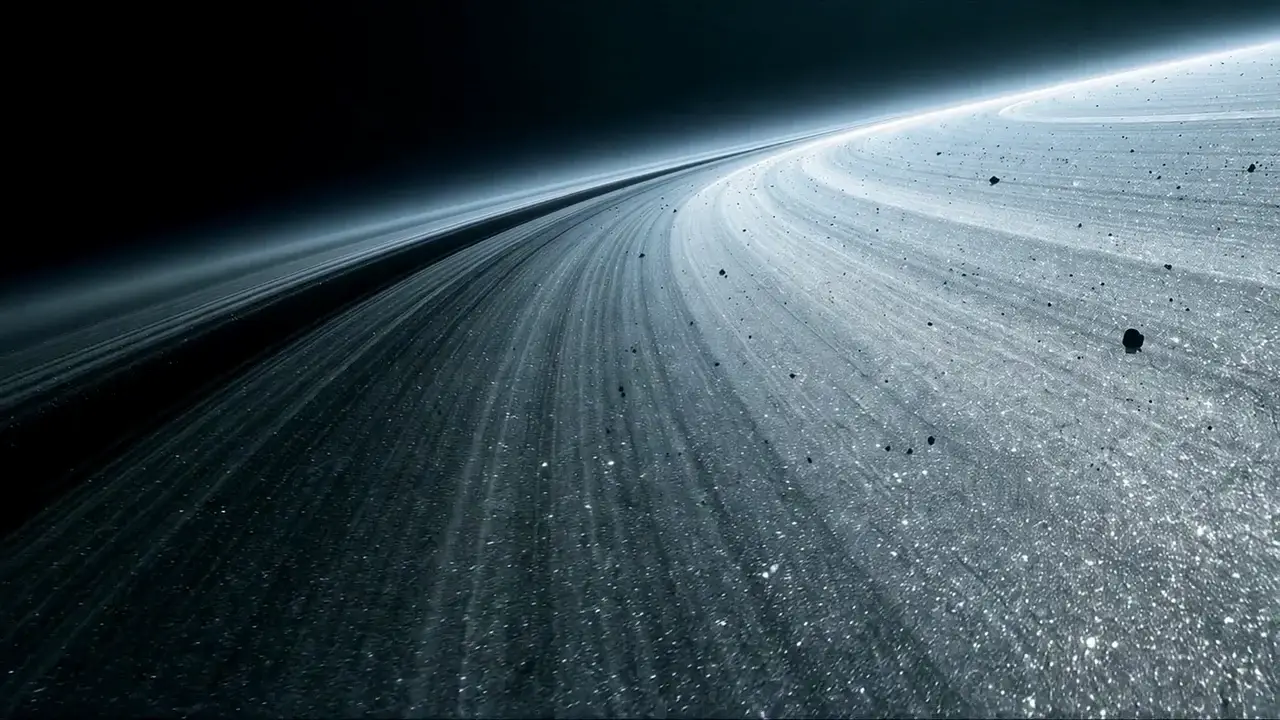
Direct multi-shot trailers and sci-fi visual pitches
TryKeep ships, planets, and lighting consistent across extended 30 to 180 second sequences so pitch reels and teasers flow without jarring resets.
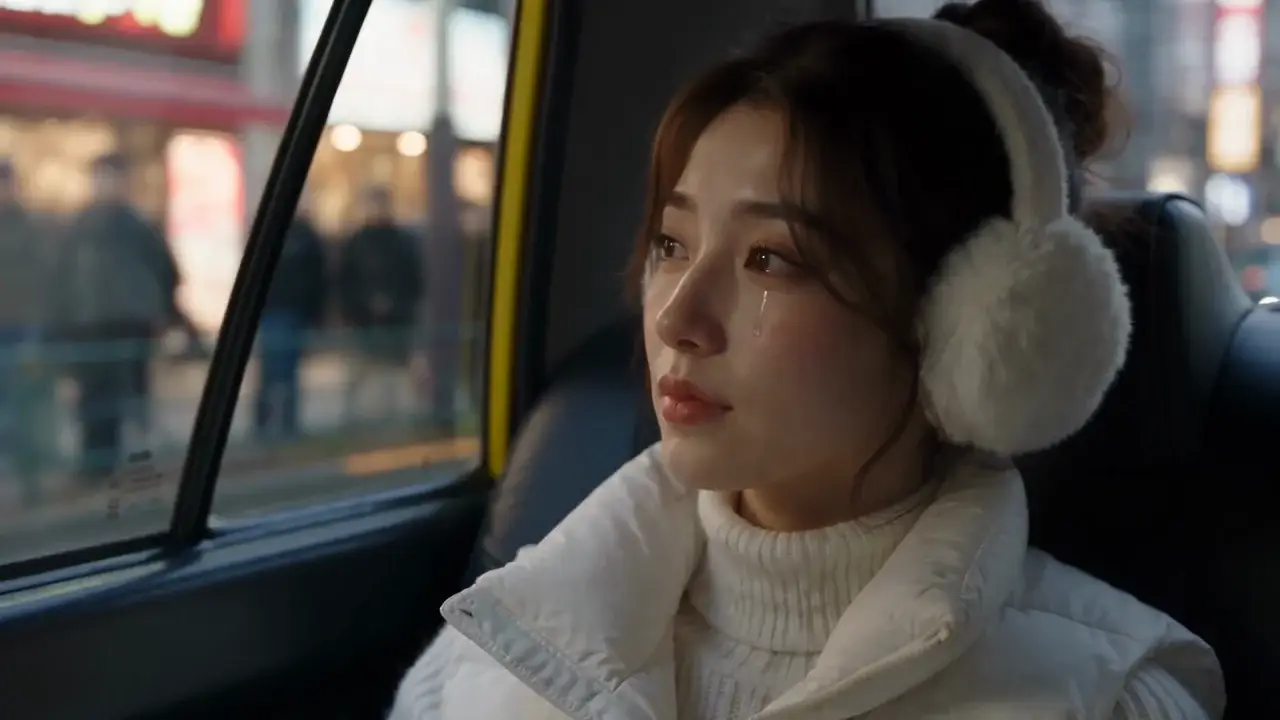
Keep characters recognizable across longer narrative scenes
TryAnchor faces, wardrobe, and environments with up to seven reference images so story beats hold together from opening shot to closing frame.
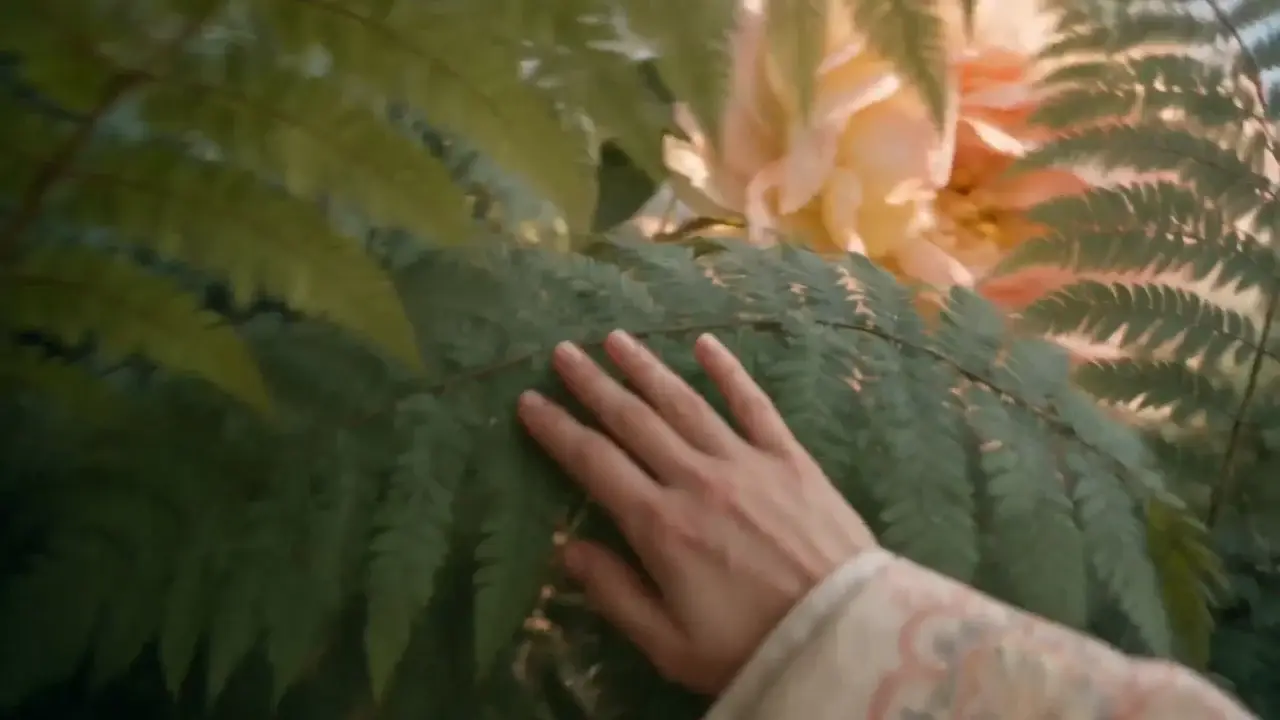
Turn product images into extended launch showcases
TryUpload multiple angles of a product, package, or campaign set and export a crisp 1080p showcase in 16:9 widescreen or 9:16 vertical.
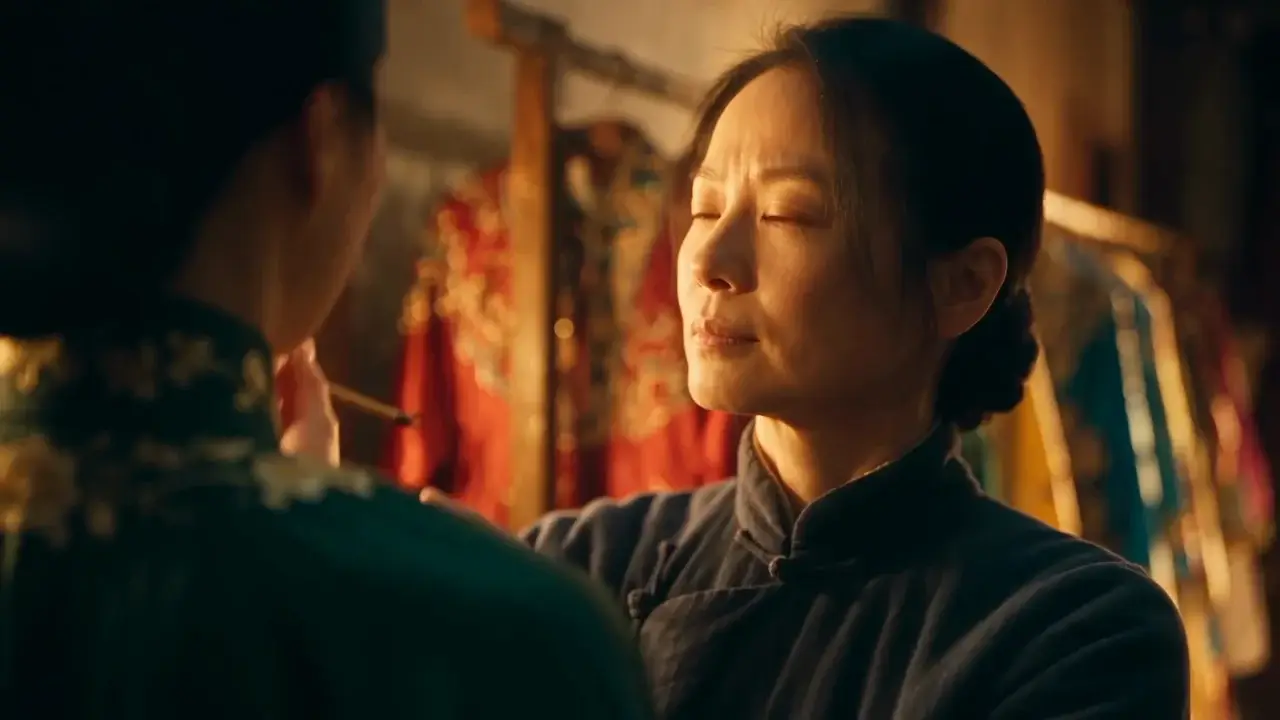
What AI Long Video Generator can do
1 to 180 seconds in one continuous run
Start with the 10-second default to validate pacing and style, or slide up to 180 seconds (3 minutes) for full multi-shot narratives at 1080p HD.
Anchor scenes with 1 to 7 reference images
Upload JPG, PNG, or WebP images up to 50 MB each—or pull from Assets—and drag to reorder so your key subject, wardrobe, and setting stay locked.
Five aspect ratios and optional story direction
Render natively in 16:9, 9:16, 1:1, 4:3, or 3:4 at 1080p HD. Write up to 3,000 characters of beat-by-beat direction or leave the prompt blank.
How to create a long AI video
1. Add 1 to 7 reference images
Upload JPG, PNG, or WebP images from your device or choose saved images from Assets. Drag thumbnails to set your primary visual anchor first.
2. Set aspect ratio, duration, and optional prompt
Choose 16:9, 9:16, 1:1, 4:3, or 3:4, pick any duration from 1 to 180 seconds (10s default), and optionally outline shots and transitions up to 3,000 characters.
3. Confirm credits and download 1080p MP4
Check the exact credit total on Generate, watch progress in the workspace, and download your private 1080p MP4 (watermark-free on paid downloads) or send it to Edit or Upscale.
AI Long Video Generator Pricing

Related video tools
Pair AI Long Video Generator with MixVio's short-form generation and upscaling tools.
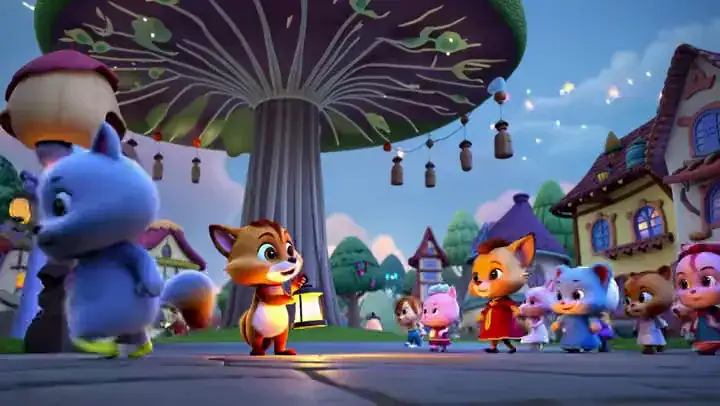
Single-image motion
Image to Video
Animate a single start image or start-and-end frame pair into a short video.
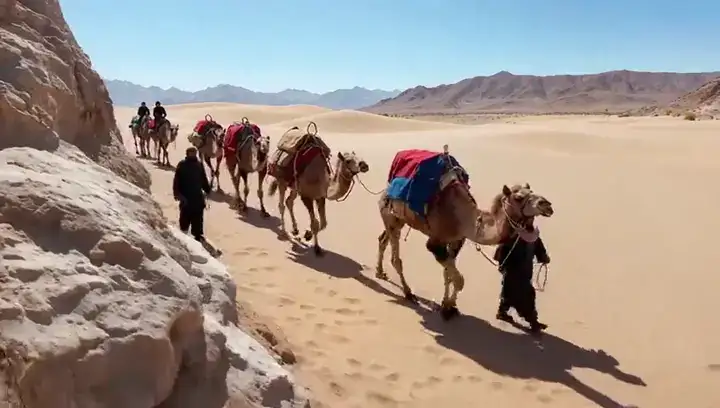
Prompt only
Text to Video
Generate a brand-new video directly from text without uploading reference images.
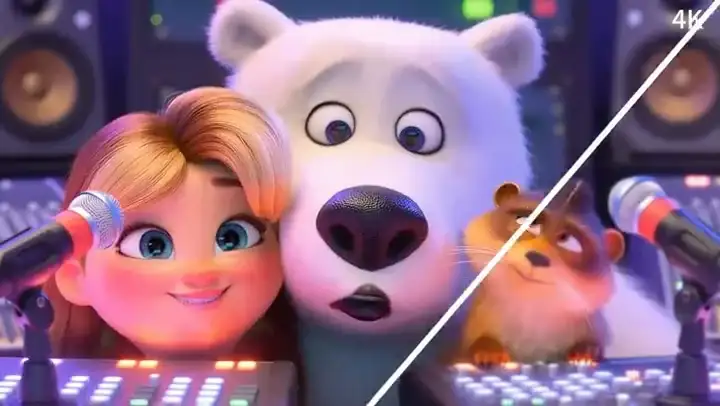
4K enhancement
AI Video Upscaler
Sharpen details and upscale finished videos up to 4K delivery resolution.
AI Long Video Generator AI FAQs
What is MixVio's AI Long Video Generator?
MixVio's AI Long Video Generator turns 1 to 7 reference images and an optional story prompt into a continuous 1080p HD multi-shot video from 1 to 180 seconds (up to 3 minutes) in one generation run.
How long can an AI long video be?
You can choose any integer duration from 1 to 180 seconds (3 minutes). The workspace defaults to 10 seconds so you can test style and subject consistency quickly before generating 60, 120, or 180 second sequences.
How many reference images can I upload, and what formats work?
Upload 1 to 7 reference images in JPG, JPEG, PNG, or WebP format up to 50 MB each, with an aspect ratio between 1:4 and 4:1. You can drag thumbnails to reorder priority, and image #1 acts as the primary anchor.
Do I need to write a prompt?
No. Reference images are required, while the story prompt is optional (up to 3,000 characters). Writing scene beats, camera movements, and transitions gives you tighter control over multi-shot pacing.
How many credits does AI Long Video Generator cost?
Pricing is flat at 10 credits per second across every duration from 1 to 180 seconds—100 credits for the 10-second default. The exact quote appears on Generate before you submit, and failed or canceled jobs automatically return reserved credits.
Upload your images.
Direct up to 3 minutes.
Turn 1 to 7 reference images into a crisp 1080p multi-shot video with upfront per-second credit quotes and private MP4 exports.
Start Long Video ↑