Seedance 2.5 AI Video Generator
Create 4–30 second videos from text, frames, or up to 50 references with native audio. On MixVio, preview in 480p with Draft, then render the chosen take in 1080p within 7 days.
- 480p Draft → 1080p
- 4–30s · 480p–1080p
- Text, frames, or references
- ByteDance · Seedance 2.5 docs ↗
Create with Seedance 2.5
Seedance 2.5 Video Examples
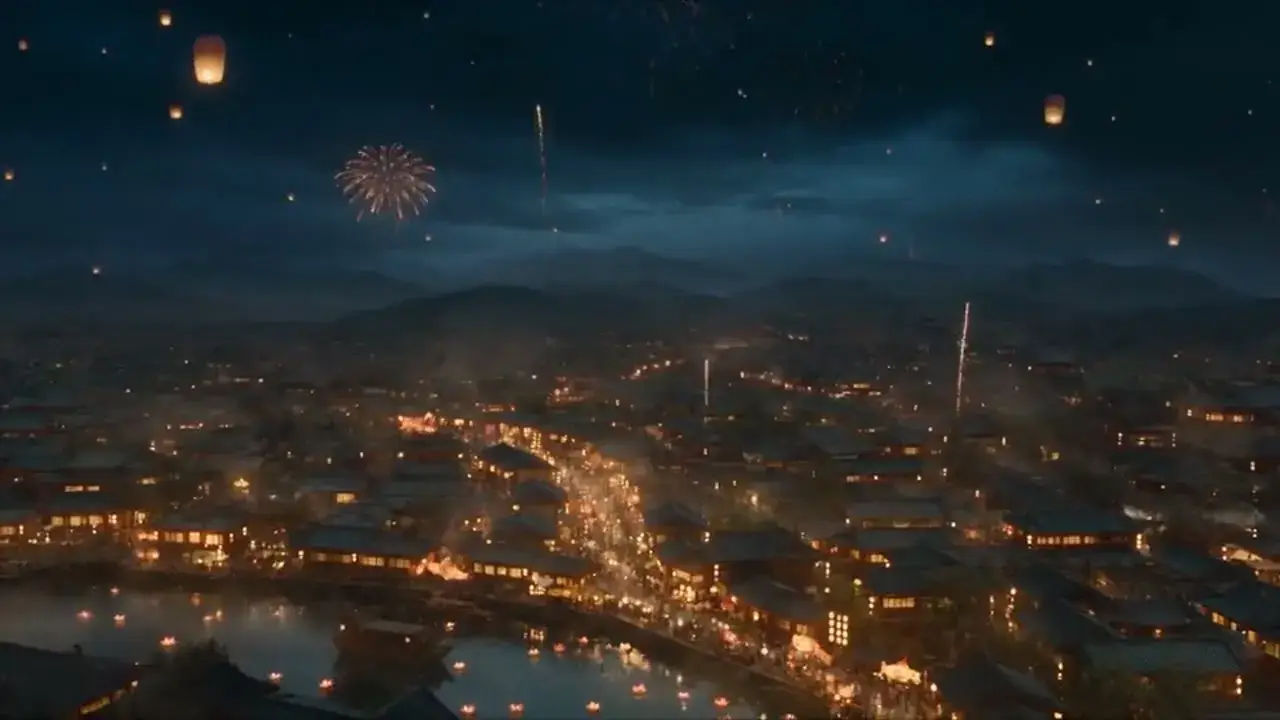
Linan lantern street
Prompt
Expressive Eastern painterly night in Linan during the Southern Song. Open on an aerial of the water town: sky lanterns, river lanterns, fireworks, and a glowing main street. Cut to a scholar in a dark robe and black futou walking toward camera through a lantern-lined crowd. A large orange fish lantern passes behind him; women in pale hanfu hold small round lanterns. Keep the shot continuous and the lantern glow warm.
Key Features of Seedance 2.5
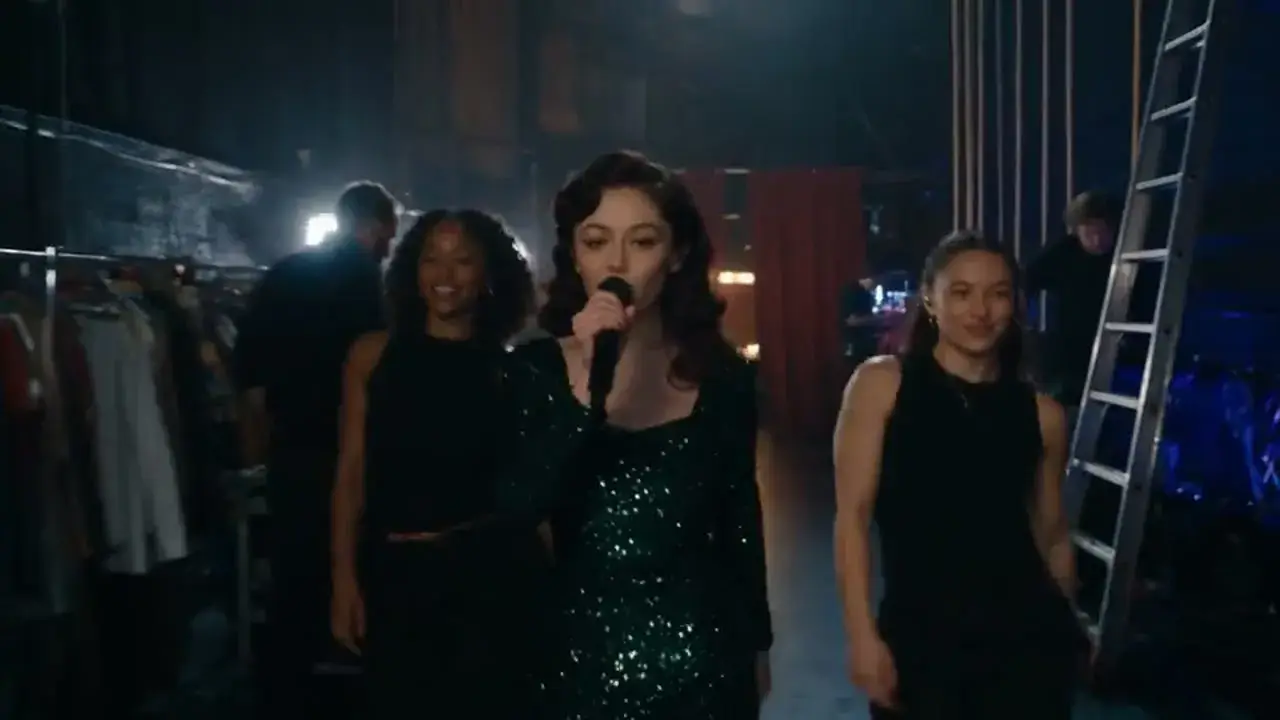
30-second storytelling
Tell a complete beat in one take. Seedance 2.5 holds setup, turn, and finish across a continuous 4–30 second clip—without stitching shorter takes.
How to Use Seedance 2.5
1. Start from text, frames, or references
Use text-to-video for a new scene, a first frame with an optional last frame, or multimodal for up to 30 images, 10 videos, and 10 audio—50 files total. First/last-frame and pack modes cannot be combined. Prefill from a demo if you want—nothing runs until you generate.
2. Direct motion, camera, and sound
Write subject, action, setting, camera, and sound. For a 4–30 second take, cover setup, turn, and finish—not a single frozen moment. Tag each file with @ImageN, @VideoN, or @AudioN and say what it provides; vague “use the references” often mixes roles.
3. Preview, render, and review
Confirm the quote and generate, or turn on Draft preview for a 480p video. From the successful preview, choose Render 1080p within 7 days of the source task’s creation. Preview and final render are billed separately, with a quote before each action. Review identity, logos, dialogue, and lip sync before publishing.
Seedance 2.5 Pricing

Compare Seedance 2.5How Seedance 2.5 compares to other models
Seedance 2.5 FAQs
What is Seedance 2.5?
Seedance 2.5 is ByteDance Seed’s next video model for 4–30 second audio-video clips. On MixVio it creates one private clip per run from text, a first frame with an optional last frame, or a multimodal pack of images, videos, and audio. Seedance 2.5 announcement ↗
How does Seedance 2.5 Draft preview work?
On MixVio, turn on Draft preview to generate a 480p video. After the preview succeeds, choose Render 1080p to finalize the same take using its original settings. The upgrade window ends 7 days after the source preview task was created; starting the render later is not available. The preview and the 1080p render are separate paid actions, each with its own quote before you confirm.
What inputs and file limits does Seedance 2.5 support?
Use Text to Video for a scene brief, Image to Video for one owned start frame with an optional end frame, or Multi Reference for owned packs: up to 30 images (≤30 MB each), 10 videos (MP4/MOV, ≤200 MB each), and 10 audio clips (MP3/WAV, ≤15 MB each)—up to 50 files total. Still images need 300–6,000 px on each side and a 2:5–5:2 crop; oversized photos are fitted automatically. Reference videos need 300–6,000 px per side, a 2:5–5:2 aspect ratio, 409,600–8,295,044 total pixels, and 24–60 FPS. Each reference video or audio clip is 2–30 seconds; each media type may total 30 seconds. Audio-only reference packs are supported. First/last-frame mode cannot be combined with a multimodal pack.
How do I tag references with @ImageN, @VideoN, and @AudioN?
After you upload files, mention each one by index in the prompt—@Image1, @Video1, @Audio1, and so on—and give it one job. Example: “Use @Image1 as the look. Match the camera in @Video1. Follow the beat of @Audio1.” Numbering follows upload order. Vague lines like “use the references” often mix roles.
Can I edit or extend an existing video with Seedance 2.5?
You can upload an owned clip in Multi Reference, tag it with @VideoN, and describe restaging, a camera change, or what should happen next. MixVio still returns one new private 4–30 second video per run. There is no separate public extend tool, in-place timeline editor, or multi-round session on the current MixVio routes.
Direct a 30-second one-take with Seedance 2.5.
Private. Credits shown first.
Start from text, frames, or an owned pack—including clay-render blocking. Confirm 4–30 seconds and 480p–1080p, then generate one private clip with native audio.
Create with Seedance 2.5 ↑