Eleven v3 AI Voiceover Generator
Create expressive voiceover from approved copy—direct emotion, pacing, and emphasis with plain-language tags, choose a reviewed voice preset, and keep every take private with exact credits shown first.
- From 7 credits
- Rachel voice
- Text to speech
- ElevenLabs · Eleven v3 docs ↗
Create with Eleven v3
Eleven v3 Voice Examples

Laughing reaction
Prompt
Okay, so like I finally beat level 42 of that game I said I'd quit like... a month ago. [laughs] And then for the final big scary mega boss... it's just [giggle] like some cute little bunny rabbit [hysterical laughing] I just couldn't do it [big laugh] It was sooooooo cute!
Key Features of Eleven v3
Audio tag direction
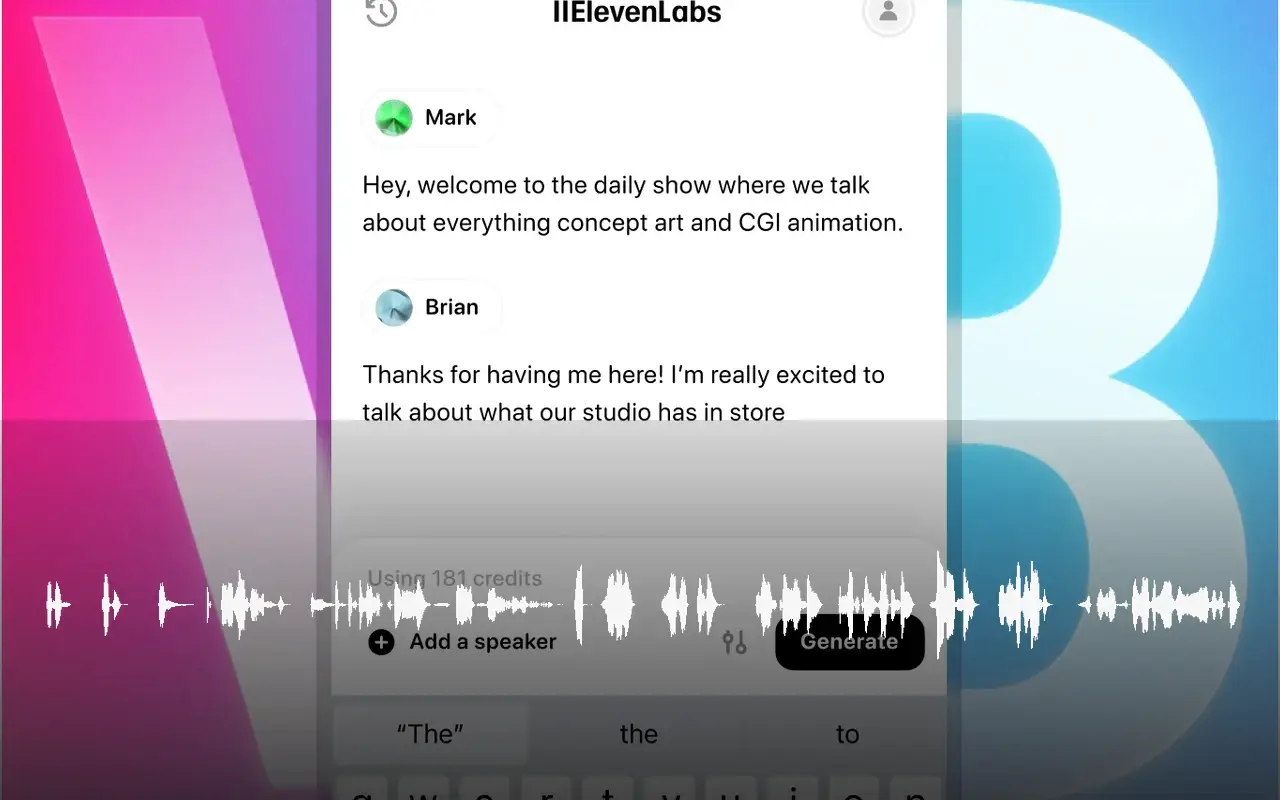
Control emotion, delivery, and non-verbal reactions with inline tags—try [laughs], [excited], [whispers], or [sighs] so comedy and launch copy land with the energy you wrote.
Best for / Not for
Best for
- Short ads, launch copy, and explainer voiceovers
- Character reads and high-energy narration
- Scripts that need inline emotion tags
- Reviewed preset voices for publishable short takes
Not for
- Long-form audiobooks that need chapter-long consistency
- Multi-speaker dialogue in a single take on this route
- Real-time conversational or low-latency assistants
- Voice cloning or custom uploaded voices
How to Use Eleven v3
1. Write the script
Enter the approved copy and make pronunciation and sentence breaks easy to review. Prefer commas, ellipses, and line breaks for pacing before stacking tags. Prefill from an Example or Key Feature if you want—nothing runs until you generate.
2. Set voice, tags, and tone
The published route defaults to Rachel and also offers Aria, Roger, Sarah, and George. Put tags like [excited] or [laughs] right before the line that should change, and keep conflicting tags sparse.
3. Generate and review
Confirm the credit estimate, generate, then listen for timing, pronunciation, and emotional fit. Push or dial back tags, or swap the preset, and re-run before you download.
Eleven v3 Pricing
Compare Eleven v3Eleven v3 vs Seed Audio 1.0
Eleven v3
This modelEmotion-tagged short VO and character performance
Private speech audio7 credits per 1,000 characters
AI video beds, short-form scenes, and timed multi-speaker dialogue
Private speech audio14 credits per take
Eleven v3 FAQs
What is Eleven v3?
Eleven v3 is ElevenLabs’ expressive text-to-speech model. On MixVio you write a script, optionally add audio tags for emotion and pacing, choose a published fal voice such as Rachel, and generate a private audio take—credits shown before you run.
What is Eleven v3 best for?
Use it for launch copy, explainers, sports or trailer energy, character narration, and short dialogue-style scenes where emotion tags and delivery control matter as much as clarity. It favors expressive short takes; chapter-long consistency is not the strength of this published route.
How do audio tags work?
Put direction in plain brackets inside the script—for example [excited], [laughs], or [whispers]—right before the line that should change. Tags guide performance; they are not a separate control panel. Prefer punctuation for pacing first, keep conflicting tags sparse, and review unusual pronunciation and brand names before publishing.
Which voices can I choose?
The public Eleven v3 route exposes five fal-supported presets: Rachel, Aria, Roger, Sarah, and George. Voice cloning and custom uploads are not available on this published path.
Can I do multi-speaker dialogue in one take?
Not on this published MixVio route. Each generation is single-speaker. For a multi-role scene, generate separate takes per voice (or line), then stitch them in your editor—or use Seed Audio 1.0 when a directed scene brief fits better. Native multi-speaker Dialogue API is not exposed here.
Direct expressive Eleven v3 voiceovers.
Private. Credits shown first.
Write the script, add emotion tags, pick a preset, then generate with Eleven v3 selected.
Create with Eleven v3 ↑