Burning Bridges AI Video Generator
Create a Burning Bridges-style party video using your photos as character references. Add a lead and optional supporting cast; likeness and replacement results may vary.
- Lead + optional background cast
- Source performance · Original sound
- 16:9
- 15s · 720p · 131 credits, was 750
Burning Bridges AI workspace
Background people · optional (0/5)
One adult per photo, in cast order. Leave empty to keep the source crowd.
Advanced settings
Duration
Resolution
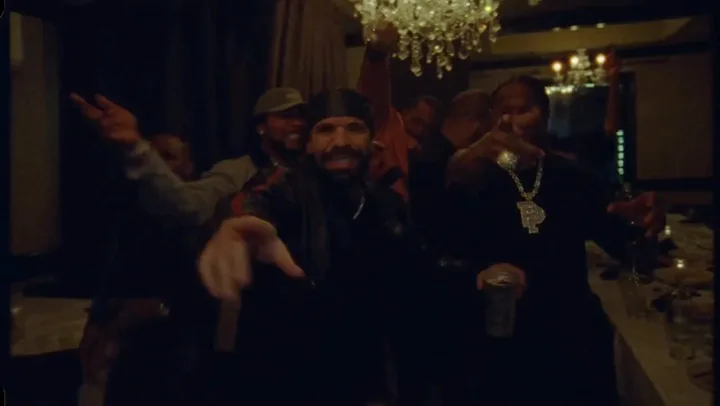
Your Burning Bridges party performance
Bring your own look
The edit uses the face, hair, clothing and accessories visible in your photo for the foreground lead.
Follow the source performance
The lead follows the source gestures, cup movements and expression timing, including the recognizable “Where she at?” move where it appears in the source.
Keep the party around you
Keep the source room, lighting and camera movement. Leave background photos empty to keep the crowd, or add up to five adults in cast order.
Best photos for Burning Bridges AI
Use a clear portrait with the complete head, hair, shoulders and upper outfit visible. Keep the face large enough to see its details. Upload one original photo per adult in the requested order. Use even lighting and a plain background. Avoid group photos, collages, portrait thumbnails, screenshots, sunglasses, covered faces, severe side angles, blur and heavy filters.
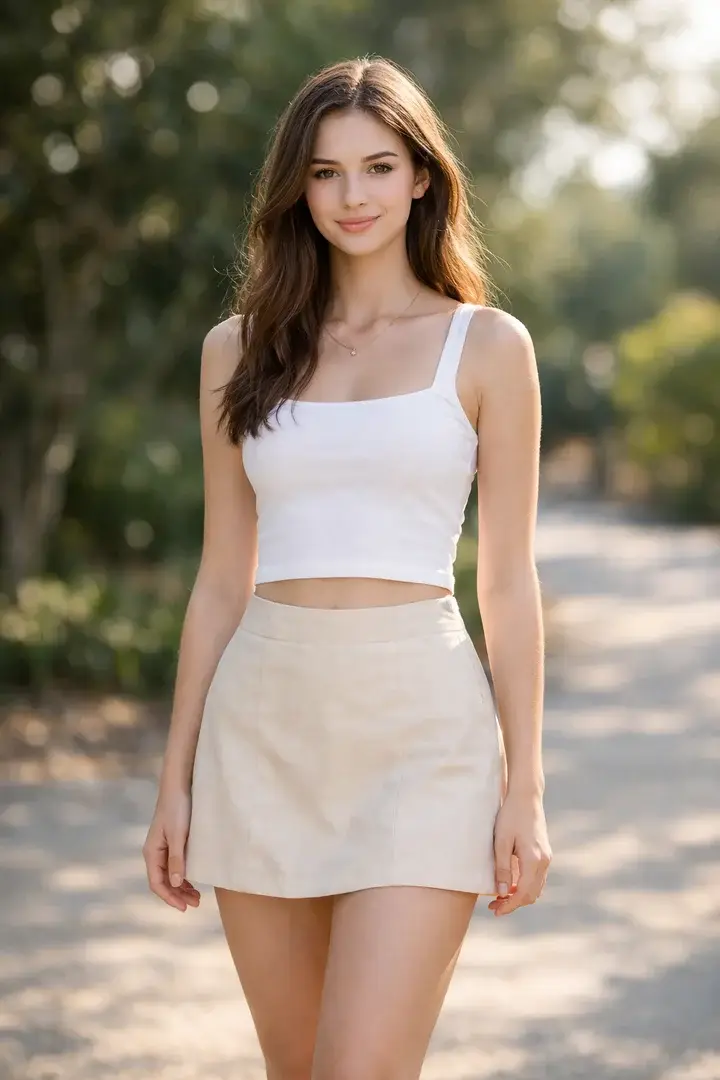
Good photo
One clear face
Face the camera in soft, even light. Keep the eyes visible and include the upper body when possible.
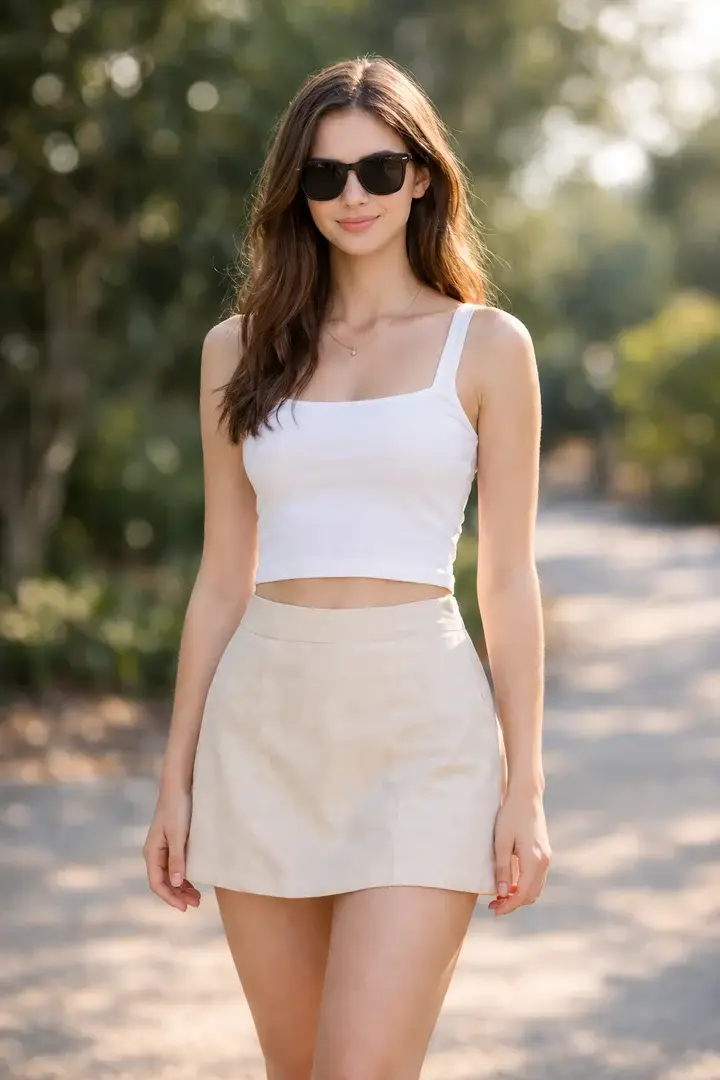
Avoid
Covered eyes
Sunglasses hide the eyes and make facial details harder to follow.
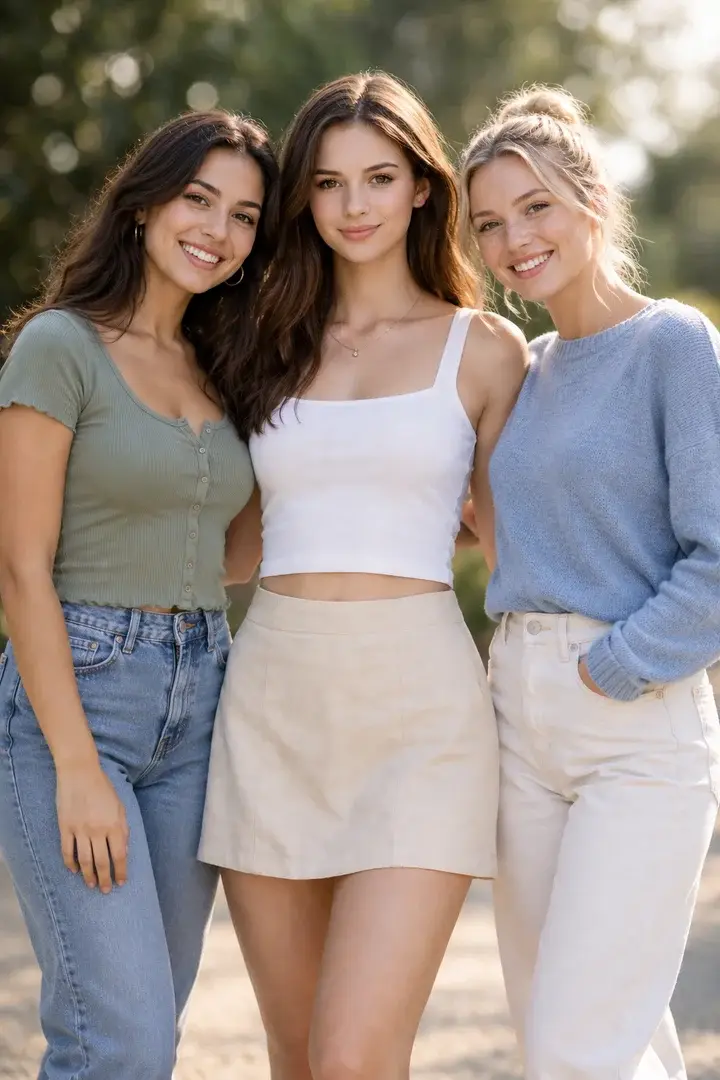
Avoid
Several people
A group photo makes the intended lead unclear. Choose a photo with only one person.
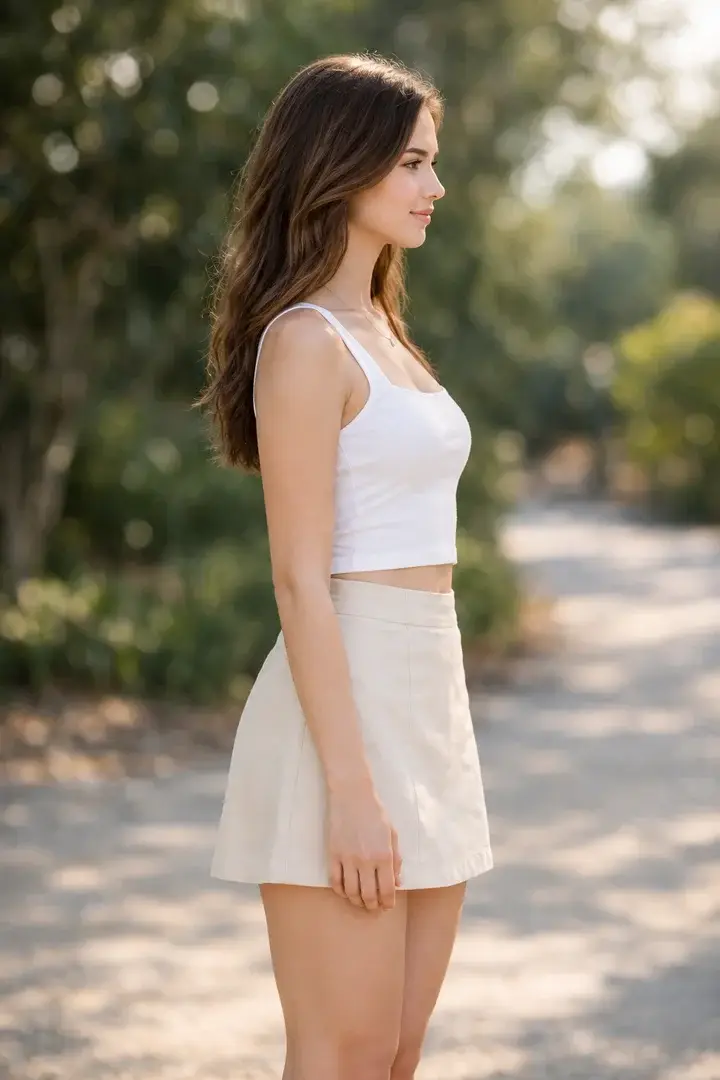
Avoid
Extreme side angle
A full side profile hides part of the face. Choose a front-facing view instead.
How to make a Burning Bridges AI video
1. Upload your photo
Choose one clear adult photo for the lead. Optionally add up to five separate adult photos for the supporting cast.
2. Review the edit
Choose 480p, 720p or 1080p for your 15-second video. Confirm photo permission and review the updated credit quote. Each edit follows its landscape source framing.
3. Review and download
Watch the full video with sound, check faces and gestures, then download it. The original track is already attached to the picture.
After your video is ready
Check and download
Watch the entire video and check the face, hands and cup before downloading your video.
Check the original sound
The source audio is attached to the edited picture automatically. That step does not run another video generation or charge generation credits.
Need a larger video?
Download your result, then upload it to Video Upscaler for a larger export. Upscaling is a separate tool with its own credit quote.
Open Video Upscaler
Burning Bridges AI Pricing

More AI Effects
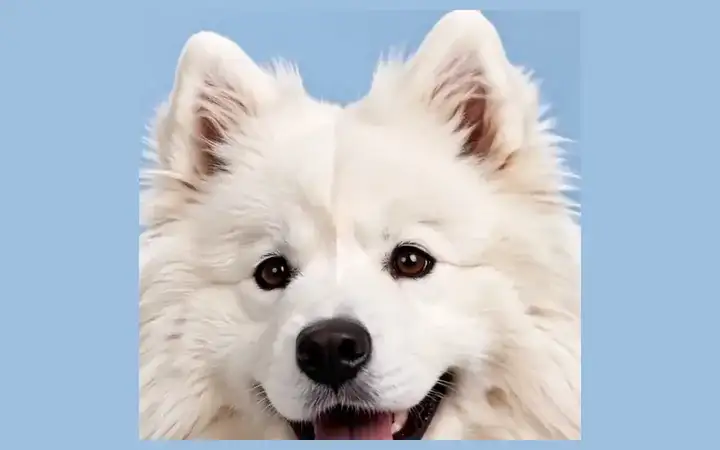
Head Shaking AI
Upload one animal photo for a 7-second vertical close-up. The eyes close and open, the mouth moves, and sound is attached.From 38 credits, was 93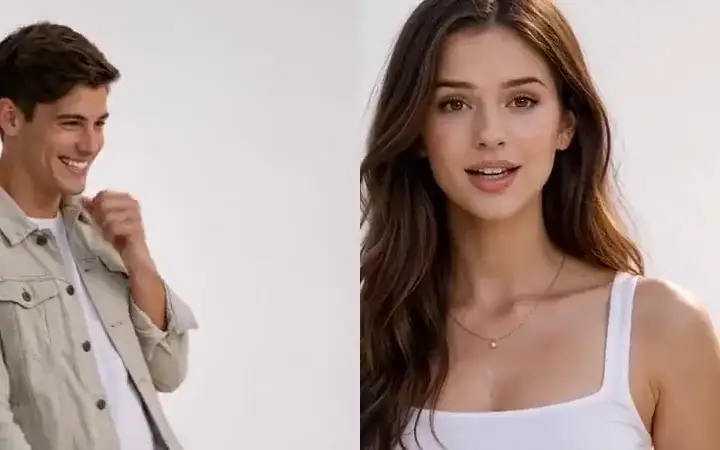
You Can Make It Cap AI
Upload two photos for the white-studio reaction trend: one person laughs, the other turns with a handbag, in one 15-second vertical video with sound.From 82 credits, was 198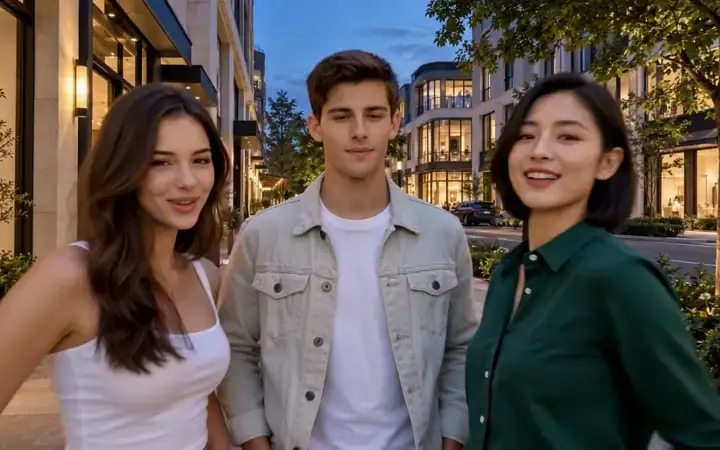
Gangnam Style AI
Turn three separate portraits into a 15-second Gangnam Style dance video with your own background or our city street.From 82 credits, was 198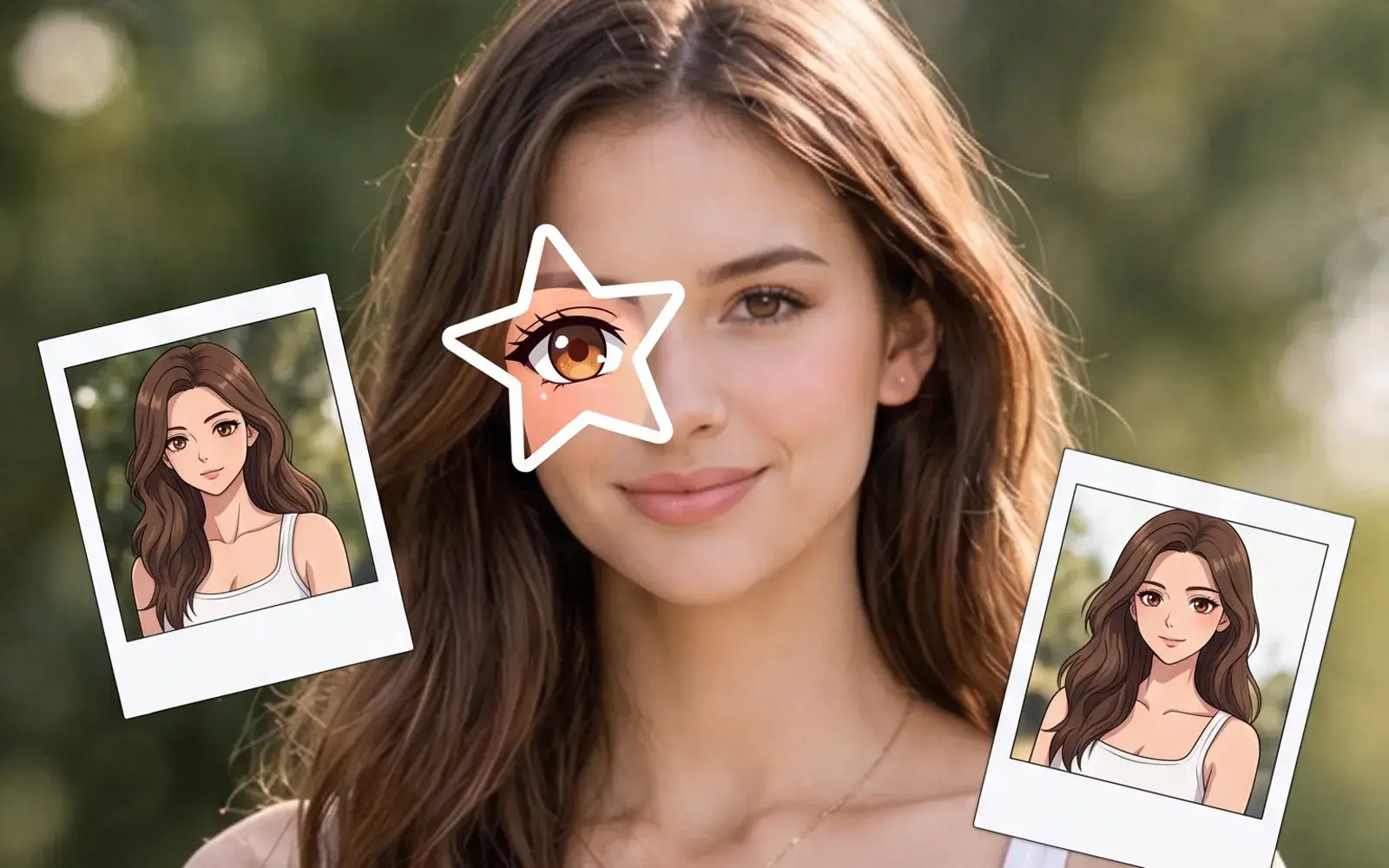 Photo
Anime Star Eye
Upload one selfie and make a vertical photo with a star-shaped anime eye over one eye and four original anime stickers.From 5 credits, was 6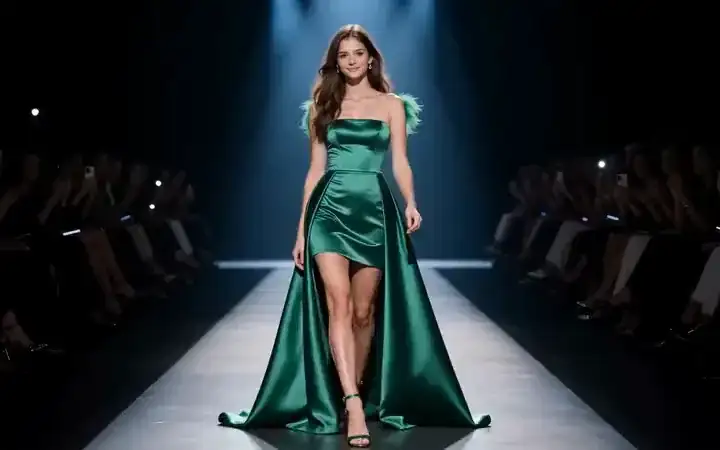
AI Catwalk Video
Upload one front-facing photo and make an 8-second catwalk video in an emerald satin gown.From 39 credits, was 224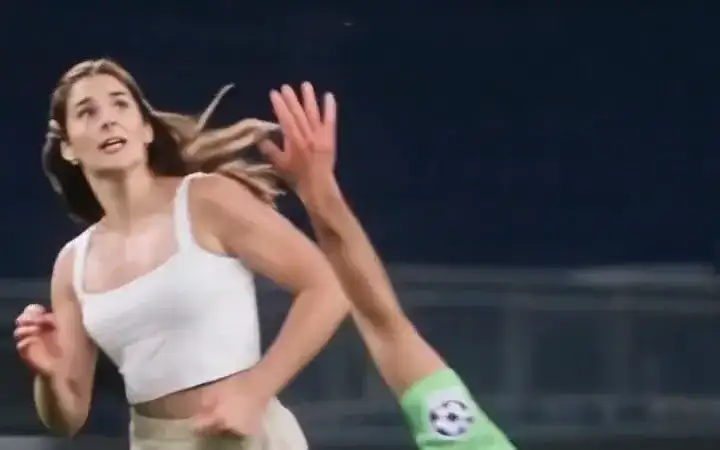
Ozil AI Goal
Upload one full-body photo and make a 15-second floodlit goal video. The person chips the goalkeeper and finishes into the empty net.From 26 credits, was 165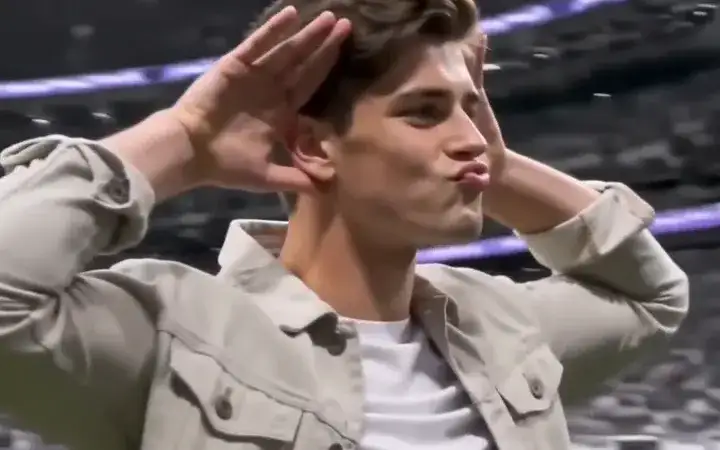
Enzo Celebration AI
Upload one photo and make an 8-second stadium celebration video. Both hands cup the ears, and a kiss goes toward the crowd.From 24 credits, was 136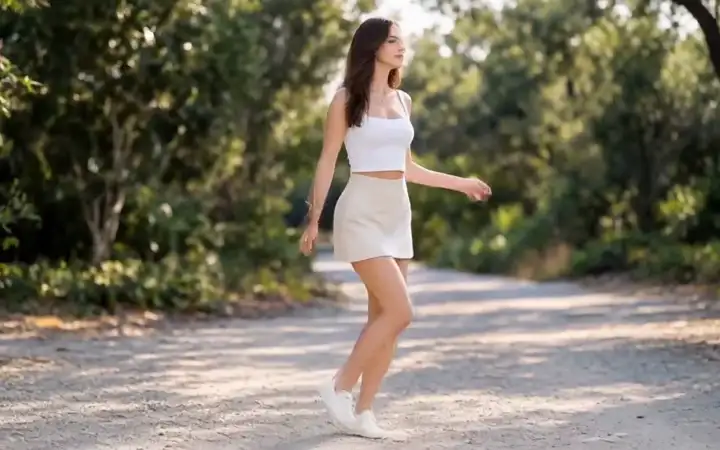
AI Moonwalk Dance
Turn one full-body photo into a moonwalk-inspired dance with backward glides and music in your own setting.From 11 credits, was 60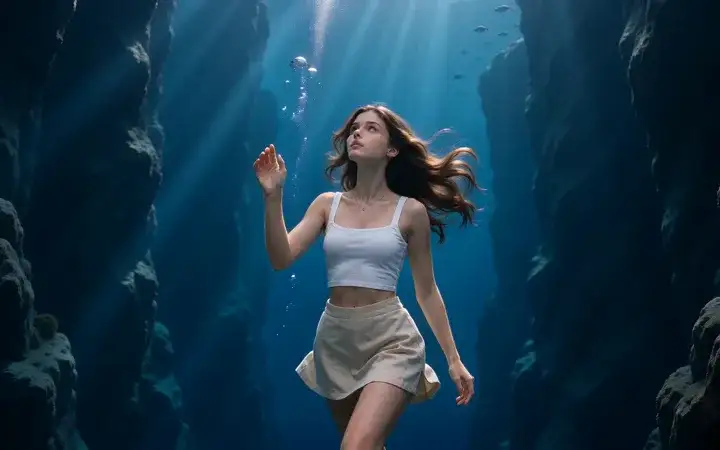
Deep Sea Viral Video
Upload one full-body photo and float through a quiet blue canyon in a 5-second widescreen video.From 3 credits, was 15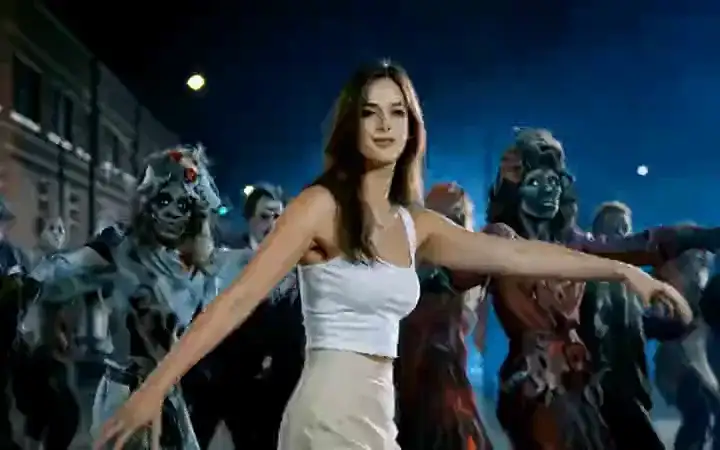
AI Thriller Dance
Upload one full-body photo and lead a night-street zombie dance. The crowd, camera, and music stay in one 14-second video.From 16 credits, was 87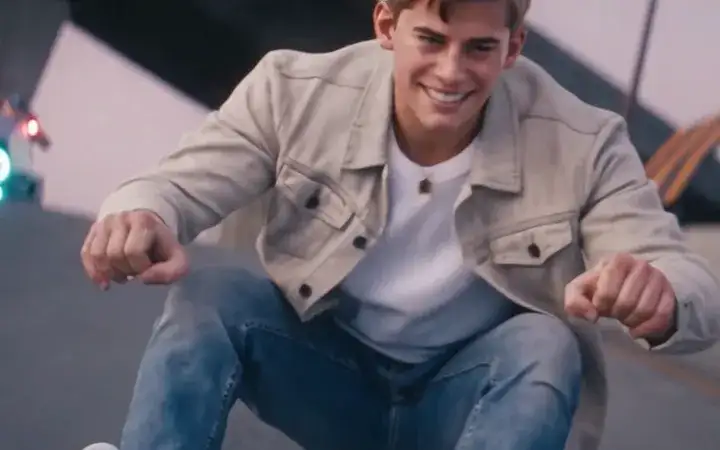
Crazy Frog AI
Upload two photos for the Crazy Frog AI chase: one person rides low on an invisible motorbike while a friend follows on a pursuit vehicle, in one 15-second widescreen video.From 26 credits, was 165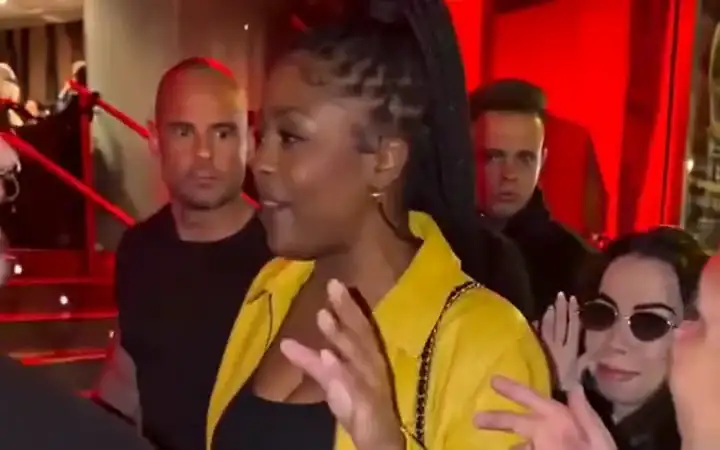
Bulin 47 AI
Replace the lead in the street freestyle with your photo. The people around them change, while the phone, red light, camera and original sound stay.From 14 credits, was 90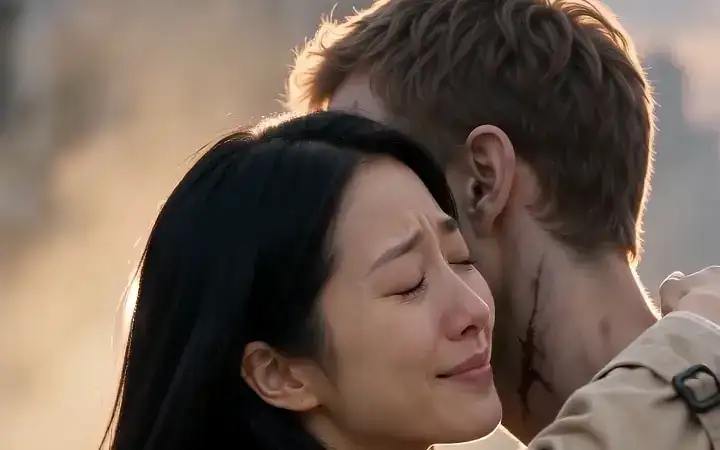
Zombie Love Story
Upload two photos for the viral zombie love story trend: a tense standoff, a sudden lunge, then a twist cut to a warm hug, in one 15-second video.From 17 credits, was 90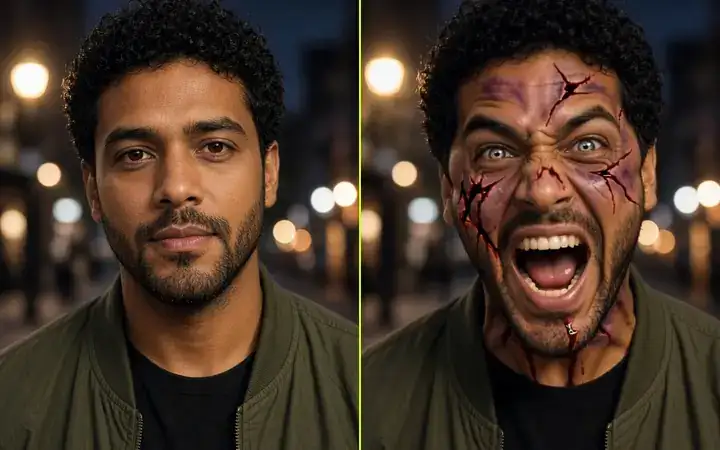
AI Zombie
Upload one portrait and watch the face crack, bleed and turn into a screaming zombie in a 5-second video with sound.From 10 credits, was 21Burning Bridges AI FAQs
What is Burning Bridges AI?
It is a character-edit effect inspired by the Burning Bridges trend. Your photo supplies the lead appearance while a prepared party video supplies the scene, camera movement and gestures. This is an independent AI effect and is not affiliated with Drake.
Will every person be replaced and look exactly like my photos?
AI results may vary. We cannot guarantee that every character will be replaced, that every uploaded person will appear, or that faces will remain consistent throughout the video. Some background characters may remain unchanged, and identities may blend or differ from your photos. Clear, single-person photos with plain backgrounds can improve results, but photo cleanup and higher resolution do not guarantee an exact match. Examples illustrate possible outcomes, not guaranteed results.
Can photo cleanup fix every picture?
No. Background cleanup can remove distractions around a clear person, but it cannot reliably recover a tiny, blurry or hidden face, choose somebody from a group, or reconstruct a missing body. Use one original photo per adult without collages or portrait thumbnails. Cleanup does not guarantee an exact likeness. Effects that animate your original photo keep its scene instead of replacing the background.
What should I do if a photo is rejected?
Replace the numbered photo mentioned in the message, following the Best photos guide above. Keep the other photos in their original order. Use a closer photo for a tiny face, an original photo for a screenshot or collage, and a complete full-body photo when the action needs it. A failed photo check stops video generation and returns reserved generation credits.
What photo works best?
Use a clear portrait with the complete head, hair, shoulders and upper outfit visible. Keep the face large enough to see its details. Upload one original photo per adult in the requested order. Use even lighting and a plain background. Avoid group photos, collages, portrait thumbnails, screenshots, sunglasses, covered faces, severe side angles, blur and heavy filters.
Ready for your
party moment?
Choose one photo and prepare your own Burning Bridges performance.
Make my party video